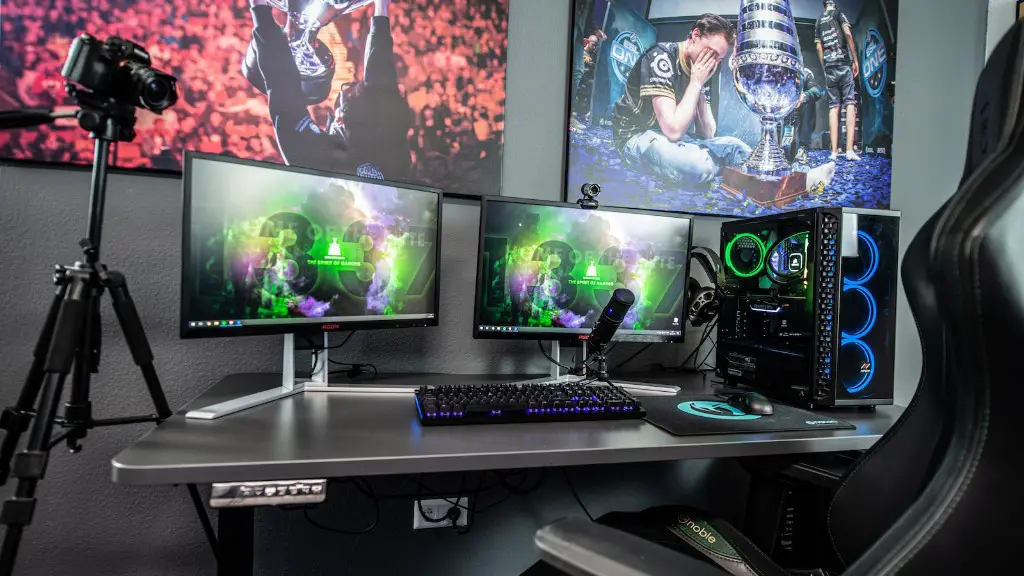
Building a powerful gaming PC is not as difficult as it may seem. All you really need are some basic tools, components, and a little bit of patience. In order to get started, here’s a quick overview of what items you’ll need to build a gaming PC.
First and foremost, you’ll need a reliable CPU. Keep in mind that the most powerful gaming rigs are powered by Intel processors such as the Intel Core i7 or i9. These CPUs offer a tremendous amount of performance, and they are perfect for gaming PC builds.
Apart from the CPU, you’ll also need a compatible motherboard. This is where the CPU will be installed and where it’ll interact with the other components. For the best gaming experience, opt for a motherboard with 8 or more USB ports.
The GPU is another essential component when it comes to building a gaming computer. You’ll need a dedicated graphics card to run the latest games. Make sure to get an appropriate card that supports the necessary gaming resolution and graphics settings for the very best gaming experience.
The power supply is another component that shouldn’t be overlooked. Without it, the computer won’t have enough juice to run all its components. Make sure to pick a power supply with enough wattage for your CPU and graphics card.
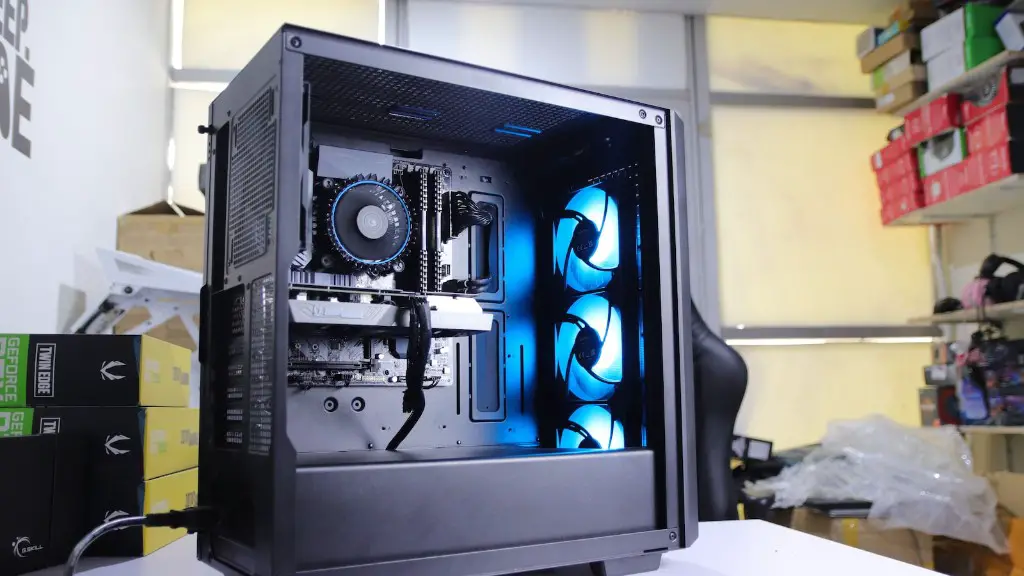
In addition to the power supply, you’ll also need a compatible case. Your chosen PC chassis should be roomy enough to hold all your components. It should also feature enough USB ports and fan slots.
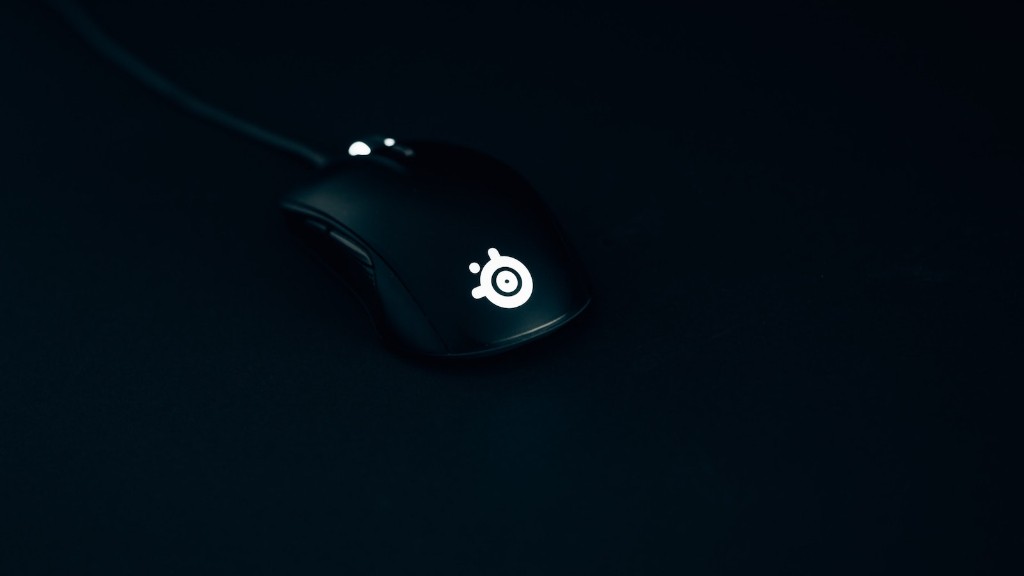
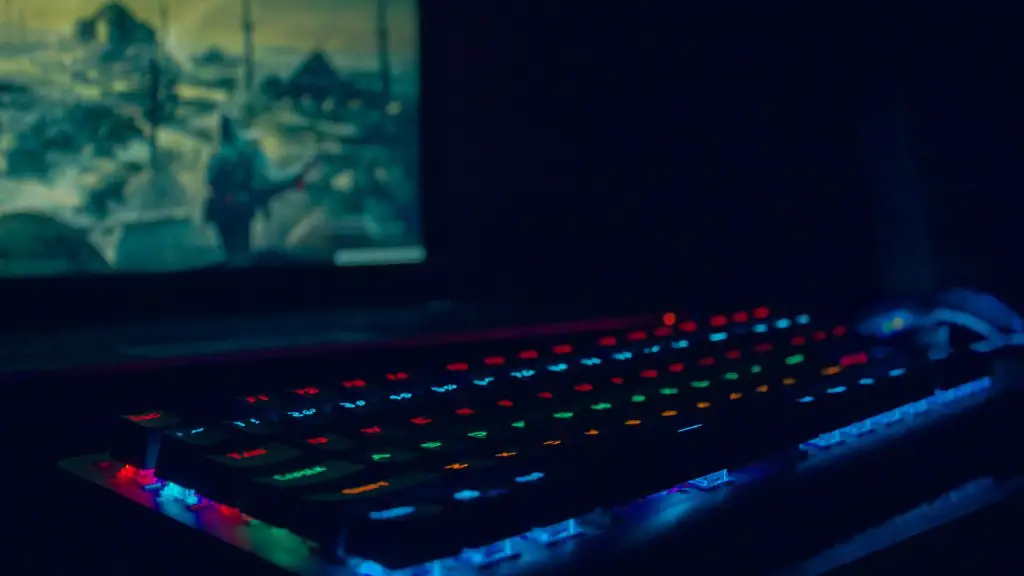
Also, don’t forget to factor in essential peripherals such as a mouse, a monitor, a keyboard, and a gaming headset. Of course, these won’t be necessary during the actual build process. But they will be needed once the PC is ready to use.
How To Pick the Right Components for your Gaming PC Build
When it comes to building a gaming PC, your choice of components will ultimately determine theperformance and quality. For example, pairing a basic, budget CPU with a high-end graphics card might not produce the best results. To get the best out of your gaming PC, you’ll need to select the right components.
When selecting a CPU for your gaming PC, make sure it will be compatible with your motherboard. Also, check the thermal design power rating. This number tells you exactly how much wattage the CPU needs in order to operate. Most high-end gaming CPUs require a lot of juice.
When selecting a GPU, opt for one that can handle the native resolution of your monitor. Also, if you intend to run VR games, make sure to get a GPU that supports Virtual Reality technology. If you’re not sure what card to go for, then the RTX 2080 Super is a great choice.
When deciding on a power supply, keep in mind that more wattage doesn’t mean better performance. A 650-watt unit can be just as good as a 1,000-watt unit, as long as it is built with quality components. The key is to get a power supply that can keep up with your computing requirements.
Finally, when selecting a case, it’s important to get one that is well-ventilated and spacious enough for your components. If you plan to overclock your CPU or GPU, then getting a case with extra fan slots is advisable.
How to Fit the Computer Components Together
Putting together all your components can be a daunting prospect. That’s why it’s important to stay organized and take your time. A little bit of patience and common sense go a long way.
Start by unboxing the motherboard, CPU, and RAM. Remove the protective plastic and heating paste, and then fit the components into the motherboard. The CPU should be placed in the middle, followed by the RAM.
Once the motherboard is fitted, insert and screw the PSU into the cabinet. After that, you can install the GPU, CD/DVD drive, and any other components. Be sure to read the instructions carefully and follow them closely.

Once you’ve installed all the components, you can connect them to the power supply. This shouldn’t prove difficult as the power supply will have the required sockets for the components.
The last step is to fit the motherboard, GPU, and other components into the case. You should have left some room for your cables, so make sure to attach everything neatly and leave enough space between the components.
When you’ve finished, close the case and proceed to the next step which is testing your PC.
How to Test Your PC’s Performance
Once you’ve finished building your gaming PC, you’ll need to test it for errors. This is where benchmarking tools can come in handy. They are designed specifically for assessing your PC’s performance.
There are plenty of programs out there that you can use to benchmark your system. Final Fantasy XIV is a popular choice as it allows you to measure the performance of your GPU, CPU, and RAM. Similarly, 3DMark is designed for measuring 3D performance.
Benchmarking is a great way to get an idea of how your games are performing. However, if you’re looking for an even more accurate assessment, then you should use a stress-testing tool. This will allow you to stress-test your system to its limits and discover any potential problems.
Programs such as Prime95 and Furmark are great for stress-testing your PC. However, be aware that these tests can push your PC to its limits, so make sure you know what you’re doing before running them.
Once the benchmarking and stress-testing are complete, it’s time to install your favorite games and start playing. Keep an eye on the performance and don’t forget to apply the latest patches and updates.
Ways to Improve Your Gaming PC Performance
Building a gaming PC isn’t just about choosing the right components. There are many tweaks and optimizations that can be done in order to make your machine run faster and more efficiently.
For starters, make sure to perform routine maintenance on your PC. This includes cleaning the fans, removing dust from the vents, and updating drivers and software. This will help keep your computer running at optimal performance levels.
You can also use overclocking and undervolting. These are advanced hardware tweaking techniques that can help squeeze out a bit more performance from your components. However, it’s advisable to use these techniques with caution as they can strain your hardware excessively.
Finally, you should consider adding a solid state drive. SSDs are much faster than traditional hard drives and they can drastically improve the speed at which your games load. They are more expensive, but the price difference has been dropping considerably in recent years.
In general, making your gaming PC run faster will require some time and effort. But if done correctly, the results can be absolutely worth it. The increased performance will allow you to enjoy your games at faster speeds and higher resolutions.
Tips for Building a Gaming PC
Building a gaming PC is no easy task. Even the most experienced DIYers can get overwhelmed by all the different components and options. That’s why here are some tips to keep in mind in order to make your build go smoother:
Firstly, make sure to do your research. It’s worth taking some time to read up on the different specifications of the components you intend to buy. This way, you’ll be sure that they are 100% compatible with each other.
Also, budget accordingly. Gaming PCs can be expensive, so it’s best to do your math and figure out how much money you can spend. This will help narrow down your options and ensure that you get the best value for your money.
Investing in the right tools is also essential. If you plan to build the PC yourself, then make sure you get the proper tools such as screwdrivers, pliers, and tweezers. This can make the process much easier and minimize the risk of errors.
Finally, don’t forget to check the return policies of your chosen retailers. This is just in case you get stuck or if there’s a defect in the components.
