
Building a gaming PC is an achievable task for anyone with some technical know-how and the right components. There’re a number of things you need to consider for when building a gaming PC: budget and usage, the base components such as the processor, graphics card and others components, a case, and cooling. We’ll discuss each in detail.
Budget and usage are important to determine at the onset as you don’t want to overspend on more powerful components than what’s needed – it’ll be a waste of money. There’re different types of gaming builds – casual, mainstream, and enthusiast. High-end enthusiast rigs are often vastly more expensive than mainstream and casual builds, so it pays to decide upfront of the intended use for your PC.
The main components you’ll need for a gaming PC is a processor, a graphics card, some RAM modules, a motherboard, and a storage device. If your budget is limited, then it’s wiser to get an AMD Ryzen over Intel’s processors, as they offer better performance at the same price point. As for the graphics card, Nvidia’s GeForce RTX series offers great ray-tracing capabilities. Other components you’ll need include RAM modules – get at least 16GB -, a motherboard compatible with your processor, and a storage device. We’d recommend an M.2 NVMe drive as they offer great speeds, and if you have the budget, an SSD.
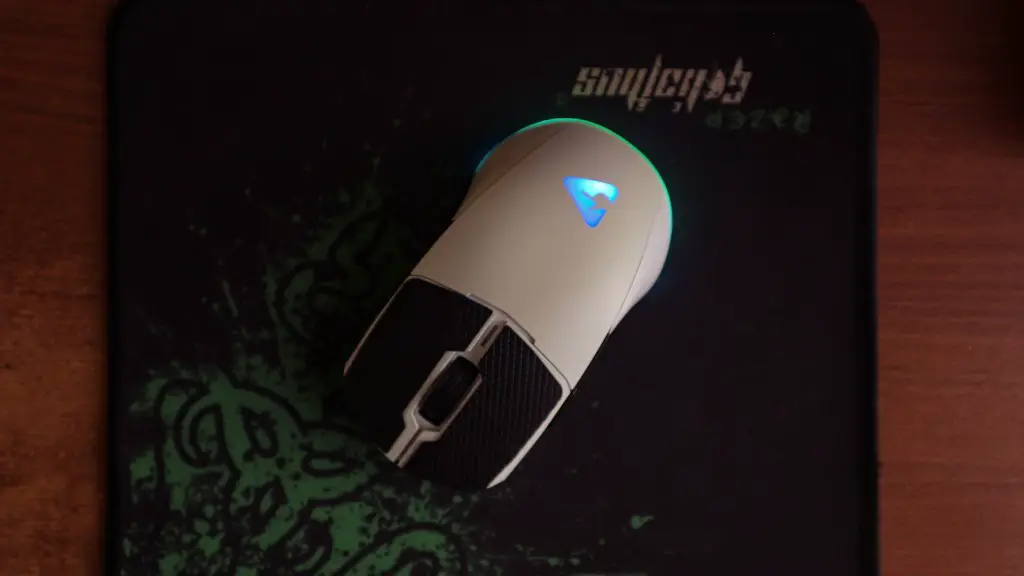
A solid case with room for upgrades is important too. Look for a good mid-tower with ample room and good ventilation to prevent too much heat being trapped inside. Good ventilation is always important for a gaming PC as it’ll help to keep components running cool during those intense gaming sessions.
Lastly, you’ll also need a good cooling solution, especially for an overclocked processor. Get an AIO or a custom loop depending on your budget, but we’d always recommend an AIO liquid cooler. Keep in mind that the size of the radiator and amount of fans needed depends on your processor and graphics card.
Setting it Up
Now that you know what components you’ll need for a gaming PC, it’s time to set it up. Place your motherboard in the case to start with. Before doing so, make sure that the case has their right mounting posts, the PSU is in place, and the motherboard is supported by the IO shield. Once it’s in, attach your RAM modules, processor, cooler, and the graphics card.
Now attach all your cables. This includes the 24-pin power cable and the 8-pin CPU power cable connected to the PSU. Make sure to route them well and connect them to the right motherboard headers. Connect the storage drive and power cables, followed by the USB and fan headers to the motherboard. Lastly, connect the case’s USB ports, power button, and power or reset buttons, and plug in the display cables.
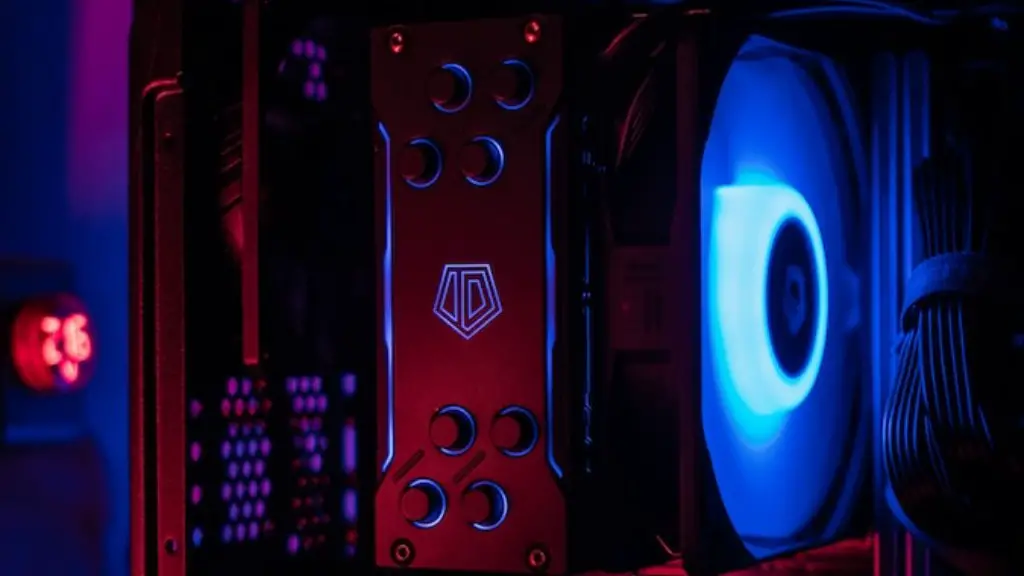
Next, you’ll have to go through the BIOS setup – making sure that the mower is going to the right ports, activating XMP profiles for RAM, or tweaking other GPU or CPU settings. In case you’re a novice, it pays to read up on it first and appoint a knowledgeable friend or employee to help. You can also consult the motherboard’s manual for instructions. Once you’re done, it’s time to install your operating system.
Install your OS, be it Windows or Linux, and the primary drivers such as AMD’s Radeon or the proprietary Nvidia drivers and the right motherboard drivers. Install all your favorite games and programs and you’re set to go. Overclock if you want to squeeze out extra performance, and make use of benchmarking tools to assess your PC’s performance against other builds.
Upgrading
Having built your gaming PC, it may not be long before you’re looking to upgrade it. Depending on your budget and usage, this could mean upgrading to a better graphics card, processor, or extra RAM. Open up the case, remove cables and the old component, unscrew it from the PCIe or RAM slot, and screw in the new component.
For the graphics card, after installing the card, install the required drivers and run benchmark tests to assess the performance boost. For processors, you can use lower-end coolers, though it’s always a better idea to invest in a bigger, higher-end AIO liquid cooler or a custom loop for the best cooling results when it comes to overclocking.
For RAM modules, you’ll want to match your existing capability, with their latency, frequency, speed – make sure to check the motherboard’s manual for compatible RAMs and the maximum amount of RAM it can hold. After you’ve installed them, benchmark tests will indicate if the RAM is running at their rated speed. Overclocking RAM too can yield great gains in performance if your motherboard supports it.
If you’ve opted for an SSD drive, you can also take advantage of dedicated drivers such as Intel’s Optane Memory, or reduce its latency by changing the PCIe link rate in the BIOS. Lastly, if you need more cooling, then adding extra case fans can help to keep things cool when the PC is overloaded.
Managing Power Consumption
Managing the gaming PC’s power consumption is important too as it adds to the overall system performance. This varies on their given components, but the idea is to keep the power draw as low as possible. The processor and graphics card are the biggest drains, so consider tuning the power settings in the motherboard’s BIOS or the PSU’s wattage to make sure they’re not pulling too much power.
Also, games that require a lot of power can benefit from being moved over to SSDs. SSDs offer better performance, so in-game loading times are drastically improved. Keep in mind that moving games from HDD to SSD also increases their power draw, so monitor the CPU and video card’s power consumption to keep everything running optimally.
You may also want to make use of higher quality cables such as thicker ATX or EPS cables for better power delivery. Higher-end power supplies also have better regulation, so those are always worth considering. Lastly, make use of power saving features such as Intel’s Speedstep, AMD’s Cool’n’Quiet, and Nvidia’s Optimus to help manage the processor and GPU’s power consumption.
Maintenance
A gaming PC also needs some form of maintenance. Good cable management is key as it’ll help to keep the temperatures down and prevent any bottlenecks in performance. Make sure that cables aren’t bunched up and that they don’t block the air flow. Dust will also build up over time, so regularly performing a deep clean, especially after long gaming sessions, will help to prevent any dust buildup.
You should also regularly check for updates, be it on the processor or the GPU’s firmware, motherboard BIOS, and operating system. Check for any firmware and driver updates for the components too. If these are left too long without any updates, the performance of your gaming PC will suffer.
Lastly, the PC’s thermal compound should be changed every now and then, especially if temperatures are too high. Use one with a high thermal conductivity and low thermal resistance for the best results, and make sure to apply it properly. An overly tight fit is just as bad as an overly skinny one, so find the right balance.
Safety Tips

Now that your gaming PC has been built and is running optimally, it’s important to observe some safety tips. Make sure to use an anti-static bracelet when building, handling, and touching the hardware to prevent any static electricity buildup. Also avoid eating or drinking near your PC, as any forgotten crumbs and liquids can cause serious damage.
Make sure that there’re no pets near the gaming PC too, as their fur can also cause serious damage. If unsure, it pays to invest in a computer vacuum cleaner to help keep the dust and delicate components at bay. Highly flammable objects or liquids should also be avoided. Never pick up the PC without setting it on the floor, and always make sure to move it on a flat, cushioned surface.
Finally, it’s also a good idea to check out a few PC building and safety guides beforehand. Do some research on particular components and their compatibility, as some won’t work with others – save yourself from the grief of finding you have incompatible parts. After all, a safe and fully functioning gaming PC is fun and rewarding, so make sure to build yours with all these in mind.
