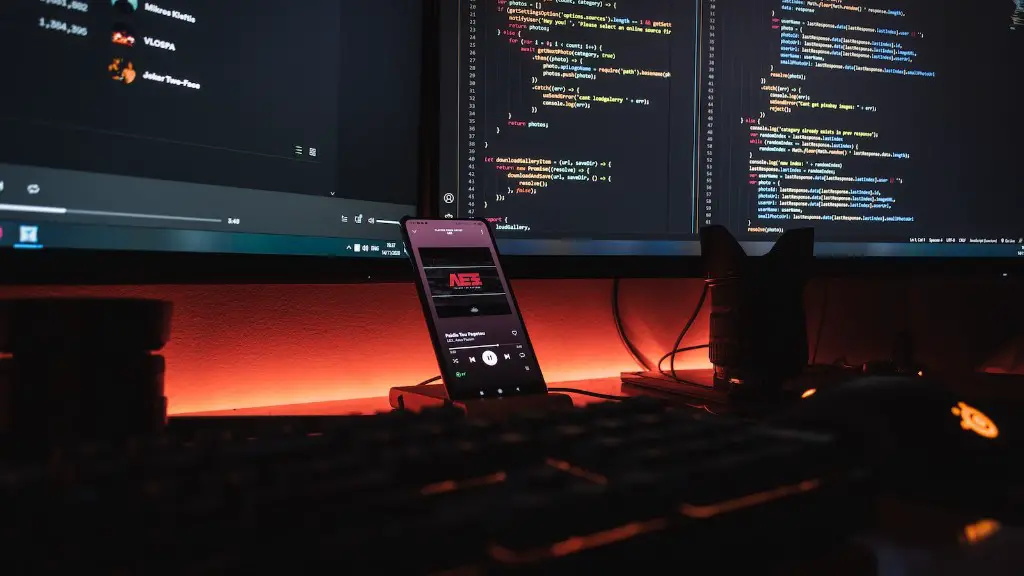
Building your own gaming PC is both exciting and challenging, as it requires a good knowledge of hardware and software components and processes. To be successful, you’ll need to carefully plan your budget and choose high-quality gaming components for your new rig. So, how much does it cost to build a gaming PC? That depends largely on the hardware hardware you choose, but a mid-range, 1920×1080 gaming PC with all the bells and whistles can cost anywhere from $600 to $1200.
The first step to building a gaming PC is selecting the right CPU or central processing unit. Your CPU is the brains of the system, so you’ll want to choose one that supports the kinds of games you play and will be future-proofed for years to come. Intel and AMD both offer a range of reliable, high-performance processors for gaming. The Intel Core i5-10600K and the AMD Ryzen 5 3600 are both great choices.
Next, you’ll need to select the right graphics card. This is the component that’s responsible for rendering smooth, high-resolution graphics. The Nvidia GeForce RTX 3060 and AMD Radeon RX 5700 XT are two of the best graphics cards currently available. If you want the absolute best experience and the highest frames per second (FPS), choose an RTX 3080 or RTX 3090.
You’ll also need to decide on the motherboard and memory. The motherboard is the main circuit board that all the other components plug into. You’ll want to make sure your motherboard is compatible with the components you’ve chosen already. Memory, or RAM, allows your system to access data more quickly and allows more programs to open and run at the same time. 8GB to 16GB of memory should be more than enough for even the most demanding gaming rigs.
For storage, you’ll need either a traditional hard drive, or a faster and more expensive solid-state drive (SSD). While hard drives offer more storage space for a lower price, SSDs offer much faster performance and greatly reduce loading times for games. Both options are viable for gaming rigs; it just depends on your budget and performance needs.
Finally, you’ll need to pick a case to house the PC and a power supply to keep it running. You’ll want to make sure your case has plenty of room for your components and has good cooling. A 600 watt power supply should be more than enough for most mid-range gaming PCs. Many power supplies also come with modular cables, which can help with cable management.
Budget & Cost
The cost of building your own gaming PC can vary significantly depending on the components you choose. High-end gaming PCs with the latest hardware can reach well into the thousands of dollars. On the other hand, for those on a tighter budget, it’s possible to assemble an entry-level gaming PC for under $500. It all depends on your needs and preferences.

However, there are ways to reduce the overall cost of building a gaming PC. For example, you can take advantage of sales, discounts, and rebates. You can also buy used or refurbished parts, if you don’t mind sacrificing a bit of quality for a lower price. Lastly, consider buying components in bulk, which can help you save a significant amount money.
Assembly & Installation
Once you’ve chosen and purchased all the components you need, the next step is to put them together. Installing the CPU, motherboard, graphics card, RAM, storage drives and other components is fairly straightforward and only requires a few tools. There are plenty of online tutorials and how-to videos that can walk you through the entire process.
Once all the components are installed, the next step is to install Windows. Windows is the operating system (OS) used to run modern games and software. You’ll need to purchase a copy of Windows 10, unless you already have one lying around. Lastly, you’ll need to make sure all your drivers are up-to-date and all the hardware is recognized by the OS.
Modding & Customization
Once your gaming rig is up and running, you can customize it to your heart’s content. Modding and tweaking your gaming PC can take it from good to great, and can help you squeeze out every last bit of performance. You can overclock the CPU, tweak the fan curves, adjust the RGB lighting, and even install modded gaming software.
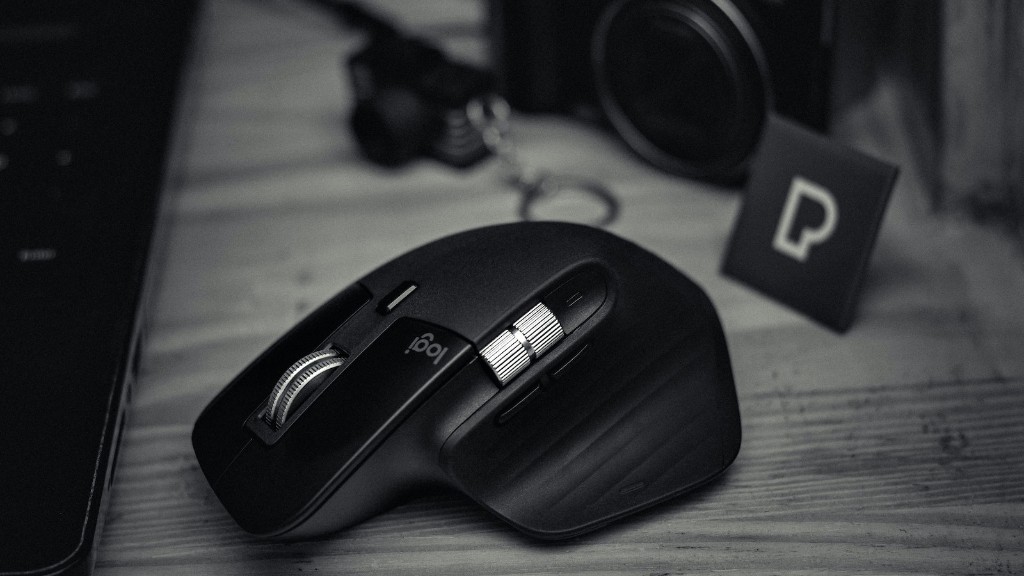
If you want to go all out, you can water-cool your PC and customize the look with paint or window decals. But, keep in mind that these upgrades require technical know-how and often involve a lot of trial and error. You’ll want to make sure to research each mod carefully before attempting it.
Troubleshooting & Maintenance
Building a gaming PC is not a one-time task. Like all electronics, PCs require maintenance and care, otherwise they can start to suffer from performance problems or breakdowns. One of the most important things you can do is keep all your drivers up-to-date, as this helps fix potential bugs and prevent crashes. Additionally, you’ll need to monitor temperatures and keep the PC clean of dust and debris.
If you’re having trouble with your gaming PC and can’t figure out what’s wrong, there are a few things you can do. First, check the manufacturer’s website for any driver updates or service bulletins. If that doesn’t help, you can consult online forums or contact customer support for more in-depth Troubleshooting.
Upgrades & Replacement Parts
At some point, you may decide to upgrade or replace some components of your gaming PC. This could be due to a newer, faster graphics card or CPU becoming available or for an upgrade to your storage system. In any case, it’s important to make sure any new hardware you buy is compatible with your existing hardware and the types of games you play.

You may also need to replace a damaged or malfunctioning part of your gaming PC. This could be anything from a power supply or RAM to a motherboard or graphics card. Fortunately, finding a compatible replacement part is relatively easy to do. Simply look up the part number and search online for the most reliable and least expensive options.
Conclusion
Building a gaming PC is no easy task, but it can be incredibly rewarding. It requires careful planning and careful selection of components, but in the end, you’ll get the exact gaming system you want. It’s important to pay attention to your budget, as well as the compatibility of components, but with the right knowledge and preparation, you’ll be able to build the gaming PC of your dreams.
