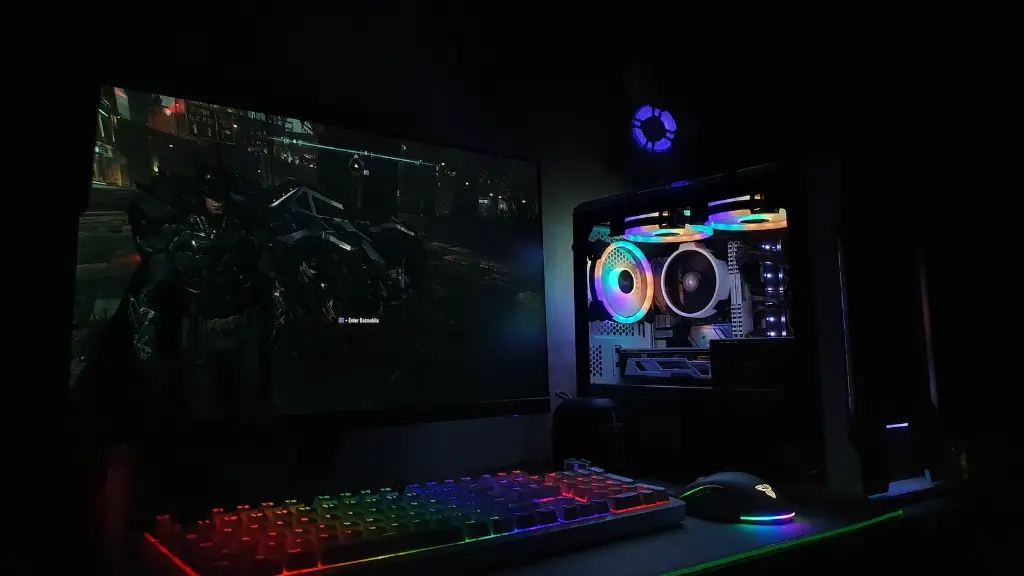
Building a gaming PC is a great way to get the most out of your gaming experience. You’ll need to ensure that you have all the right components in order to make your PC as powerful and efficient as possible. This article will cover all the components you need to consider when building your gaming PC.
First, you’ll need to select the right processor. Your processor is the core of your gaming PC, and the faster it is, the better the performance you’ll get. Look for a processor that has a good number of cores, a higher clock speed, and extensive overclocking capabilities for optimal performance.
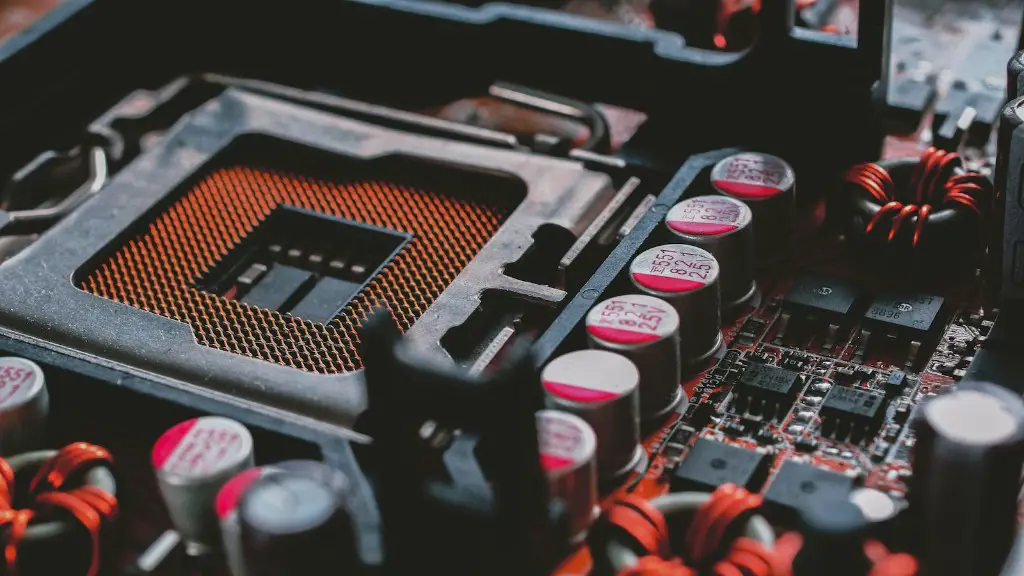
Next, you’ll need to get a quality motherboard. A good motherboard should provide great I/O capabilities and also be compatible with the processor you’ve chosen. It’s important to have a motherboard with good features so that you can easily upgrade your PC in the future.
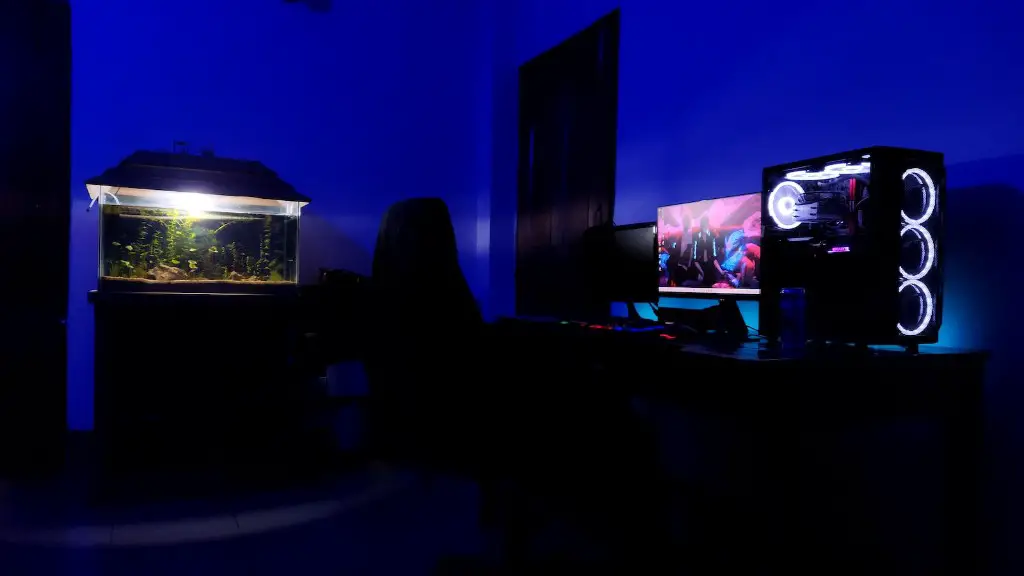
For your gaming PC’s case, you’ll want to look for one that has ample space, good cooling features, and a stylish design. There are cases of different sizes and shapes, so make sure to find one that fits your preferences and meets your needs.
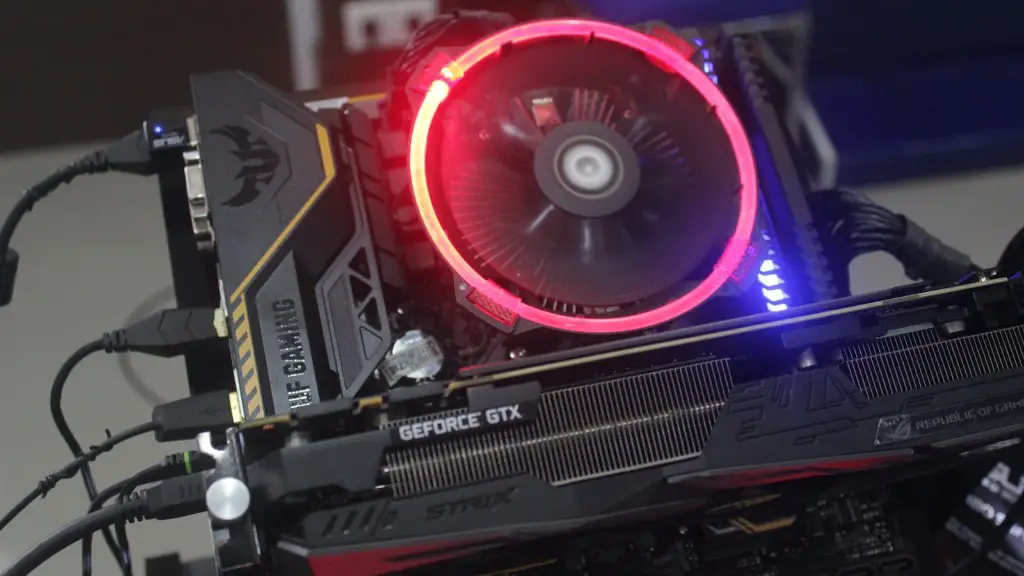
Then, you’ll need to consider the graphics card. Graphics cards tend to be expensive, but they will be the one component that makes the biggest difference when it comes to your gaming experience. Make sure to get a modern graphics card that will let you run the latest games and other graphics-intensive applications.
Additionally, you’ll need to get some RAM for your gaming PC. The amount of RAM needed will depend on how demanding the games you’re playing are. For example, if you’re playing eSports games, you’ll likely want 8GB of RAM at least. On the other hand, if you’re playing AAA titles, you might want to get 16GB of RAM or more.
Finally, you’ll need some storage. You can either get an HDD, which is cheaper but has a slower performance, or an SSD, which is faster and more expensive. An SSD is a great choice for gamers as it ensures that their games will load up faster. It’s also a good idea to have an HDD for storing media and other files.
What Does Your PC Need to Run at an Optimal Level?
Once you’ve assembled the components for your gaming PC, you’ll also want to make sure that you’re running it at an optimal level. Getting the most out of your gaming experience requires a few components to be installed. First, you’ll need to install an operating system. Windows 10 is the most popular choice, as it has lots of features, and it’s also very stable. You can also opt for Linux if you’re familiar with it.
Next, you’ll need to get a dedicated GPU. This will help your PC run your games at higher resolutions and with better quality. Make sure to get a GPU that is compatible with your motherboard and has the latest drivers.
You’ll also want to get a power supply unit (PSU) for your gaming PC. This is a crucial component, as it ensures that your PC receives enough power for all the components. Make sure to get a quality PSU that can handle the power requirements of all your components.
Finally, you’ll want to get a cooling system for your PC. With gaming PCs in particular, cooling is important, as the components generate a lot of heat. Air cooling is often enough, though a liquid cooling system might be necessary if your components generate a lot of heat.
What Accessories Are Needed For a Complete Set Up?
Once the components and the necessary accessories are in place, you’ll need to round out your gaming PC with a few more important pieces. A monitor is essential, as it will be the display on which you’ll be able to enjoy your games. Make sure to get a monitor that is compatible with the latest graphics cards and has a high refresh rate for maximum immersion.
You’ll also want to get a good keyboard and mouse. A quality keyboard and mouse can make the difference between winning or losing in competitive games. Look for a mouse and keyboard combo that has good sensitivity and plenty of programmable buttons for your games.
Gaming headsets are also essential for any serious gamer, especially if you want to talk with teammates or opponents. Get a headset that has great sound quality and a comfortable fit for long gaming sessions.
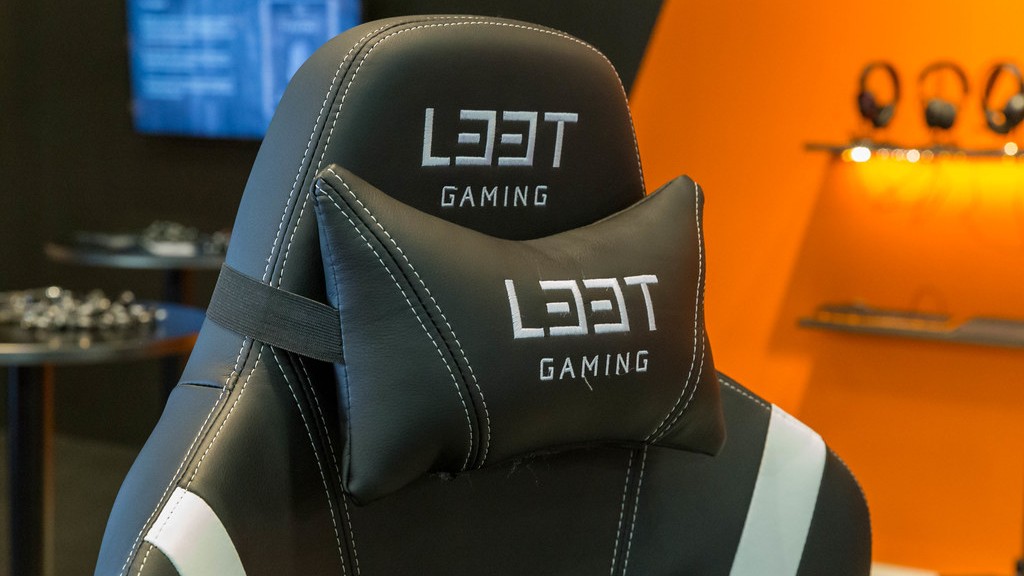
Finally, you should also get a gaming chair. Since you’ll be spending many hours gaming, you’ll need a chair that provides good lumbar support, ergonomics, and is comfortable. Having a good gaming chair will help you avoid back pain and keep comfortable while you compete.
Is a Pre-Built PC Right For You?
Building a gaming PC can be a daunting task, especially if you’re not familiar with all the components. Fortunately, you don’t have to build your gaming PC from scratch if you don’t want to. There are many pre-built PCs available for purchase, so you can get a powerful gaming PC without having to build it yourself.
These computers are usually put together by experienced technicians who understand how to make the most out of the components. Pre-built PCs come with a warranty, so you won’t have to worry about any defects or performance issues. That said, it’s important to still do your research and read reviews to make sure you’re getting the best value for your money.
In addition, pre-built PCs are usually a bit more expensive than their custom-built counterparts. It’s also worth noting that these PCs may have certain components that may lead to lower performance or compatibility issues if you’re looking to upgrade in the future.
What Is the Best Value For a Pre-Built Gaming PC?
If you’re looking for a pre-built gaming PC, then you’re in luck. There are lots of different companies that specialize in pre-built gaming PCs, and they all offer different prices and levels of performance. It’s important to read reviews and compare the specs of different PCs, as this will help you get the most bang for your buck.

Most pre-built gaming PCs come with a warranty, so any defects or issues you experience can be taken care of. Each company offers different levels of support, so make sure to read the terms and conditions before making your purchase.
You should also consider how long you plan to use the gaming PC for and if you plan on upgrading components in the future. Pre-built PCs usually come with components that may not be as good as custom-built components and may limit your upgrade options in the future.
What Are Some Common Pitfalls to Avoid With Pre-Built PCs?
One thing to be wary of when buying a pre-built PC is hidden costs. While the cost of a pre-built PC may seem reasonable, you should also factor in the cost of peripherals, such as a monitor, mouse, and keyboard, as well as the cost of software. These costs can really add up, so make sure to read the rules and regulations of the store before you purchase the PC.
Another thing to consider is the fact that pre-built PCs may come with certain components that won’t be suitable for gaming. Make sure to check the specs of the pre-built PC so that you know exactly what you’re getting. If the PC comes with components that don’t meet your needs, you may need to buy separate components in order to get the performance you’re looking for.
Finally, make sure to compare the specs of different pre-built PCs before you purchase one. There are lots of different companies that offer different levels of performance and features, so you can easily find one that will suit your needs.
