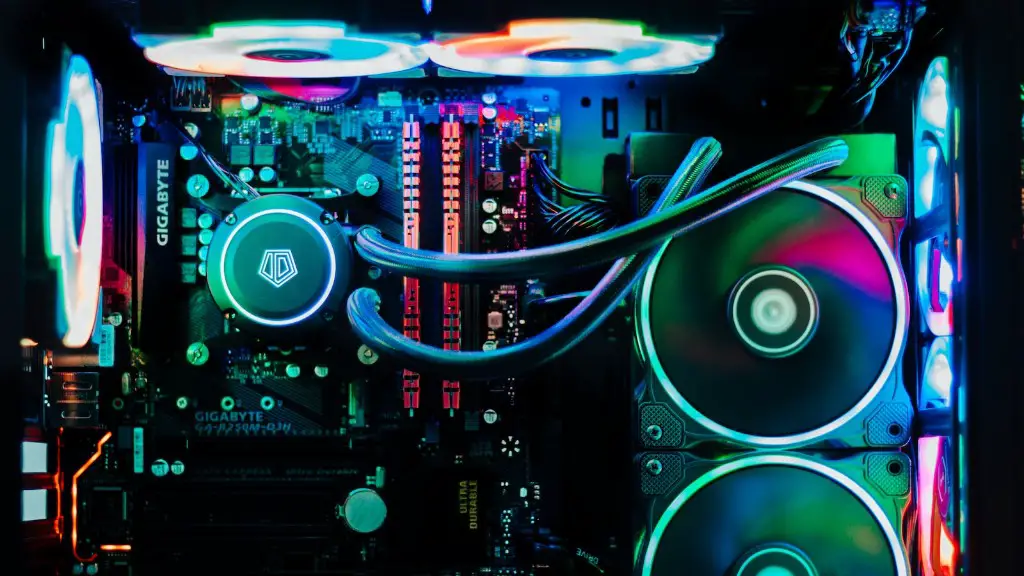
When it comes to PCs designed for gaming, the most important factor to consider is the minimum requirements. Knowing what constitutes a “good” gaming computer can be tricky, but with the right knowledge and some basic research, you can easily determine the hardware that you need. Here, we’ll take a look at the basics of the minimum requirements for gaming PC.
The first thing to pay attention to is the processor. The CPU is the engine that powers your system, and it’s responsible for running all the applications you use. A good gaming CPU should have at least 4 cores, with a frequency of 3.6GHz or higher. Any higher than that and the system is really overkill. Furthermore, if you want to play the latest games with optimal performance, you should opt for an Intel Core i9 series or AMD Ryzen 9 3900X processor.
The graphics card is another crucial component for any gaming PC. While graphics cards have been steadily improving in recent years, the minimum requirement for gaming PC should remain at a mid-range card to ensure that you can handle almost any game with decent graphical settings. A good graphics card should have at least 4GB of RAM, and a processor from Nvidia or AMD that is capable of running games at 1080p resolution or higher. Additionally, you may want to invest in an AMD Radeon RX 580 or a Nvidia GeForce RTX 2070.
When it comes to memory, we recommend at least 8GB of RAM, with 16GB being the ideal choice. RAM is important because it helps your system run smoothly without slowing down, allowing you to do multiple tasks at once without any lagging or other issues. If you want to play the latest games and need to run high-intensity applications, 16GB of RAM is definitely worth the investment.
Another important component is the storage. Most gaming PCs require at least a 1TB hard drive, and if you want to store large amounts of data, you should opt for an SSD – which can be up to 10x faster than a regular hard drive. For those who want faster loading times, you should also consider a hybrid drive, which combines a traditional hard drive with an SSD.
Finally, don’t forget about the power supply. A minimum requirement for gaming PCs should have a minimum of 500W, but depending on the components you choose, you may need to go for a higher wattage. The better the power supply you have, the better performance and stability you’ll get from your PC.
Display Requirements
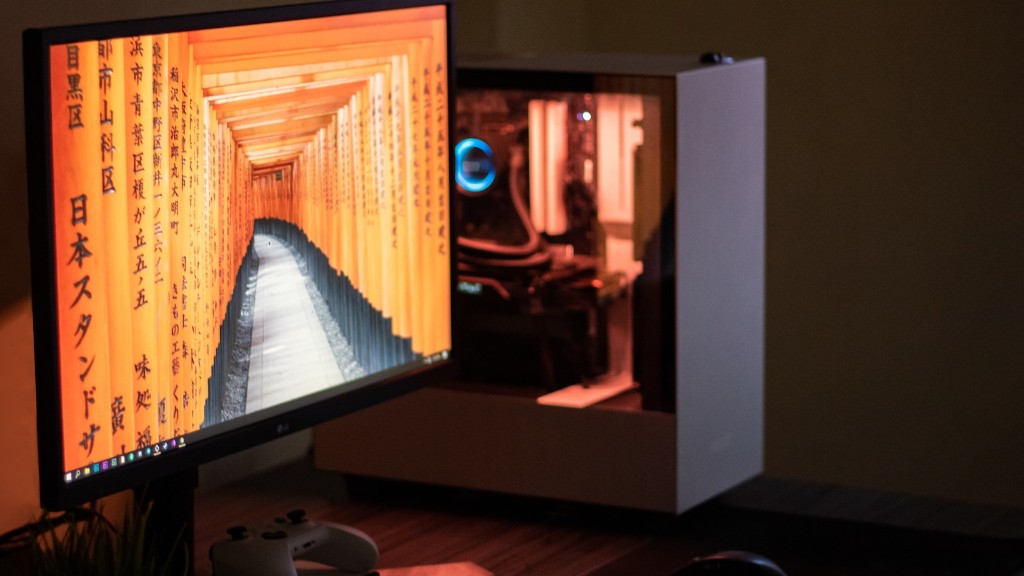
When it comes to the display, having a monitor that offers good visual quality is essential for a great gaming experience. If you’re on a budget, look for affordable monitors with a resolution of 1080p or higher, a good refresh rate (at least 60 Hz) and a quick response time. As with any component, make sure that the monitor you’re looking at is compatible with your hardware.

Meanwhile, if you’re willing to splurge a bit more, you can opt for monitors with a higher resolution, such as 1440p or 4K. If a visual quality is important to you, then these monitors are a good choice. They also have HDR capabilities, which makes them even better if you’re a fan of visual fidelity in games.
Another great option to consider is ultra-wide monitors. These are monitors with a 21:9 aspect ratio, which is wider than the typical monitors you typically find. This makes them perfect for gamers who want more screen real estate, as they can fit more content while still having a high resolution.
Finally, don’t forget about the connection you use to connect your monitor. Ideally, you should use DisplayPort or HDMI cables, as they are the most reliable and offer the highest quality. You can also use DVI and VGA cables, but make sure your monitor is compatible with them first.
Peripherals
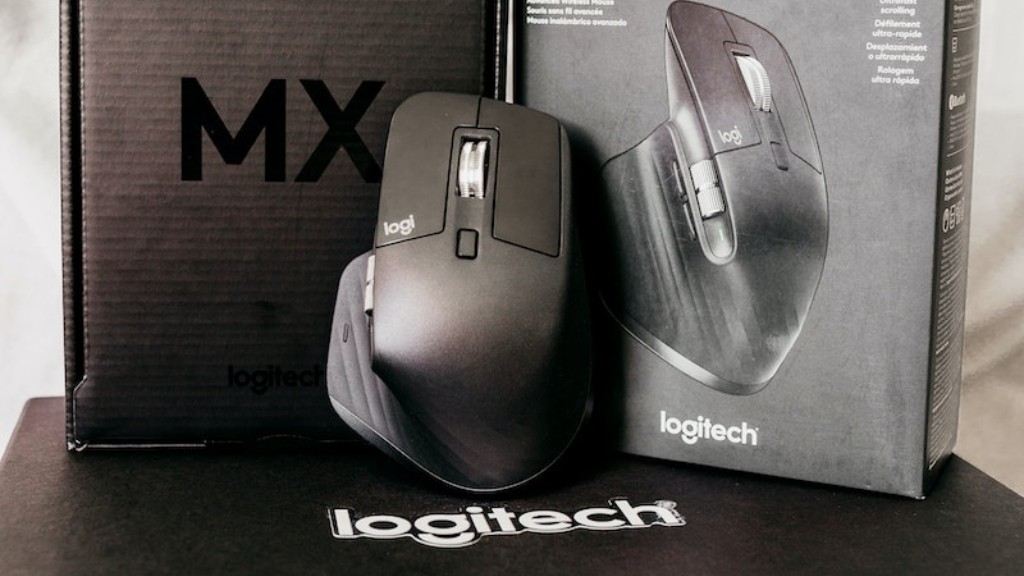
Having the right peripherals can also make or break your gaming experience, as having the wrong ones can be a nightmare. When it comes to gaming, mice and keyboards are the most important peripherals, so you’ll want to invest in quality models. When looking for mice, make sure that it’s responsive and comfortable, as this will ensure that your mouse movements are accurate. In terms of keyboards, look for mechanical models, as they are more durable and feature the most responsive switches available.
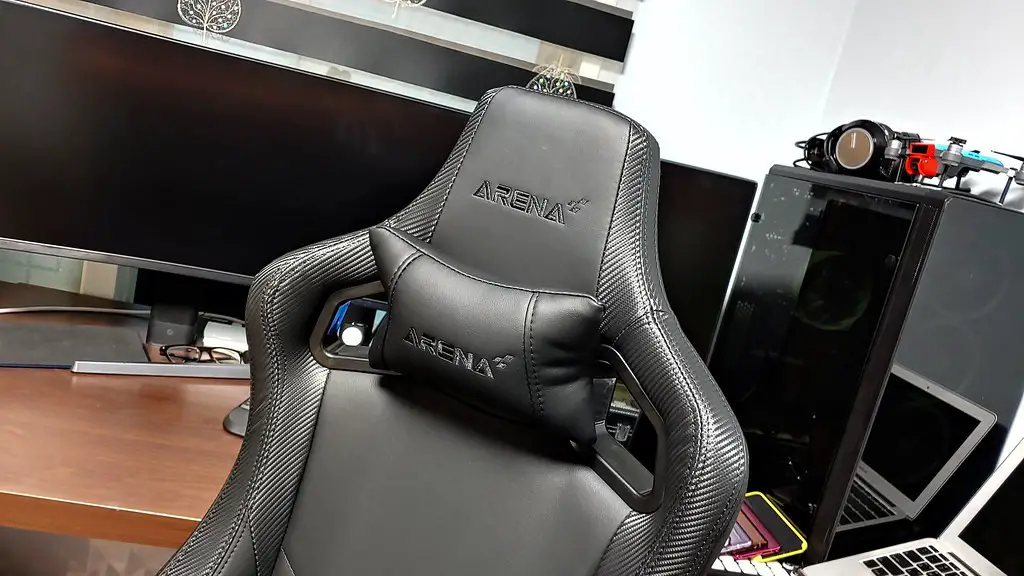
Other peripherals you might want to consider include headsets, which will provide you with great sound quality, as well as a microphone for communicating with your friends. If you want the best gaming experience, then you should also invest in a gaming chair that is designed specifically for gaming. This will ensure that you stay comfortable while gaming, as well as providing extra support for your posture.
The last peripheral you might want to invest in is a game controller. While controllers aren’t necessary, some games just feel better when you can hold them in your hands and control them with a controller. Modern controllers are relatively affordable and come in a variety of designs, so make sure to pick one that suits your gaming style.
Connectivity
Before you can start gaming on your PC, you’ll need to make sure that you have the right connection to access the internet. If you’re using a network cable, make sure that it’s an Ethernet cable, as it offers much faster speeds than a wireless connection. Furthermore, you should also make sure that your internet service provider can provide reliable speeds, which is essential for online gaming.
However, if you prefer to use a wireless connection, then a quality wireless router is necessary. You should look for one that supports the latest Wi-Fi standard, and ideally one that has multiple antennas for the best performance. Additionally, if you plan on streaming online games, then make sure to look for routers that offer wider coverage and better speed.
Finally, if you’re a serious gamer who plays competitively or plays a lot of online games, then you should invest in a gaming network adapter. These adapters are designed specifically to optimize your gaming connection and reduce latency, allowing you to play with less lag and enjoy your gaming experience.
Compatibility
Finally, make sure that all the components you plan on buying are compatible with each other. It’s common for peripherals to require a certain type of port, so make sure to double-check the specifications to make sure the device is compatible with your gaming PC. This can be especially important if you’re planning on building your own PC, so make sure to do your research.
Furthermore, make sure to check for any software compatibility requirements for different games. While most modern games are cross-platform, some do require specific operating systems or specific hardware. If you plan on playing these games, then make sure that all your components are compatible with the system requirements.
Conclusion
When it comes to building a gaming PC, the most important thing to consider is the minimum requirements. Depending on your budget and gaming preferences, you’ll need to look for a good processor, graphics card, RAM, storage, power supply, monitor and peripherals. Additionally, you should make sure that all your components are compatible with each other and with the games you plan on playing. With the right research and knowledge, you can easily determine the hardware that you need.
