
When considering the purchase of a gaming PC, it is important to understand when the right time to buy is. Purchasing at the right time can save money, get the best performance and quality, and set you up for future upgrades. It boils down to understanding key parts of the PC, their performance, and the current market. Here’s what you need to know when considering when to buy a gaming PC.
When purchasing a gaming PC, you need to decide what components you want to buy. Each component serves a different purpose and has its own performance levels. For example, a processor, also known as a CPU, performs calculations and helps run applications. GPUs make faster calculations for games and graphics-heavy activities. RAM helps the computer access information quickly, and so on. Knowing what components to buy and their performance level will save you from making an expensive mistake.
When looking at components, it’s important to note the current market. When new hardware is released, older hardware can become more affordable in comparison. This can make it especially appealing to purchase older components when you’re on a tight budget. However, be aware of the performance difference. With older hardware, you may not be able to reach the same high frame rates or quality as you would with newer hardware.
When considering upgrading later, it is important to keep the future in mind. Are the components you’re purchasing compatible with each other? Will it be possible to upgrade them later? Buying components with a higher wattage or watt efficiency can save money in the long run, and increase your options for upgrades. Consider buying components with future proof capabilities, like Graphics Cards with 8GB or higher.
Finally, when it comes to buying a gaming PC, do your research and read customer reviews. Seeing what others have encountered with specific parts can ensure you don’t run into an issue. The more research you do, and the more you understand about the hardware, the more prepared you’ll be when it comes to the perfect time to buy.
Budget Considerations
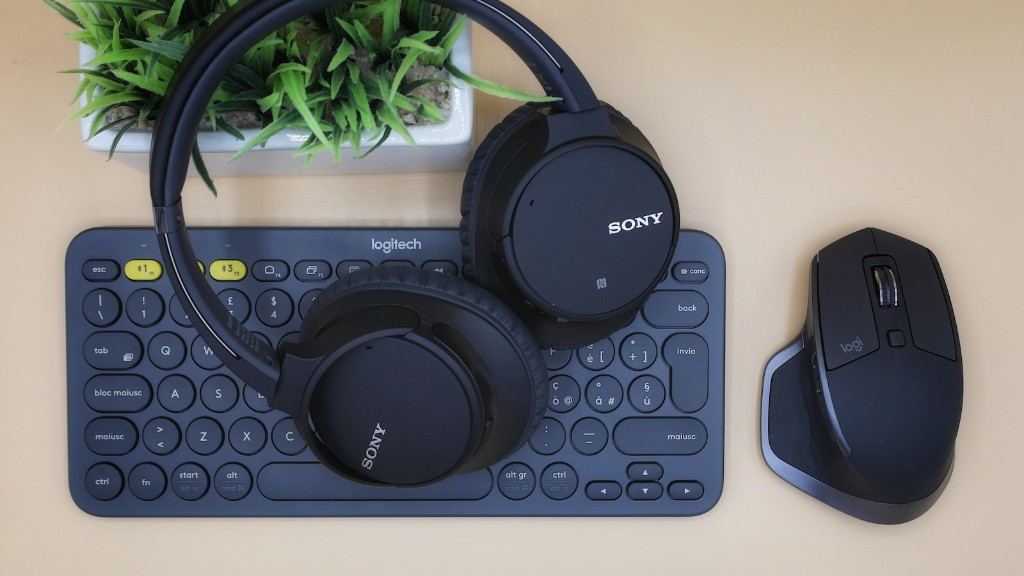
When it comes to budget considerations, it is important to consider the cost of components, as well as the cost of labor if you are having the machine built versus going the DIY route. Decide which components are most important, such as the CPU or GPU and budget accordingly. Keeping an eye on deals and special offers, as well as insight into when components are expected to drop in price can help save money in the long run. Also, don’t overlook the cost of peripherals such as a mouse, keyboard and a monitor.
Future Upgrades
When it comes to future upgrades, planning and research can save time and money. Before purchasing components, consider their capability for future upgrades, such as a motherboard or components with a high wattage. Doing your homework ahead of time can save you from having to buy new components in the future and save on the cost of labor if you need a professional to install the new hardware. Knowing how much RAM or storage capacity you’ll need in the future can help you make an informed decision when purchasing components for your PC.
Maintenance
Maintaining your gaming PC is important to ensure longevity. Paying attention to the temperature of the PC and cleaning it on a regular basis helps to create a safe gaming environment. Establishing a consistent maintenance routine can help diagnose any problems quickly and help to avoid overheating or a crash of the system. Keeping the components clean and free of dust as much as possible will help remove any potential blockages and keep the efficient flow of air going through the PC.
PC Performance
Ensuring the performance of your gaming PC is essential. Understanding the performance level of each component you purchase is key. There are overclocking and undervolting options to squeeze extra performance out of the components, but ensure you do your research as overclocking and undervolting can damage hardware if not done properly. If DIY is not your thing, hire a professional to do the job. This may cost more upfront but can save you trouble in the future.
Software and Accessories
Finally, it’s important to consider the software and accessories you’ll need to use with your gaming PC. You’ll need an operating system, such as Windows or Linux, special software to run your games and/or accessorize your gaming experience as well as any other external peripherals you might want to use. All of these should be considered when buying a gaming PC, as they can impact the performance and usability.
