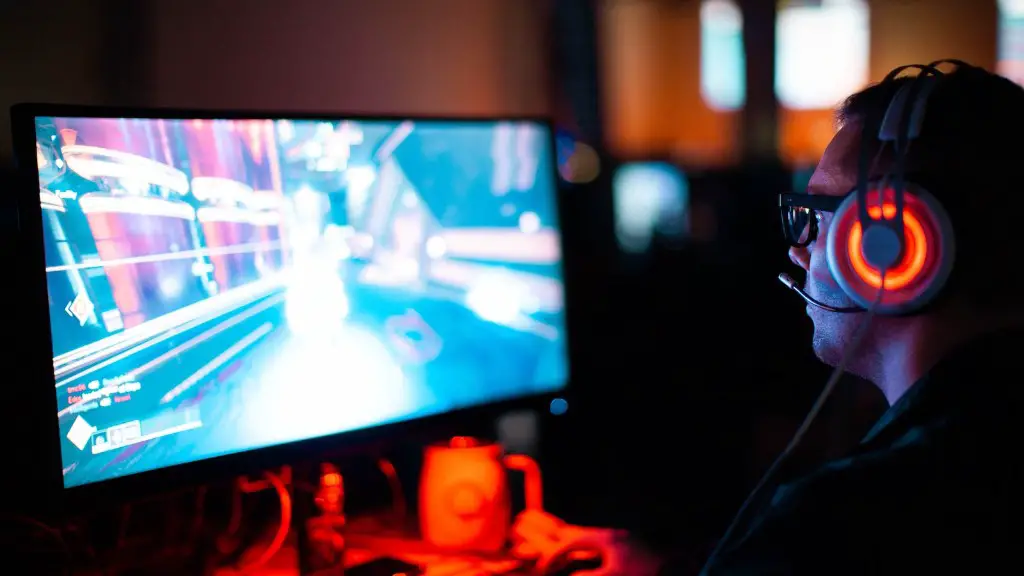
Building your own gaming PC is a great way to get the gaming experience you want without breaking the bank. It’s important to understand the components needed, how they’re configured and what kind of performance they offer so you can make the best PC for your money. Let’s take a look at how much it would cost to build a good gaming PC and some tips to save money on components.
The main components you’ll need for a gaming PC are a CPU, motherboard, RAM, GPU, storage, power supply, and case. Prices can vary greatly for these components, but it will generally cost between $600 and $1000 for a good gaming PC build. If you want to save some money, you can opt for entry-level parts like an AMD Ryzen 3 processor and a Nvidia GTX 1050 Ti, which will cost around $500 or less.
When it comes to assembling your PC, there are a few things you should consider. First, make sure to get a quality power supply. A good power supply should be at least 80+ Bronze certified and provide plenty of wattage for your system. Also, make sure your motherboard and processor are compatible, and that the motherboard has enough slots for the RAM you’re using. Finally, make sure to use quality thermal paste to ensure proper cooling of your components.
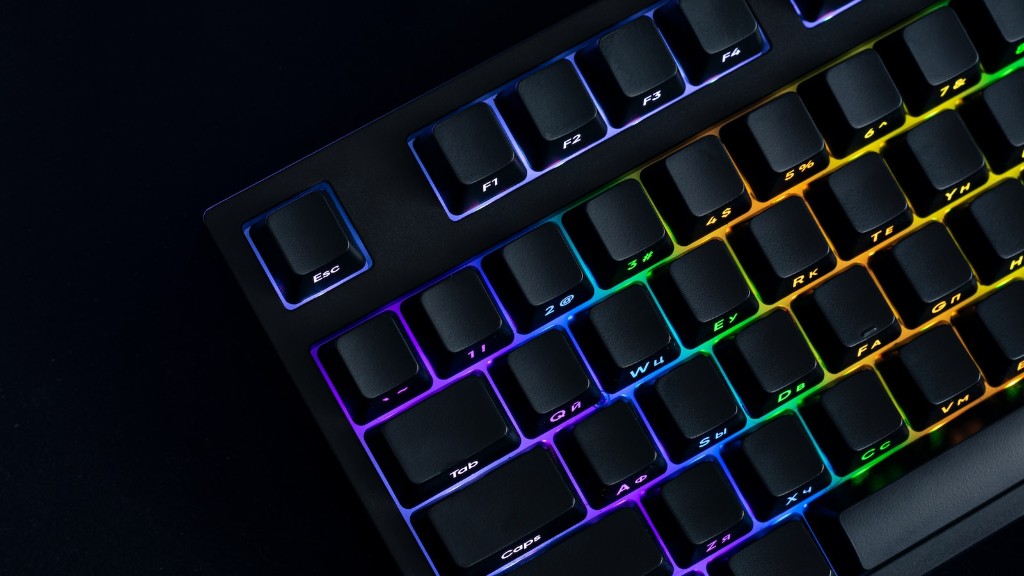
When choosing your components, it’s important to consider the type of games you’ll be playing and the graphics settings you want. If you’re playing games like League of Legends or Counter Strike, you could get away with a moderate PC build. However, if you want to play more graphically intensive games like Battlefield 5, you’ll need to invest in a higher end GPU and CPU to maintain a good frame rate.
Finally, there are many ways to save money on components for your build. Consider buying used parts from reliable sources like eBay or Craigslist, or buying refurbished components from a manufacturer’s website. Also, look for deals online and visit speciality websites that offer discounts. The bottom line is that if you’re willing to spend some time researching, you can get a great gaming PC without spending a fortune.
A Step-By-Step Guide to Building a PC
Building a gaming PC is a complex but rewarding process. It requires careful planning and research to ensure that the components you select are compatible with each other and that you get the performance you’re looking for. Here is a step-by-step guide to help you build a good gaming PC:
Step 1: Gather the necessary components. Identify the parts you need, what kind of performance you want, and research component compatibility.
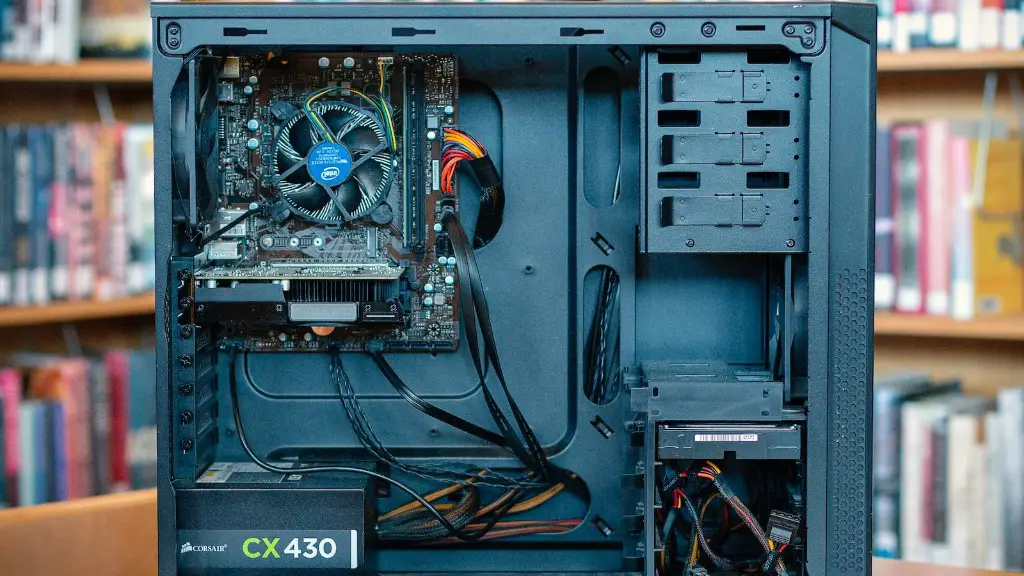
Step 2: Measure your case size and pick the appropriate case. You don’t want your components to be too large or too small for the case.
Step 3: Install the CPU, RAM, motherboard, and other components into the case. Make sure to use thermal paste and screws to secure the components.
Step 4: Plug all the cables for the power supply and other components into the motherboard. Make sure to double-check all the connections.
Step 5: Install the GPU and storage drives. Make sure to plug the power cables into the GPU and storage drives.
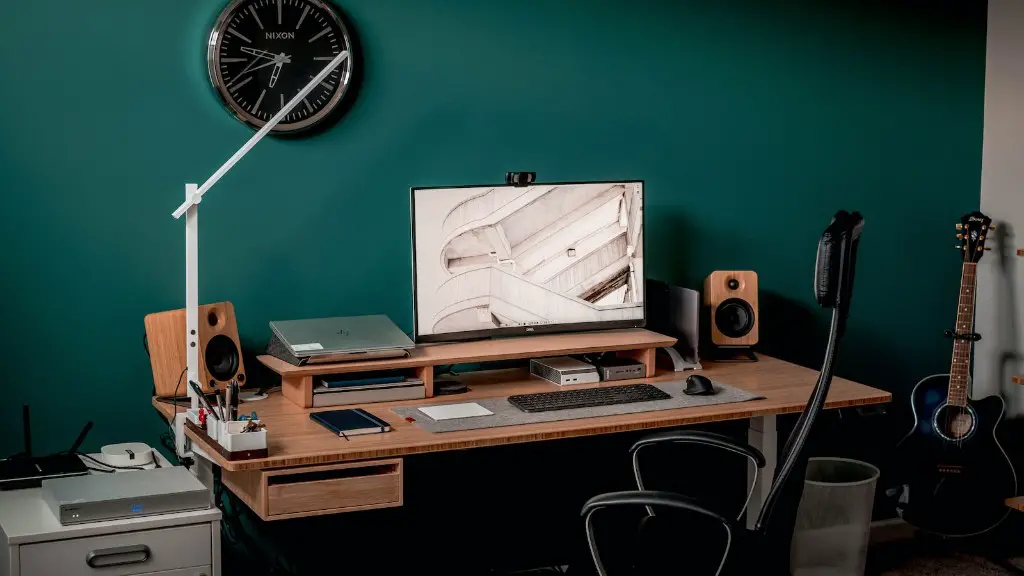
Step 6: Boot up your PC and install the necessary software. This usually requires a USB drive or an optical disc to install the operating system.
Step 7: Enjoy your gaming PC. Now you are ready to enjoy the gaming experience you’ve built.
Other Cost Considerations to Know
When building a gaming PC, there are several other cost considerations you should think about. For starters, you’ll need a monitor, keyboard, mouse, and gaming controller. You’ll also need an operating system, like Microsoft’s Windows or Mac OS X, which will cost around $100. Finally, you’ll need a good internet connection, preferably with wired Ethernet, if you want to take advantage of online gaming.
If you’re buying all the components and peripherals separately, the cost of your PC can quickly add up. However, you can save some money if you buy the components and peripherals in a bundle. Many retailers offer bundles that come with the components, peripherals, and an OS for one low price. These bundles are usually cheaper than buying everything separately, but be sure to read the fine print to make sure the components are compatible.
It’s also important to consider system maintenance when building a gaming PC. PCs need to be cleaned regularly to ensure they continue to perform at their best. Dust can accumulate in the fans and on other components, which can lead to overheating and poor performance. You might want to buy an air duster or vacuum to keep your PC clean, or consider a liquid cooling setup for your CPU and GPU.
Finally, gaming PCs need to be updated regularly to ensure optimal performance. Drivers for the components, operating systems, and games should be updated regularly to ensure everything is running smoothly. Additionally, you should check for new versions of your favorite games, as the developer might have released updates that improve the performance of the game.
Why Upgrading Components Can Be Beneficial
Upgrading components is a great way to improve the performance of your gaming PC without having to invest in an entirely new system. You can start by upgrading smaller components like RAM and storage, or you can upgrade the more expensive components like the CPU or GPU. Upgrading components is also a cost-effective way to improve your PC, as you’ll only have to invest in the components you need.
If you’re looking to upgrade your GPU, it’s important to look for one that offers better performance than the one you have now. You’ll want to look for one that has powerful architecture, good gaming performance, and low power consumption. Make sure to check reviews to see how the GPU performs in games and compare it to similar GPUs.
When it comes to upgrading your CPU, you should look at the clock speed, cores, threads, and cache size. If you’re looking for a more powerful CPU, look for a one with high clock speed and more cores and threads. If you’re looking for a less powerful CPU, look for one with a low clock speed and fewer cores and threads.
When upgrading your RAM, it’s important to make sure you’re purchasing compatible RAM and that it’s compatible with your system. You should also look for fast RAM with a high clock speed and low latency. Faster RAM will help improve gaming performance.
Finally, when it comes to upgrading storage, you should consider getting an SSD. SSDs are much faster than traditional HDDs and will offer faster loading times and boot times. SSDs are also more durable, since they don’t have any moving parts.
Optimization For Higher Performance
Once you’ve built your gaming PC, you might be wondering how to get higher performance out of it. With a few simple optimizations, you can get even more out of your gaming PC. Here are some tips to help you optimize your gaming PC:
First, you should adjust the settings in your games to get the best performance. You can do this by lowering the resolution and reducing the graphical settings. This will help you achieve improved performance without sacrificing too much of the visual quality.
Second, you should consider overclocking your components to get even more performance. Overclocking involves adjusting the settings on the components so that they run faster, but this can be risky and may cause damage to your components if not done properly.
Third, you should look into installing a game booster to help you get the most out of your system. These programs can help by reducing unnecessary processes and optimizing your system for gaming.
Finally, you should purchase a cooling solution for your PC, such as a liquid cooling system or additional fans to help keep your system from overheating. This is especially important if you’re overclocking your components.
Conclusion
Building a gaming PC can be a great way to get the gaming experience you want without breaking the bank. It’s important to understand the components needed, how they’re configured and what kind of performance they offer so you can make the best PC for your money. Of course, it’s also important to consider other cost considerations like peripherals, system maintenance, and optimization to get the most out of your gaming PC.
