
Using a gaming PC with a TV is a great way to game with friends or simply keep up with the slowly developing world of games. It is not only feasible, but it is also a cost-effective way to extend your gaming experience, allowing you to enjoy gaming on a larger TV set. There are several steps needed to make sure that your gaming PC is correctly set up for compatibility with your TV so let’s take a look at what might be necessary to get started.
Connectivity Options
The main components for TV connection to a gaming PC are the display adapter and the connection cord. Depending on what type of TV you have, the video adapter will vary. A high-end gaming model will require a suitable port for connecting to the TV, such as HDMI, DisplayPort, or VGA. In addition, the PC may need an audio connection to the TV. If the PC doesn’t have sound output then an audio adapter is required.
Setting up the Connection
Once the connection components are acquired, setting up the connection is the next step. Depending on the type of connection, the PC should automatically recognize the TV as an extra display on start-up. If not, it needs to be manually connected by entering the Input menu and selecting the correct port type. Once the connection is made, the picture and sound quality can be adjusted for the best viewing experience.
Gameplay Controls

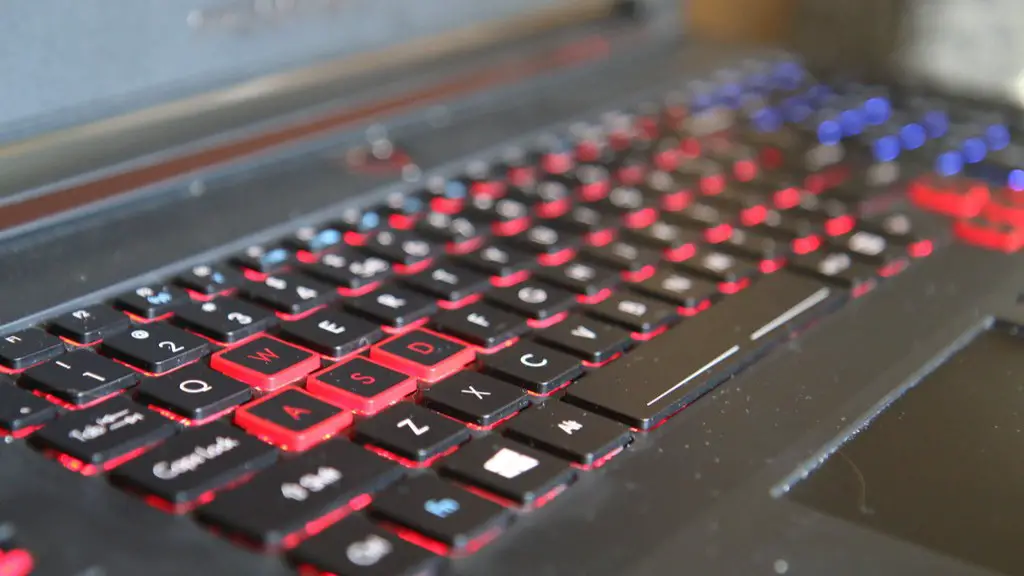
The gameplay controls can be the most intricate part of the setup. You will need either a controller or a wireless mouse-keyboard combo. If you are using a controller, the type of connection again depends on the TV and ports you’re using. Usually, you will be able to use a USB or a Bluetooth connection to link it to the TV. If you are going for a mouse and keyboard, you will also need to look for a wireless solution that pairs with your TV.
Game Stream
A good way to play your games on a TV without the hassle and expense of extra hardware is to utilize a game streaming service, such as a streaming device or service like Steam or Google Stadia. This method allows you to play games remotely on your TV after downloading your preferred game collection on the PC and using the streaming service on the TV. This is recommended if you don’t have the cables, ports, or devices needed to directly link your PC to the TV.
Windows/Mac OS Compatibility
Since most TVs are built for Windows OS, the gaming PC must be able to run Windows OS directly or use an emulator, such as a version of VirtualBox, in order to play the games on the TV. macOS users will find that Apple offers Mac-specific apps such as iTunes or TVOS app to stream video from Mac to TV. Once configured, these apps can be used to stream games from Mac. This is also a great way to watch movies and shows as well.
Troubleshooting
The last step is troubleshooting. Oftentimes the issue lies in the connection. Make sure the cables are securely connected and that the power is good. Connect the audio outputs and check the sound to ensure you’re getting the best audio. Check the game settings and adjust the display resolution if the picture looks too big or too small.
Game Controllers
Game controllers are also important components when connecting a PC to a TV. Most controllers come with standard connections such as USB, Bluetooth, and proprietary connections like Xbox, PlayStation, and Nintendo Switch. Using the proper controller with the TV will provide the best experience and make the game play much smoother. Having the right controller will make the game more enjoyable.
Networking
When connecting a gaming PC to a TV, it is important to make sure that the network connection is stable. A strong network connection allows for smoother gameplay as well as faster download speeds. Check the network settings on both the PC and the TV and make sure everything is in order. If the network connection is spotty, try resetting the router or modem and configure it for optimal performance.
Optimal Settings
Once everything is connected, it is important to make sure the picture and sound settings are optimal. Make sure the screen is in the correct resolution, brightness and contrast are set properly, and that the sound volume is at a comfortable level. Playing with the settings will give you the best experience for your games.
