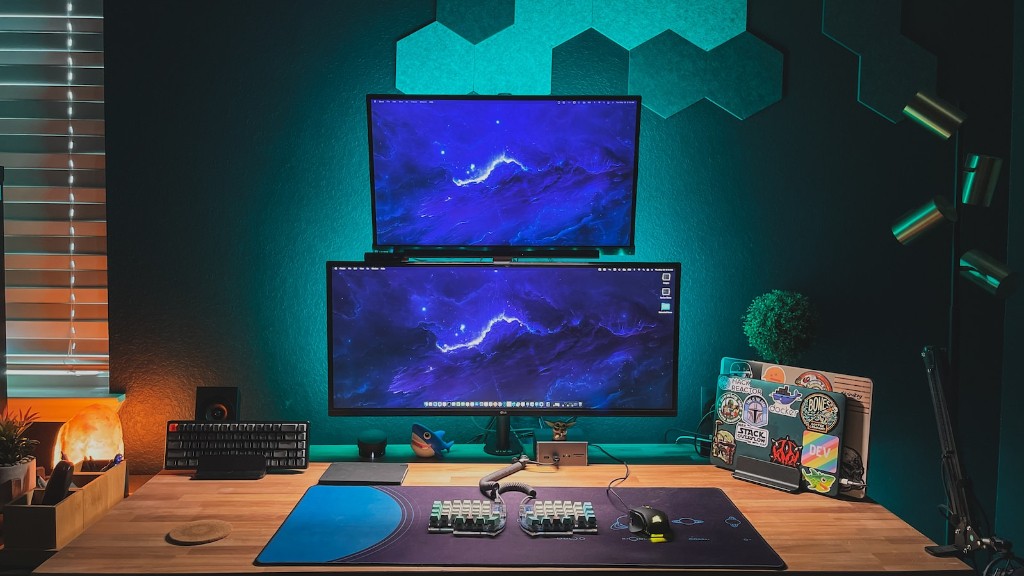
Building your own gaming PC can be a fulfilling and exciting experience, but it takes the right knowledge and components to ensure your build provides a smooth gaming experience. Knowing what components to look for and having the correct budget are essential when figuring out what components are affordable and vital for your build. Let’s explore what to look for when building a gaming PC.
Firstly, a good starting point for choosing components is to decide what type of games you will be playing. This will determine the type of processor, graphics card, and other components you should be looking for and help to keep your budget in check. The graphics card is a critical component for gaming and will determine the quality of in-game visuals. Consider the type of gaming you wish to do and pick the best graphics card to suit your needs.
Secondly, RAM is also an important factor in gaming, as it helps to improve the performance of the system when running high-end games. Go for a higher capacity RAM to ensure smooth gameplay, however it’s also important not to overspend – any more than 16GB is usually overkill for PC gaming. Storage space is also key for gaming, as games today can take up a large amount of storage space, so aim for a 1TB solid-state drive (SSD) which can significantly increase the system performance.
Thirdly, a good quality power supply unit (PSU) is also essential for gaming. Be sure to choose a reliable brand with the wattage and form factor necessary for the parts you’ve chosen. Look for 80 Plus certification for higher efficiency and look for features such as modular cables for improved airflow and cable management.
Fourthly, your budget should also be considered. Balance the components out to get the highest performance when within your budget. It is possible to get a good gaming experience within a mid-range budget but paying more will often mean better components, so be sure to budget accordingly.
Finally, cooling components are also essential when building a gaming PC. Keeping components cool is key to ensuring your gaming experience is smooth and without unexpected shutdowns. Look for a good liquid cooling system or high-end air coolers to ensure the components are performing as they should.
Motherboard
When building a gaming PC, the motherboard is a key component to consider. Match the motherboard slot and form factor to the other components you have picked. Look for features such as overclocking support, RAID support, and the number of USB ports for better options and improved system performance.
Additionally, look for features such as support for dual graphics cards and SLI/Crossfire support for improved gaming performance. The size of the motherboard will also affect the overall design of your gaming PC, especially since some components may be too big for certain motherboards. Make sure to check the size of your components and pick a motherboard that best suits them.
Your chosen motherboard should also support the type of CPU you’ve chosen. Ensure that the socket type is supported and match the number of cores to the amount of RAM you’ve picked. Additionally, having enough RAM slots is important for modern gaming PC builds.
When selecting a motherboard, it’s also important to consider the thermal performance of the board. If you plan to overclock your system, this is particularly important as having a poor thermal profile can lead to performance issues when overclocking. Look for a motherboard with good power management and high-end cooling solutions.
Be sure to budget enough for a good motherboard, as this is a key component when it comes to building a gaming PC. You should also consider aspects such as the PCIe lanes available on the board, SLI/Crossfire support, and the type of processor and RAM the board supports.
Peripherals
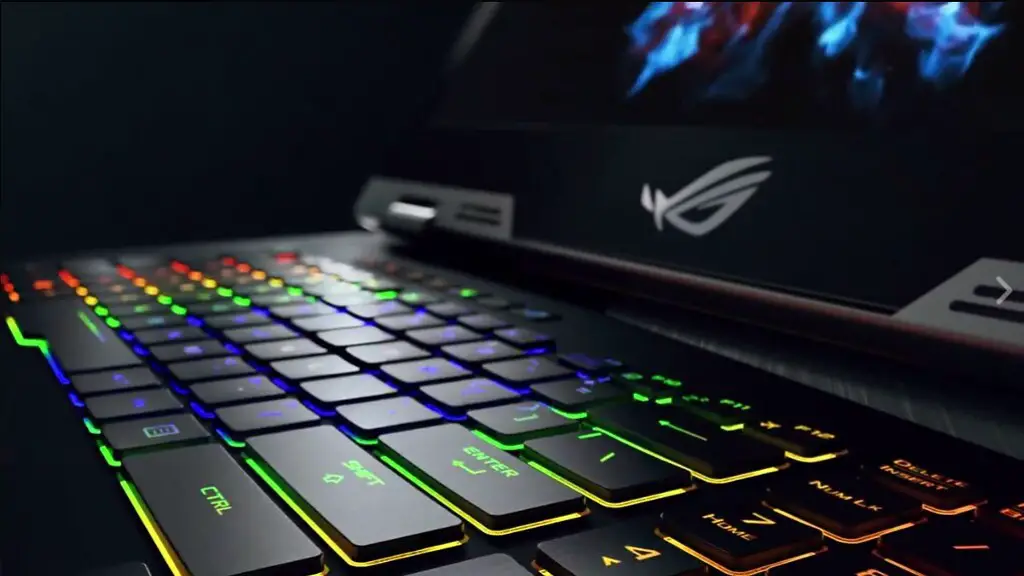
When building a gaming PC, the peripherals you choose will often determine the overall gaming experience. Peripherals such as a gaming keyboard and mouse can provide improved control and accuracy when gaming and often come with additional features designed for gaming. Good headsets and monitors can also provide an improved gaming experience, with features such as curved displays, high refresh rates, and improved sound.
When buying peripherals, make sure to match them to the gaming genre you intend to play. For example, if you’re into MOBA gaming, a gaming mouse and keyboard may be beneficial, whereas for FPS gamers, a gaming headset may be the better choice. Consider features such as adjustable DPI for gaming mice and RGB lighting for gaming keyboards.
Additionally, gaming monitors come in many shapes and sizes, with some being curved displays and some offering higher refresh rates such as 144Hz. Such monitors provide an immersive gaming experience and can provide an advantage when gaming competitively. Look for features such as anti-glare coating to protect your eyes during longer gaming sessions and adjustable stands for a comfortable viewing experience.
Headsets are also important, especially if you plan on playing online. Look for headsets with good sound quality and noise cancellation, as this can provide an improved gaming experience with less audio distractions. Look for features such as RGB lighting, comfort, and an adjustable microphone for better in-game communication.
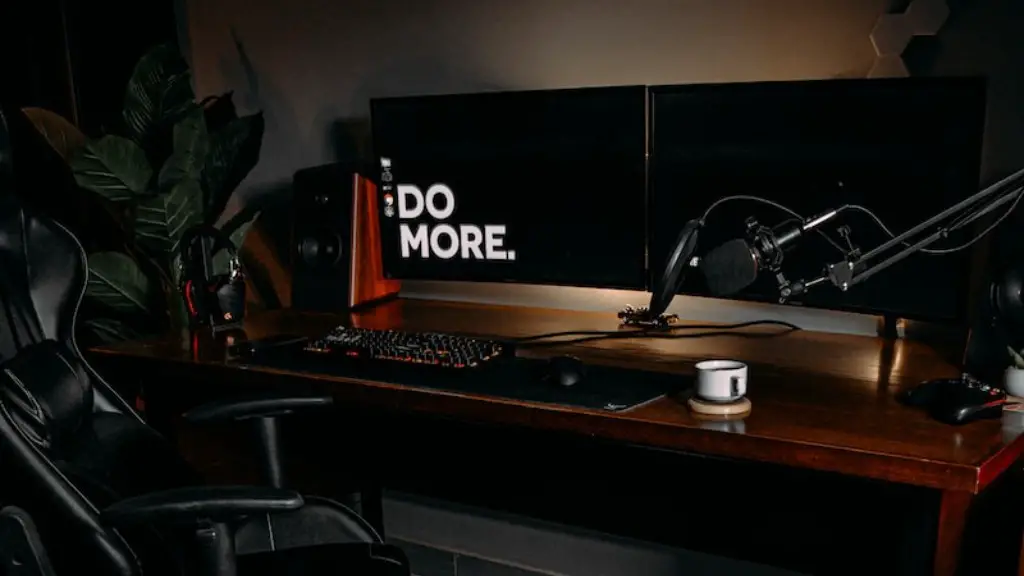
Though peripherals are not essential for gaming, choosing the right peripherals can provide an improved gaming experience. Be sure to also pay attention to warranties, as this could save you from having to buy another peripheral should something go wrong in the future.
Cases
The case for your gaming PC is an important consideration when building your PC. Consider the size of your components in relation to the size of the case, as components such as full-size graphics cards and liquid cooling radiators can easily take up space. Consider the airflow of the case and the number of fans it comes with, as this will you determine the gaming experience.
Also look for features such as cable management, drive bays, and fan controllers to improve the overall living space of your PC and enhance the overall aesthetic. Consider the colour scheme of your PC and the design of the case, as this will determine the overall look of your system.
Finally, it’s important to consider the noise levels of the case. Cases with better airflow will help to eliminate any unwanted noise. Also consider the materials used in the construction of the case as this can also reduce noise levels. Be sure to also check the reviews of any case you’re considering to ensure it is of a good quality.
Networking
An important component to consider when building a gaming PC is the networking equipment. Consider the type of internet connection you have and the type of router you need to get the best connection speed and reduce lag. Look for features such as dual-band support and mesh networking for improved signal strength and range.
Also consider other networking components such as network switches and extenders, which can further improve the signal strength and range of your connection. Such components can provide better speeds and coverage, allowing you to game without interruption. Consider these components as part of your budget and make sure they match the other components you’ve chosen.
It’s also important to look for additional features such as advanced security and parental controls, as this will protect your system from any unwanted interference. This is particularly important if you plan on connecting your gaming PC to the internet, as the extra security will reduce the risk of any malicious activity.
Adding networking components to your gaming PC can improve your gaming experience and provide a smoother and lag-free experience. Be sure to consider the features of any networking component to ensure it is of a good quality and provides the best signal strength.
Cooling
When building a gaming PC it is important to consider cooling components. Having a good cooling solution can prevent any performance issues due to overheating and can help to reduce noise levels. Look for liquid or air cooling with enough space to fit the components you have chosen and a large enough radiator to dissipate the heat.
Depending on the type of cooling you’ve chosen, look for features such as pump speed, fan speed, and radiator size to improve the cooling performance of your gaming PC. Consider the noise levels of the cooling components too, as this can affect the overall gaming experience.
Also consider additional components such as fans and fan controllers, as these can help to improve the airflow and reduce the overall temperature of the system. Look for features such as RGB lighting, custom fan curves, and adjustable speeds for improved cooling performance.
Be sure to plan your cooling setup before building your gaming PC, as this will help to improve the overall gaming experience and reduce any performance issues that may arise. Consider these components as part of your budget and make sure they match the other components you’ve chosen.
Conclusion
Building your own gaming PC can be an exciting and rewarding experience, but it requires careful planning and budgeting. Although it can be tempting to overspend, being sensible and budgeting appropriately can help to keep costs down while still providing a great gaming experience. Consider components such as the processor, graphics card, RAM, storage, motherboard, peripherals, case, networking, and cooling when building your gaming PC.
