
Building a mid-range gaming PC isn’t as hard as you may think. With the right parts and a little know-how, you can have a capable machine without breaking the bank. Here’s how to do it.
First, you’ll need to pick out a decent processor. Look for something with at least four cores and good performance in games. Intel’s i5-8400 and AMD’s Ryzen 5 2600 are both good choices. Both are relatively affordable.
Next, pick out a good graphics card. This is the most important component of any gaming PC. For a mid-range gaming PC, you’ll want something like an Nvidia GTX 1060 or AMD RX 580. Both offer good performance at a reasonable price.
You’ll also need a motherboard to hold all of your components. Look for something with good features and compatibility with the processor and graphics card you’ve chosen. Also make sure you get a good power supply; you don’t want to skimp on this part.
You’ll also need some memory. A good 8GB of RAM should be enough for a mid-range gaming PC. You’ll also want to get a good storage drive; an SSD for your operating system and a secondary hard drive for all your games and other large files.
Once you have all your components, you can begin building. Be sure to consult a manual or watch a video tutorial before you start, as things can get a little tricky. Once you have everything in place, you can install your operating system and all your games.
Finally, all that’s left is to fire up your PC and enjoy your favorite games. With the right components and a bit of elbow grease, you can have a mid-range gaming PC without blowing your budget.
Choosing Components
When it comes to building a mid-range gaming PC, your biggest investments will be the processor and graphics card. It’s important to pick something that is capable enough to meet your needs but also affordable. Look for something with good specs and performance that won’t break the bank.
When it comes to the motherboard, look for something with good features and compatibility with the processor and graphics card. Make sure to get a good power supply too, as this is a crucial component of any gaming PC. Lastly, be sure to pick enough memory and make sure you get a good storage drive – an SSD for the operating system and a secondary hard drive for all your games and large files.
Installing Parts
Once you’ve chosen the right components for your mid-range gaming PC, it’s time to start building. Don’t worry, it’s not as hard as it looks. Consult a manual or watch a video tutorial before you start, and you’ll be on your way. Be sure to be careful and make sure each component is securely in place before powering up.
Once everything is in place, you can install your operating system and games. Then it’s just a matter of configuring the settings and making any necessary tweaks. After that, you’re good to go and you can start enjoying your games on your new PC.
Upgrading Components

One of the best things about building your own PC is that you can upgrade it over time. As technology advances, you can upgrade your PC to keep up with the latest games.
If your processor has become outdated, you can upgrade to something more powerful. You can also upgrade your graphics card as new models become available. Same goes for the power supply and other components.
You can also add additional components such as lighting and extra fans to improve the look and cooling performance of your system.
Choosing the Right Case
When building a mid-range gaming PC, it’s important to choose a case that can accommodate all of the components. Look for something with decent ventilation and a good design. Also make sure it has enough space for any future upgrades.
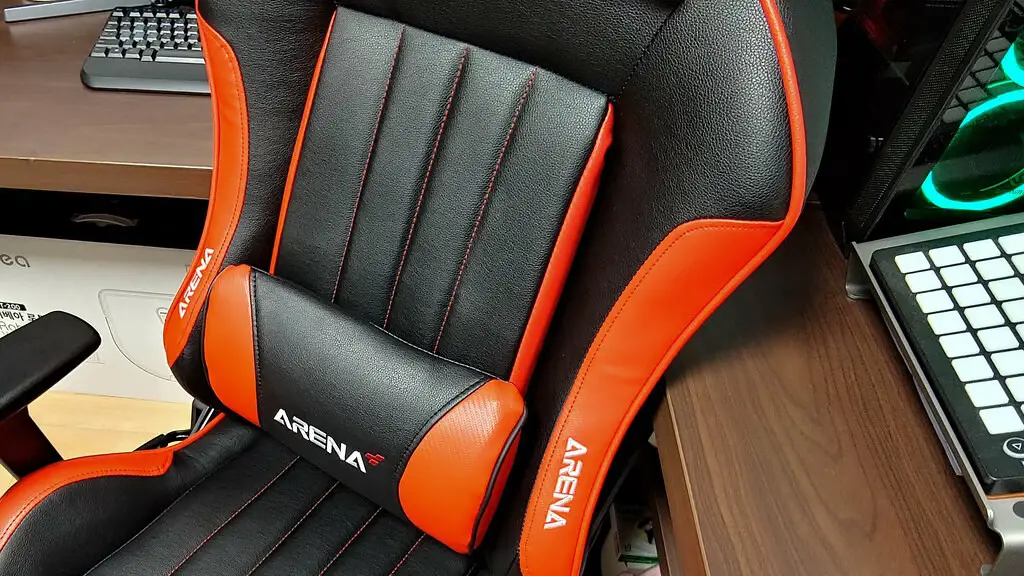
Take your time when looking for a case and make sure it fits your needs and budget. As long as you take your time and do your research, you’ll have a great looking PC without breaking the bank.
Building and Testing
Once all your components are in and wired up, you can start testing out your PC. First and foremost, make sure you’ve installed your operating system and all your drivers. Next, test out all your major components, such as your processor and graphics card.
You should also test out your system to make sure everything is working as it should. You can do this by playing some games or running some benchmarking tools. Once you’re sure it’s all working as it should, you’ll be ready to start enjoying your new gaming PC.
Conclusion
Building a mid-range gaming PC isn’t as hard as it looks. With the right components and a bit of know-how, you can have an awesome mid-range gaming PC without breaking the bank. Be sure to pick good components and take your time when building and testing your PC. With a little bit of effort and patience, you’ll have a great looking and high-performing PC.
