Having a gaming PC setup is essential for any serious gamer. It involves a few different components that are essential, as well as some optional upgrades that you can purchase to get the best gaming experience possible. Choosing and setting up the right components is essential for a great gaming experience and here’s what you need to get it done.
Proper Case
The proper case is the base that all your components will fit in. It has to provide adequate space, cooling, and protection to all your hardware. Generally, a larger case will give more room for cooling, but also requires more space. USB ports and slots for optical drives must also be considered, as your gaming PC will likely use these for various devices.
You want a case that allows for plenty of faceplates so you can access all your components easily. As far as aesthetic goes, there are plenty of cases out there with various colors and designs so you can customize your gaming PC to fit your style.
Power Supply Unit
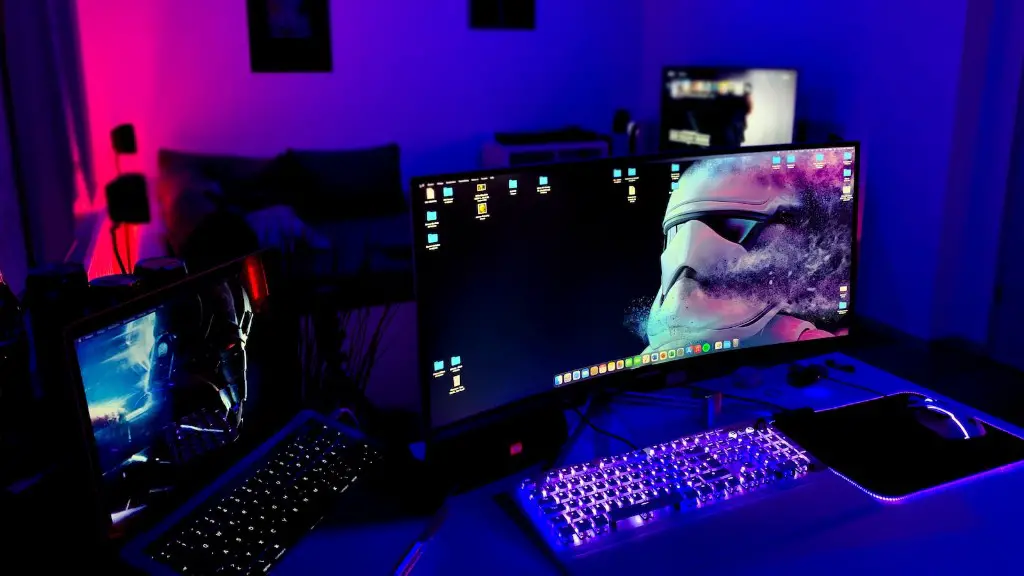
The power supply unit (PSU) is the foundation of your gaming PC. It delivers the correct amount of electricity to all your components. Without the right PSU, you could potentially damage your PC, or even destroy it. When selecting a PSU, it is important to get one that can provide enough wattage. Generally, the higher amount of wattage that your PSU can provide, the better.
You also have to consider the type of PSU. Single rail PSUs are generally the best for gaming PCs, as they provide a stable power supply with no risk of fluctuation. Multi-rail PSUs can be used as well, but generally offer less stability.
Motherboard
The motherboard is where all your components will plug in. This includes the processor, RAM, graphics card, and other peripherals. Therefore, it is important to make sure your motherboard is compatible with all the components you intend to use. Another factor to consider is the form factor, which determines the size and shape of the motherboard.
When choosing a motherboard, make sure it has enough PCIe slots for all your components, as well as SATA ports for storage. Many motherboards also have built-in audio and network controllers, which can save you some money on peripherals.
Processor
The processor is the brain of your gaming PC. It determines how quickly and effectively your PC can run games and applications. The type and speed of the processor will determine the performance of your PC. Generally, the faster the processor, the more powerful your gaming PC will be.
It is also important to make sure your processor is compatible with your motherboard and other components. Generally, Intel and AMD processors are interchangeable, but you should still check the requirements of your components before purchasing.
Graphics Card
The graphics card is what allows your computer to draw the detailed visuals that make gaming so enjoyable. Most modern games require high-end graphics cards, so you will need to select one that is suited for gaming. It is important to consider compatibility, size, and wattage of your graphics card when selecting one.
The power supply must also provide enough wattage to power the graphics card. Some high-end graphics cards require their own separate power supply, so make sure to double check the specifications before purchasing.
Memory and Storage
The RAM and storage of your gaming PC are also essential for optimal performance. The amount and type of RAM should be tailored to your specific gaming needs. Generally, more RAM will mean faster loading times and better performance. As for storage, it is best to get an SSD for the Operating System and a hard drive for additional storage.
SSDs provide lightning-fast loading speeds and minimal boot times, and hard drives provide the necessary storage space to hold all your games, files, and programs. A hybrid drive combining both is also an option, which can be beneficial if you are looking for a balance between loading speed and storage capacity.
Other Peripherals
The other peripherals are what will make or break your gaming experience. Having a good headset, mouse, and keyboard are essential for any serious or professional gamer. For the headset, make sure it has decent audio quality and Noise-Cancelling features. A good gaming mouse should offer adjustable sensitivity levels and grip.
As for the keyboard, you should look for one that has anti-ghosting and backlighting capabilities. Generally, mechanical keyboards are the best for gaming, as they offer the best accuracy and precision. There are many options out there for all of these peripherals, so make sure you do your research to get the best gaming experience.
Upgradable Components
Having upgradable components is also essential for a great gaming experience. Make sure you get components that are easily upgradable, as this will give you a greater sense of flexibility. For example, you may want to upgrade the processor or graphics card in the future. You should also get components with upgradable firmware and drivers so you can keep up with the latest gaming trends.
Having multiple storage solutions is also beneficial, as it allows you to store games and save data in different locations. This increases your PC’s overall performance, as games can be stored on the fastest drive while applications are stored on a slow drive.
Finally, you should also get components that have multiple connection options. This allows you to connect peripherals and storage solutions with various connection types. For example, an mSATA connection for fast storage and an eSATA connection for backup storage solutions.
Cooling System
Having a good cooling system is essential for any gaming PC. As components generate more heat, having a good cooling system can prevent overheating and other hardware issues. There are several different types of cooling systems available, from fans to liquid-cooling systems. Generally, liquid-cooling systems are the best for gaming PCs, as they provide maximum cooling with minimal noise.
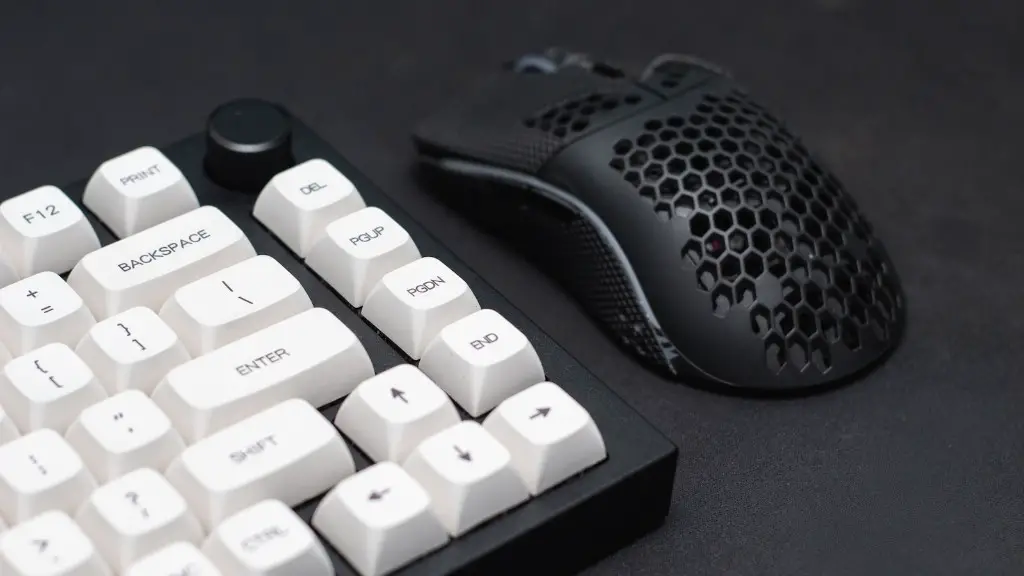
The cooling system should also be tailored to your specific needs. If you have a basic gaming PC, then fans may be enough. If you have a more powerful PC, then a liquid-cooling system may be better. You should also consider the type of fan or liquid cooling system, as they come in various sizes and shapes.
Another factor to consider is airflow. Make sure you have adequate airflow in your case in order to keep components cool. You can install additional fans if needed, and you can also get a case with optimized airflow for maximum cooling.
Software
Having the right software is essential for any gaming PC. You need to make sure your PC is up to date with any patches and security updates. This will keep your PC running smoothly and provide optimal performance when gaming. You should also make sure your PC is running the latest version of your Operating System.
You’ll also need to have the right programs installed. This includes streaming programs like Twitch, game launchers such as Steam or Origin, and monitoring programs such as GPU-Z or CPU-Z. Knowing which programs to install is essential for any serious gamer, as it will keep your gaming PC running smoothly.
Networking Essentials
Having the proper networking setup is important for any gaming PC. You need to make sure your connection is fast and reliable in order to get the best gaming experience. This means having a fast internet connection, as well as a good router and modem. If you intend to play online, you should also look into a gaming VPN, as this can help protect your connection from malicious attacks.
You should also make sure all your networking devices are up to date. This includes your modem, router, and any other connected device. You should also have the latest firmware and drivers installed, as these provide the best performance and security.
Finally, you should make sure your network is secure. This means having a strong password on your router, and making sure all your connected devices are protected. You should also consider a VPN or other network monitoring and security programs.
