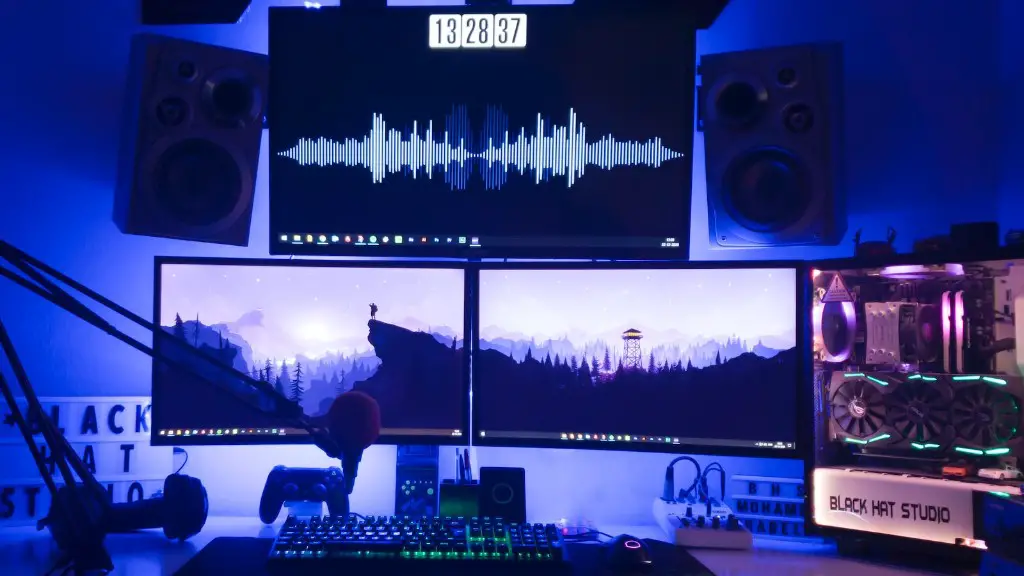
Building a gaming PC can be a daunting task. On top of needing to understand the parts you need and how they work together, you need to know where to look to buy the components you need and which site offers the best deal. To help you out, here’s the best site to build a gaming PC.
PCPartPicker.com stands out among the great options available because of its expansive selection of components and its helpful information on important specs. The site is designed to make it easy for both beginners and experienced builders to find exactly what they need for their build, plus give helpful advice on where to buy components for the best prices.
PCPartPicker.com has an extensive range of components from various brands. They also have customizable tools to compare prices between vendors and to narrow down the list of components available. All of this makes it fast and easy to find the parts you need for your build.
The website also provides helpful information about the different components such as their dimensions, power inputs, and memory. There’s also a helpful forum section where experienced builders can give advice and assistance to novice users. This community helps ensure that everyone can build the perfect gaming PC.
PCPartPicker.com isn’t the only great option out there but it’s one of the best. With its range of components, helpful specs, and easy-to-use part comparison tools, you can’t go wrong using PCPartPicker.com as your go-to website to find the parts you need to build a gaming PC.
Cooling Options
Cooling components are essential for any gaming PC. Heat buildup can cause hardware to overheat, leading to sluggish performance or crashes during gaming sessions. This makes it essential to have the right cooling setup for your build.
Fortunately there is a wide variety of cooling options for any gaming PC. Liquid cooling is the most reliable way to keep temperatures down and many cases come with pre-installed radiators. If a custom liquid cooling system isn’t your style, then air coolers or even fan-controlled case intake/exhaust vents can help maintain temperatures.
The best site for building a gaming PC will have a wide selection of cooling options. On PCPartPicker.com you can find everything you need to maintain the ideal temperature, whether you’re going for a custom liquid cooling system or just a basic fan setup.
The site makes it easy to find components with the right specifications and comparison tools to get the best deal. With PCPartPicker.com you can find assurance that your cooling system will be up to the task and help keep your PC running at peak performance.
Graphics Cards
Graphics cards are another essential component for any gaming PC. Without a strong GPU, your gaming experiences will be lackluster, regardless of how good your other parts are. It’s essential to have a card that can run the latest AAA games.
When it comes to graphics cards, PCPartPicker.com has you covered. They have an extensive list of GPUs of all power levels and brands. Deciding on the right graphics card for your build can be intimidating, but PCPartPicker.com’s helpful comparison tool can narrow down your list and help you choose the best one for your build.
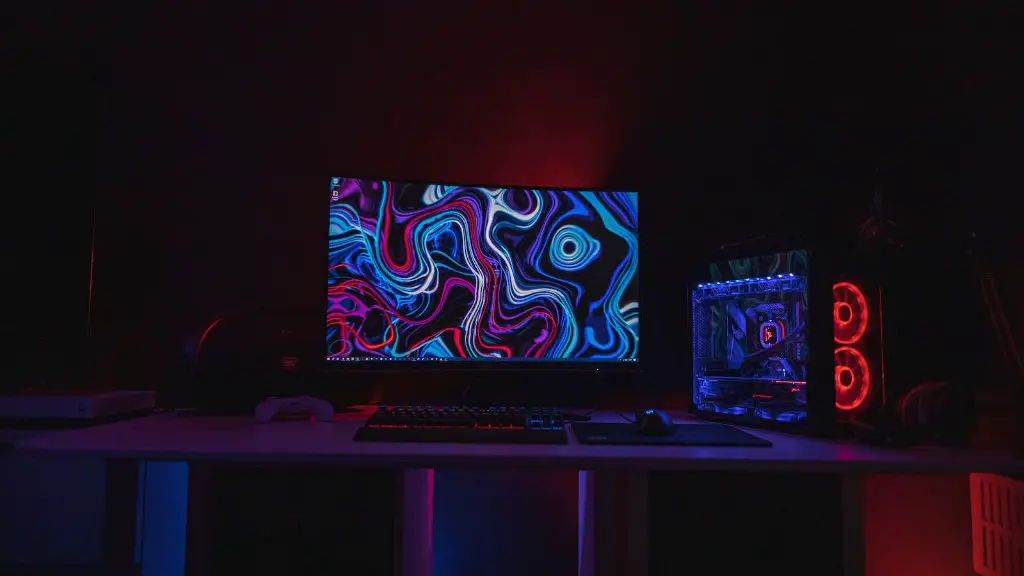
In addition, PCPartPicker.com has a wealth of helpful specs for each GPU. This information can be invaluable for helping to decide which card is a good fit for the rest of your components. With their help, you can rest assured that your GPU will keep up with your gaming ambitions.
Storage
You’ll need plenty of storage for your gaming PC, especially if you’re an avid gamer. Installing your OS, games, and other software will quickly eat up space, so you need reliable and plentiful storage.
PCPartPicker.com has a great selection of storage options, ranging from traditional hard drives to super-fast solid-state drives (SSDs). The site also has helpful information on each type of storage and comparison tools so you can easily find what is best for your budget.
Most gamers these days opt for an SSD as their primary storage drive because of its superior speed. An SSD can drastically reduce load times when booting up your system and launching games. PCPartPicker.com makes it easy to find the right SSD for your setup and compare prices.
Power Supply Unit
Your gaming PC needs reliable and efficient power to run. Without a good power supply unit (PSU), you’re vulnerable to hardware frying and other dangers. You need the right PSU for your build to make sure your components are protected and running as smoothly as possible.
PCPartPicker.com has got you covered for finding the right PSU for your setup. Their selection is extensive, so you can easily find the one you need. The site also has helpful information and a comparison tool to make sure you pick the right PSU with the right wattage.
Motherboard
Your motherboard is the foundation of your PC setup. It connects all of the other components together, so you need a motherboard that’s compatible with your parts and provides the right connections.
Finding the right motherboard can be tricky but PCPartPicker.com takes the worry away. The site has an expansive list of motherboards to choose from and they provide detailed specs like form factor, chipset, and socket type.
PCPartPicker.com also has an easy-to-use comparison tool to help you find the right motherboard for your setup. With the help of an experienced builder you can rest assured that you’re getting the right part for your build.
Case
The case of your gaming PC is an important part of the build, both for protecting the components and for providing a stylish aesthetic. Your case needs to provide enough space for your components, have well-ventilated airflow, and have the necessary connections.
PCPartPicker.com has a great selection of cases, from budget-friendly ones to high-end models. For each case, they provide detailed information on the form factor, expansion slots, and radiator compatibility.
Not only that, PCPartPicker.com also has an easy-to-use comparison tool so you can compare the cases and find the one that best fits your needs. With their help finding the perfect case for your gaming PC is simple and straightforward.
