
Making a portable gaming PC is becoming increasingly popular in recent years. What better way to stay entertained on the go than to have a PC that you can bring with you? This article will cover the steps to build a portable gaming PC that can fit in a carrying case and be taken with you wherever you go. Here’s how to do it:
First, choose components that are both powerful enough to run the games you want and small enough to fit in a carrying case. You’ll need a mini-ITX motherboard, mini-ITX power supply, mini-ITX case, and a smaller version of the components you would normally choose for a gaming rig – such as the processor, graphics card, RAM, solid-state drive, and hard drive.
Next, assemble the components. Utilize a mini-ITX case for easy installation of the components and be sure to read the instruction manual for installation details. Buy the necessary cables and connectors for the components and be sure to securely connect the CPU to its heatsink.
Third, install the operating system. This can be Windows 10 or any Linux-based operating system. If your processor isn’t compatible with the latest version of Windows, you’ll need to select an older one.
Fourth, install the necessary drivers for the components to ensure they’re working properly. This can be done through your operating system or by downloading the latest drivers from the component’s manufacturer websites.
Fifth, install the games. This can be done through downloading them directly from the internet or through using a gaming platform such as Steam or GOG. Be sure to install the extra software needed for the games to run properly such as game patches, graphics drivers, and more.
Finally, test the portable gaming PC to make sure it is running the games properly. Get the battery for the power supply and you’re ready to go. Now, you can take your portable gaming PC wherever you go with ease.
What Are The Benefits of Making a Portable Gaming PC?
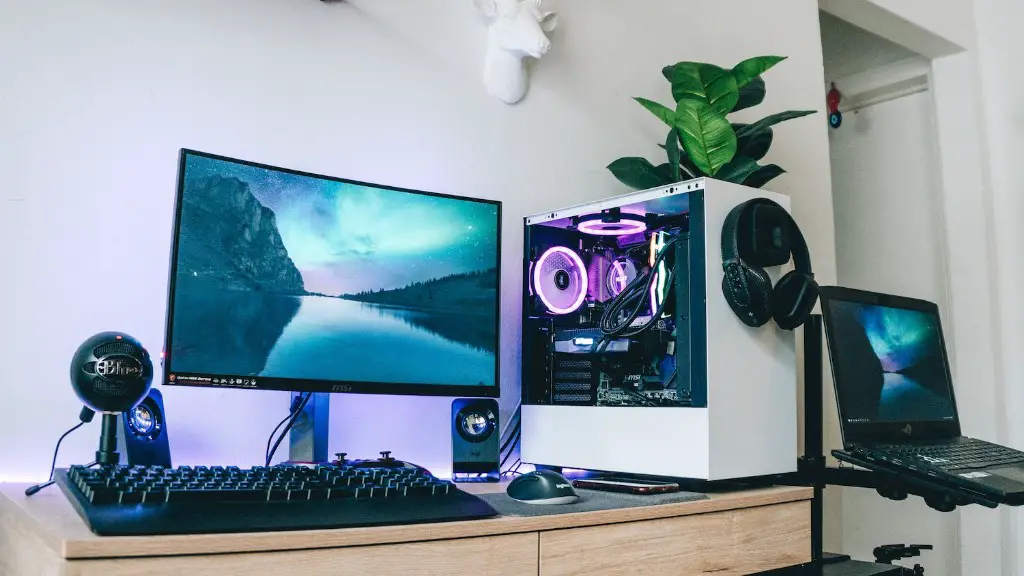
Making a portable gaming PC can have a variety of benefits, especially if you’re a fan of gaming on the go. The portability factor allows you to bring your gaming machine with you, meaning you don’t have to be tied down to a stationary setup. Plus, you can take advantage of stronger gaming performance than you would have with a laptop due to the power of the components.
Aside from being able to take your gaming machine with you, there’s also the cost factor. Building a gaming PC is typically more cost-effective than buying an off-the-shelf gaming laptop, especially if you want the extra power and performance. You can also customize the components to suit your exact needs.
Being able to game on the go also allows you to game in places where you wouldn’t normally be able to. For example, if you go on a long-distance trip, you can bring your gaming PC with you and not miss a beat. Plus, you can set up a LAN party with friends wherever you go.
What Are The Challenges of Making a Portable Gaming PC?
Building a portable gaming PC can have its challenges. Since you’re aiming for portability, you’ll have to be extremely selective with the size of the components you choose. This can be difficult because you need to achieve the right balance between power, performance, and size. Some components such as full-size graphics cards and large power supplies won’t fit in a carrying case and these can be hard to find in a mini-ITX form factor.
Cable management is also a challenge. You want your cables to be properly organized and hidden to ensure that the PC looks presentable when not in a case. Not to mention, you want the cables tucked away to ensure the system remains cool and efficient for the best performance.
You will also need to make sure that the components are compatible with each other. Not all components are designed for a mini-ITX form factor, and you want to ensure that the ones you use are actually compatible with each other. Otherwise, you may run into problems during the build.
How To Choose Components For a Portable Gaming PC?
There are a few things to keep in mind when choosing components for a portable gaming PC. Size is one of the most important factors. Make sure the components you choose are small enough to fit into a carrying case. However, you’ll also need to take into account the power and performance of the components. You don’t want to sacrifice too much of the performance to fit the components into the case.
Researching the components you want to use is also important. Check out reviews of the components online and be sure to do your due diligence. This will help you make sure that the components are reliable and compatible with each other.
You should also ensure you get the right cables for your components. Don’t skimp out on the cables as a dodgy one can cause you a lot of problems. Get a decent quality cable that can handle the power needed for the components.
Finally, make sure you get the highest wattage power supply for the components. The wattage necessary for the components should be stated in the product specifications. A higher wattage will ensure that your components have enough power to run properly.
What Other Things Should I Consider when Making a Portable Gaming PC?
When making a portable gaming PC, it’s important to keep an eye out for any other considerations. For example, you need to make sure that the PC can actually fit in the carrying case you choose. Measure the case and measure the components to ensure that they all fit.
You should also consider cooling. Since you’re aiming for portability, you may have limited space for cooling fans. For example, the CPU will typically require a fan to stay cool, but you may not have room for a large one in the mini-ITX case. Make sure you get smaller cooling fans or get a liquid cooling system that fits in the mini-ITX case.
In terms of storage, you may need to get an external hard drive to supplement the internal storage. Modern games require a lot of space, and an external drive can help you keep up with the space requirements.
Portability also means you won’t have a large area to work with. Make sure that your chosen operating system is subtle on RAM usage and storage. Linux is a good choice for a portable gaming PC as it is lightweight and can run on less powerful components.
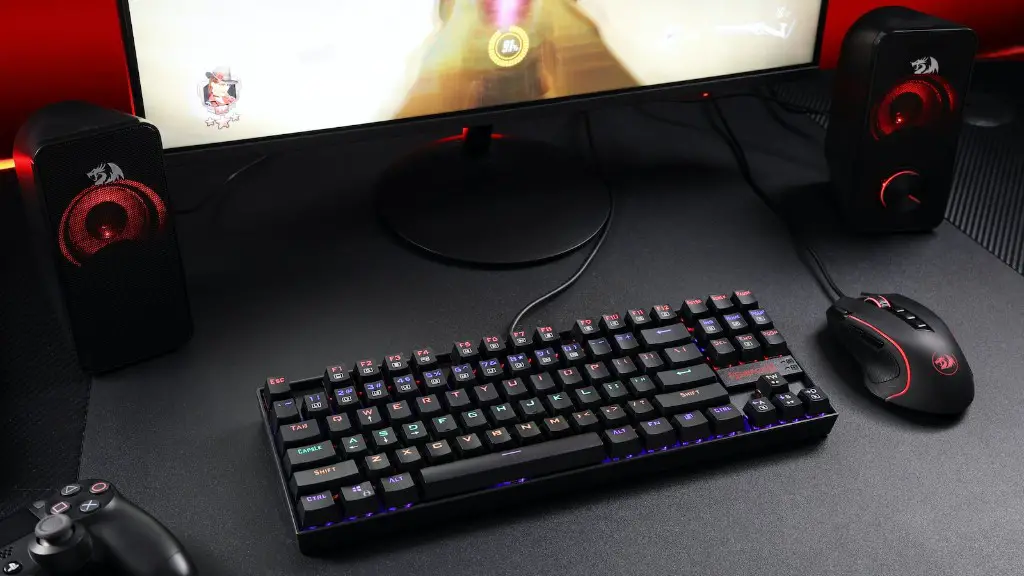
You may also need extra accessories. Accessories that are portable and don’t take up too much space such as a gaming mouse, headset, and game controller can be helpful. Be sure to research the accessories that are available for your gaming PC.
