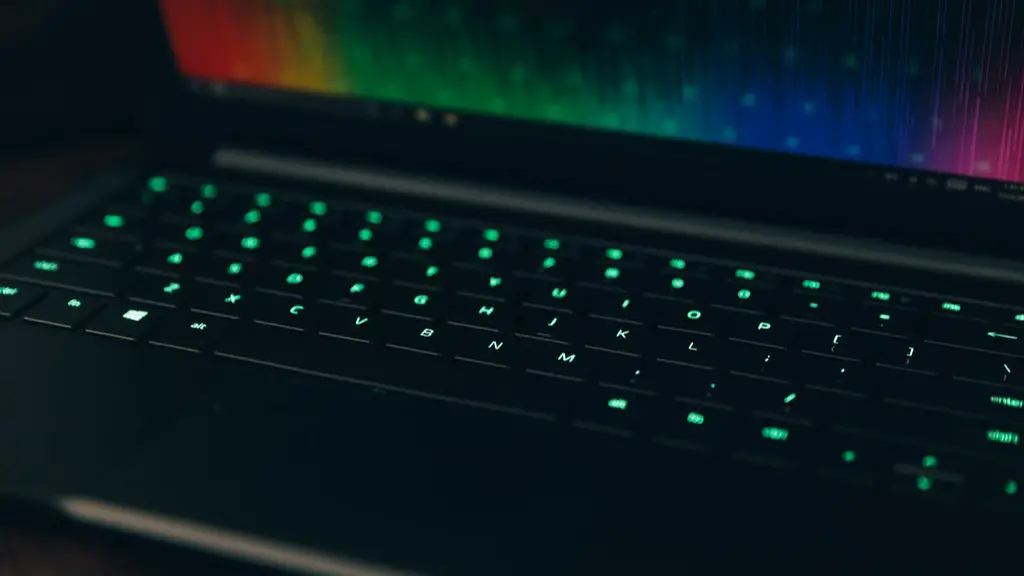
Advanced Graphics And Memory Power
Computer gaming isn’t just a hobby anymore, it has become a sport. With enthusiasts all over the world, competitive gaming has taken the game industry to new heights. As a result, professional gaming laptops have become increasingly popular due to their high level of graphics capabilities, extra memory, and improved game loading times.
Why Additional Memory Is Important For Gaming
Additional memory is important in gaming laptops because it allows gamers to run more programs simultaneously, increases their ability to multitask, and can enhance their gaming experience. Having a faster computer with more memory can also help to improve response times in games, as well as reduce loading times when loading and playing a game.
Memory Capacity and How It Affects Performance
Memory capacity and type both play a role in gaming performance. An increased memory capacity can improve gaming performance by allowing gamers to allocate more resources to the game. This can have a positive effect on the gaming experience by allowing for higher framerates and less frame stutter. Additionally, faster types of memory can improve gaming performance, as faster memory can lead to faster loading times and improved game performance.
Can Memory Be Upgraded On A Gaming Laptop?
In some cases, memory can be upgraded on a gaming laptop. While most gaming laptops do not come with an extra slot for memory, some do. If yours does, then you may be able to add more memory. Before attempting to upgrade your laptop yourself, it is important to check with your manufacturer and ensure that they approve of you attempting the upgrade.
Benefits of Adding More Memory
Adding more memory can give you an improved gaming experience. Your laptop will be able to process more data at once, which can lead to better frame rates and less frame stutter. You may also experience faster loading times for games and apps, as well as increased multitasking capacity. Additionally, more memory may help your laptop run more smoothly, with less lag and less crashing.
An Alternative To Memory Upgrades
If you cannot upgrade the memory on your laptop, then there is still a way to improve your gaming experience. Many gaming laptops come with additional features, such as an SSD, additional cooling fans, or an extended battery life. Purchasing any of these extra features will improve your gaming experience without having to upgrade the memory.
Considerations Before Upgrading Laptop Memory
Before upgrading your laptop memory, there are a few considerations to keep in mind. First, determine how much memory you will need, as well as what type of memory your laptop can accept. Make sure that the memory you’re buying is compatible with your laptop. Finally, consider the cost of the upgrade, as well as any other potential costs such as installation fees.
Using A Dedicated Graphics Card
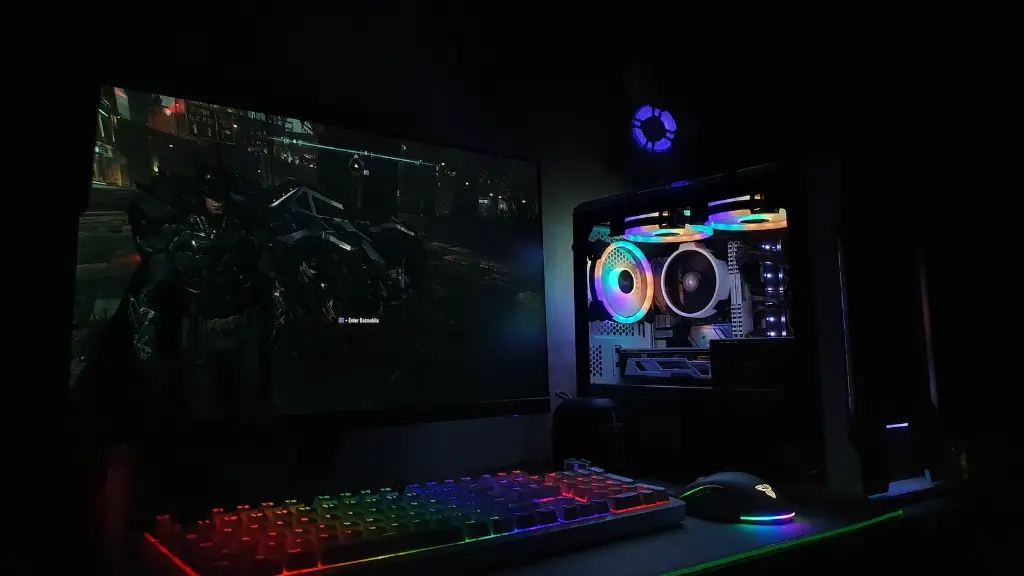
One way to improve the graphics performance of your gaming laptop is to use a dedicated graphics card. A dedicated graphics card is one that is specifically designed for gaming, as opposed to integrated graphics, which are typically faster but are not specifically designed for gaming. Dedicated graphics cards can provide significantly better graphics performance and can lead to smoother gaming experiences.
Overclocking Memory To Improve Performance
Overclocking is another way to improve the performance of your gaming laptop. Overclocking memory involves increasing the clock speed of your memory, which can lead to improved performance. It is important to research overclocking thoroughly and make sure you know what you are doing before attempting to overclock your laptop memory.
Getting The Most Out Of Your Laptop
Lastly, it is important to ensure that you are getting the most out of your laptop by staying up-to-date with the latest software and hardware updates. It is also important to keep your laptop clean and free of dust and debris, as this can help to improve its performance. Additionally, you should ensure that you are using the correct settings for your specific game and system, as this can also help improve performance.
