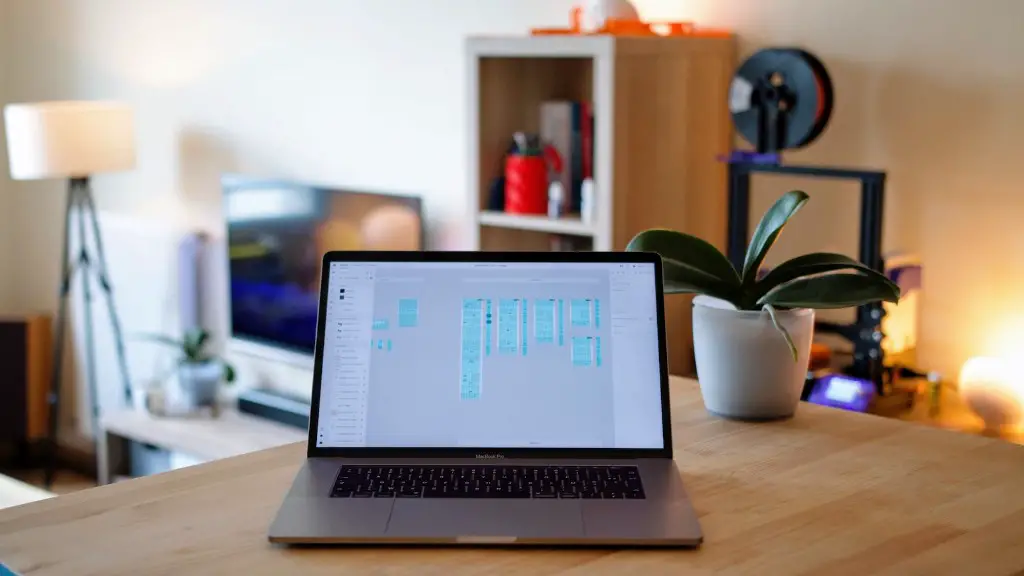
It’s the worst feeling – after playing a great game on your gaming laptop, the screen suddenly crashes. Many gamers experience this frustrating issue on a regular basis and find themselves asking: why does my gaming laptop keep crashing?
The main cause of laptop crashes is that the computer is running too many processes at once. This is because modern gaming laptops come with much more memory and storage than most computer systems can handle. This could be due to the amount of data the laptop has to process, or the size of the game files. When the gaming laptop reaches its limits, it can crash because the system can no longer cope.
Another common cause of laptop crashes is overheating. When gamers play high-intensity games with long gaming sessions, their laptop’s fans struggle to keep up with demand. This can cause the laptop to overheat, leading to a crash. A laptop’s fans should be checked regularly for dust accumulation or any other sign of wear and tear that could cause the laptop to overheat.
Software issues are also a potential cause of laptop crashes. Outdated or corrupted operating systems can cause a laptop to crash due to incompatibility issues with games. Software errors can also result in a crash. For example, software bugs may cause a laptop to crash while a game is loading or while a game is being played.
It’s also possible that a laptop crash is caused by hardware failure. This could be due to a faulty processor or graphics card, or a failing hard drive. If the laptop has a faulty part, it won’t be able to run games as efficiently. In turn, this could cause the laptop to crash.
The best way to prevent laptop crashes is to keep the system up to date. Software updates are available from the manufacturer periodically and should be installed as soon as possible. This will help ensure that the laptop can handle the latest games and avoid any software issues. It’s also important to check for overheating issues on a regular basis, and to clean out any dust that may have accumulated in the laptop’s fans. And if the laptop has a faulty part, it should be replaced as soon as possible.
Performance optimization
Performance optimization is a great way to make sure that gaming laptops don’t cause crashes. One way to do this is to reduce the number of background programs running. This can be done by disabling any unnecessary applications or features. This can help free up system resources so that games can run in an optimal environment without compromising the laptop’s performance.

Another way to improve performance is by disabling any visual effects or resolution settings. Doing this will lower the amount of data the laptop has to process, so there is less strain on the system. This can alleviate the stress on the laptop and make it less likely to crash.
Finally, gamers should make sure that their laptop’s driver and firmware are up to date. Drivers help the laptop recognize the games and settings, so it’s important to keep them up to date. Doing this can help prevent compatibility issues and reduce the likelihood of a crash.
Other tips and tricks
In addition to the performance optimization tips, there are a few other tips and tricks gamers can use to prevent laptop crashes. One of the best things to do is to create a restore point before playing any game. This allows gamers to revert the laptop’s settings if a crash occurs. This should be done in the case of any major software or hardware changes.
It’s also a good idea to get a laptop cooling pad or fan. This can help reduce the laptop’s temperature, which can prevent crashes due to overheating. Additionally, it’s important to avoid overclocking the laptop. This can increase the strain on the system and make it more likely to crash.
Finally, it’s important to be aware of the laptop’s resources and capabilities. If a laptop is too old or doesn’t have enough memory, it won’t be able to handle certain games. Before playing any game, gamers should check to make sure that the laptop can handle it without crashing.
Understand hardware requirements
To make sure that a laptop can handle all of the latest games and software, gamers should familiarize themselves with the hardware requirements of different games and software. Knowing the hardware requirements can help gamers find the best laptop to suit their needs and make sure that it won’t crash due to limited resources. It’s important to make sure that the laptop has enough memory and storage, as well as a powerful processor and graphics card for intensive gaming.
By understanding the hardware requirements, gamers can make sure that their laptop has everything it needs to handle the latest games. This will make it less likely to crash due to a lack of resources. Additionally, gamers should check the laptop’s specs to make sure that it can handle any new games or software before downloading or installing them.
In addition to hardware requirements, gamers should also make sure that their laptop is set up correctly. This includes making sure that all cables are securely connected and that all components are functioning correctly. By following these steps, gamers can make sure that their laptop is running at its optimal performance and reduce the chance of a crash.
Conclusion
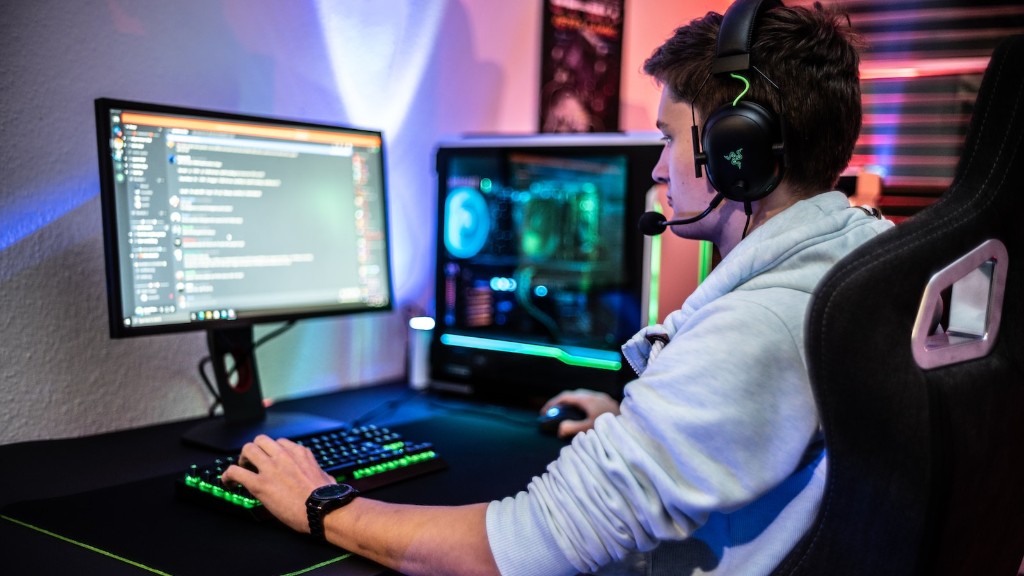
Laptop crashes can be incredibly frustrating and time consuming to fix. However, by optimizing performance and understanding the hardware requirements, gamers can make sure that their laptop runs smoothly and can handle the latest games without crashing. In addition to this, gamers should also be mindful of their laptop’s resources and make sure it is set up correctly before downloading or installing new software or games. By following these steps, gamers can help ensure that their laptop runs smoothly with minimal crashes.
