The frequency of a gaming monitor is an important factor to consider when shopping around for a new display. Hz, or hertz, measure the number of times an image or refresh rate is displayed per second. The higher the refresh rate and Hz, the smoother the animation and gaming performance of your screen. The question is: How many Hz do you need for a gaming monitor?
The answer to this question depends on several factors, such as the type of game you are playing and the features of your monitor. For example, a 240Hz monitor is best for fast-paced and competitive shooting games like Call of Duty or Overwatch. If you plan to play action adventure and role-playing games with epic visuals, a 144Hz monitor will do the job. As for 4K, it requires a minimum of 60 Hz for smooth gaming experience, although some monitors in this range feature high-end 240Hz.
The cost of a gaming monitor is also a factor. Higher Hz rates generally mean more expensive products. A 144Hz monitor will cost less than a 240Hz and a 4K monitor will likely require an even bigger investment. Keep in mind that any Hz rating lower than 144 can be noticeable and cause lag.
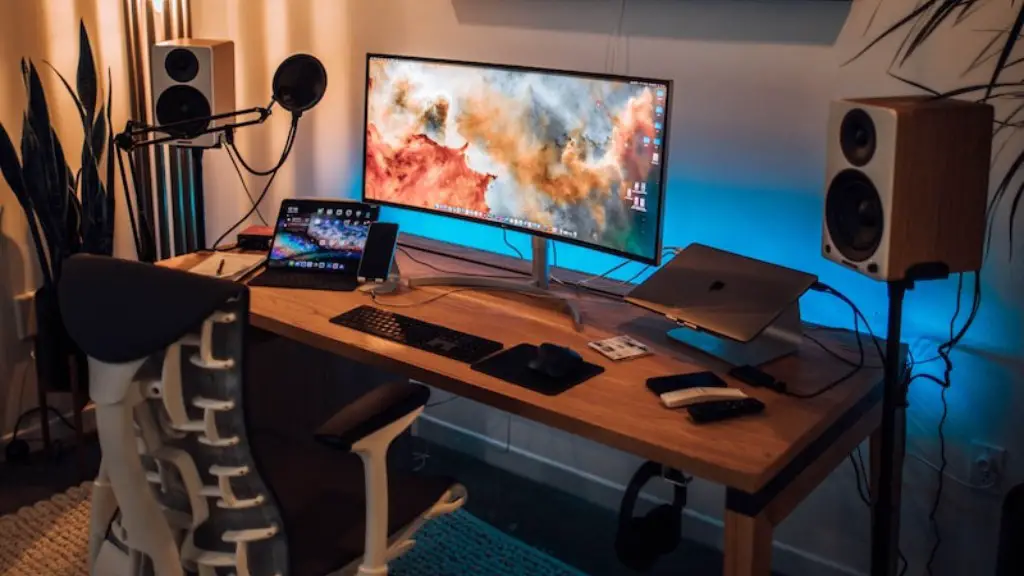
Ultimately, the number of Hz you will need depends on what type of gaming you enjoy. You can take advantage of today’s monitor technology and their high-refresh-rate tech including G-Sync and FreeSync, which can greatly reduce tearing and stutter. For most gaming needs, a good 144Hz model should be sufficient and for a 4K gaming experience, you should aim for at least 60Hz.
To further understand the importance of Hz in gaming monitors, we can consider the response time. This is basically the time it takes for a pixel to switch from one color to another, so the faster the response time, the lower the lag you’ll get. Generally, the faster the pixel response time and higher the Hz, the better. Your gaming experience will be smooth and lag-free.
So what’s the best Hz for gaming monitors? As highlighted earlier, the answer to this depends on several factors. But in general, a 144Hz monitor will be sufficient for most users, though if you’re more into FPS and competitive shooting games, then a higher Hz rating may be necessary.
Influence of PC specifications on HZ
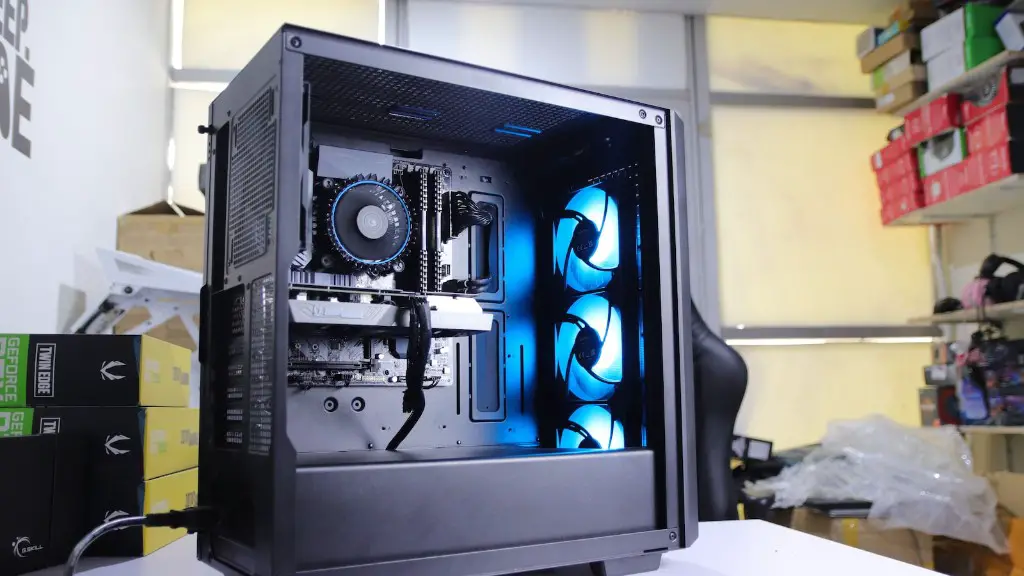
FPS can be impacted not only by the Hz of a gaming monitor, but also by the power of the PC. To experience a smooth gaming experience, an optimal system requirement is necessary. This includes having the proper graphics card and compatible drivers. A monitor with a high Hz rate won’t deliver the best performance if it’s paired with an outdated or incompatible graphics card.
In addition to the power of a PC, other specifications such as the graphics processor and RAM must be taken into account. A powerful graphics card is essential in order to keep up with the high refresh rates of a gaming monitor. If the card isn’t powerful enough, the frame rate won’t keep up with the Hz rating and the user won’t be able to experience the full benefits of the display.
The amount of RAM also has to be considered when determining how much Hz your monitor needs. 8GB of RAM is the recommended minimum for gaming with Hz of up to 144. As for 4K gaming, more RAM is needed to avoid performance issues. A minimum of 16GB is recommended for an optimal setup.
It’s worth noting that when pairing a PC with a monitor, the former should be powerful enough to maintain a frame rate as close as possible to the Hz rating of the display. This is important because monitors with high Hz ratings will perform closer to their maximum Hz if the PC’s specifications meet the requirements.
CPU performance is also important. When choosing a processor, it’s best to pick one of the current generation models such as the Ryzen 5 series or the Intel Core i5. This should be more than enough for any gaming monitor, including those with 4K resolution.
Difference between average monitor and gaming monitor
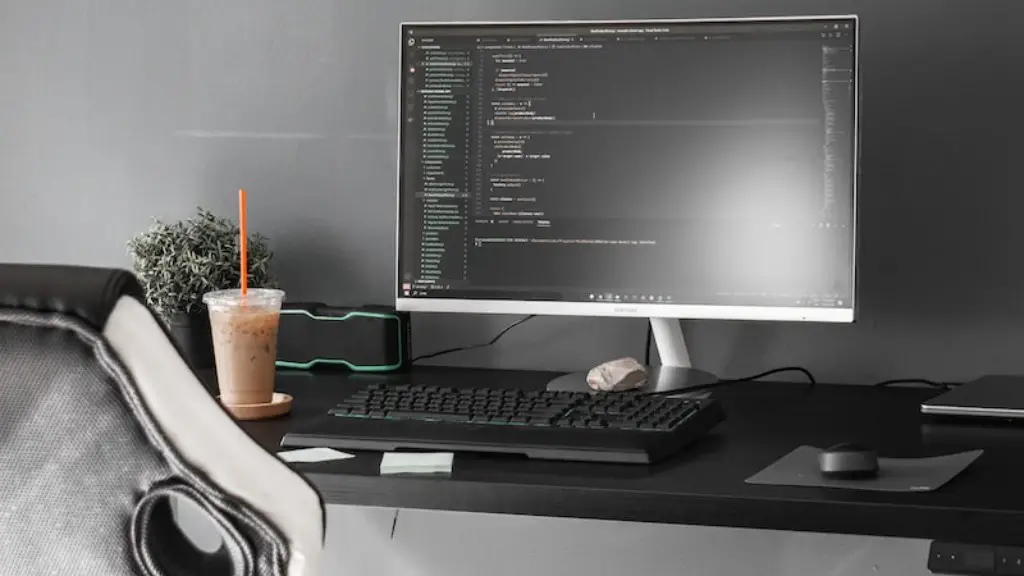
While an average monitor may offer adequate viewing for general browsing and watching movies, gaming monitors are still ideal for gaming. This is due in part to the higher Hz rating, as well as the gaming-specific features such as G-Sync and FreeSync. These features synchronize the monitor’s refresh rate with the graphic card’s frame rate to eliminate screen tearing and stutter.
In addition, gaming monitors are usually more ergonomically designed than average monitors. This means they come with adjustable stands that can be moved to fit your setup and provide maximum comfort. They also have USB ports, allowing you to easily connect external storage devices, controllers and other gaming peripherals.
Many gaming monitors are also equipped with integrated audio, allowing you to enjoy an immersive gaming experience. This eliminates the need to wear headphones and ensures that you can hear all the sounds of the game clearly. Some monitors also incorporate RGB lighting for a more visually stimulating gaming experience.
Last but not least, gaming monitors are specially designed to deliver a smooth, lag-free performance. This makes them ideal for gaming, especially fast-paced and competitive games. Therefore, if you’re a serious gamer, investing in a gaming monitor with a higher Hz rate will definitely be worth it.
difference between TN and IPS display
Another important factor when shopping for a gaming monitor is the type of panel it uses. The most common types are TN (Twisted Nematic) and IPS (In-Plane Switching). The performance of a display depends largely on the panel technology it uses. Both TN and IPS panels have their own pros and cons so it is important to compare the two before making a purchase.
TN panels have fast refresh rates and pixel response times, making them ideal for gamers who are not interested in producing accurate colors. This means they are best for fast-paced games where speed and responsiveness are more important than visuals. On the downside, TN panels tend to have lower viewing angles and inferior color accuracy compared to IPS.
IPS panels provide much better viewing angles and color accuracy than TN. They are best for games that require more vibrant visuals such as RPGs and first-person shooters. However, they don’t have refresh rates or pixel response times as high as TN, which means gaming on IPS panels will require a more powerful PC.
It is worth noting that some monitors feature both types of panels. This means they can provide good color accuracy as well as fast refresh rates and pixel response times. However, these panels are more expensive and hard to find.

Ultimately, the type of panel used by a gaming monitor will dictate the number of Hz it can achieve. TN panels can easily achieve up to 240 Hz while IPS panels tend to have a maximum of 144 Hz. Therefore, if you are in the market for a high Hz gaming monitor, it is best to opt for a TN display.
Benefits of Hz for gaming
The benefits of having a high Hz monitor for gaming are numerous. The higher the Hz, the higher the refresh rate, and the smoother the animation and gaming performance of your monitor. LCD gaming monitors with higher Hz ratings produce fewer ghosting effects and artifacts, which can be distracting and take away from the gaming experience.
High Hz monitors also reduce eye strain, as the rapid images produced by a high Hz monitor are easier for the eyes to process. This is especially beneficial for competitive gamers who don’t want to miss any details of the game. Many gamers also find that higher Hz monitors offer a more immersive experience as the game world is more life-like and responsive.
Finally, Hz plays a huge role in the competitive aspect of gaming. Monitor types and Hz ratings can be used to gain a competitive edge in online gaming. For example, a monitor with a fast response time and a higher Hz rating can give you the upper hand when it comes to speed and precision.
In conclusion, the number of Hz you need for a gaming monitor will depend on your gaming preferences, the type of games you play and the features of your PC. A 144Hz monitor should be enough for most users, though a higher Hz rating may be required for competitive shooting games. Additionally, it is important to take into account the type of panel used by the monitor and make sure it is compatible with your PC’s specifications.
