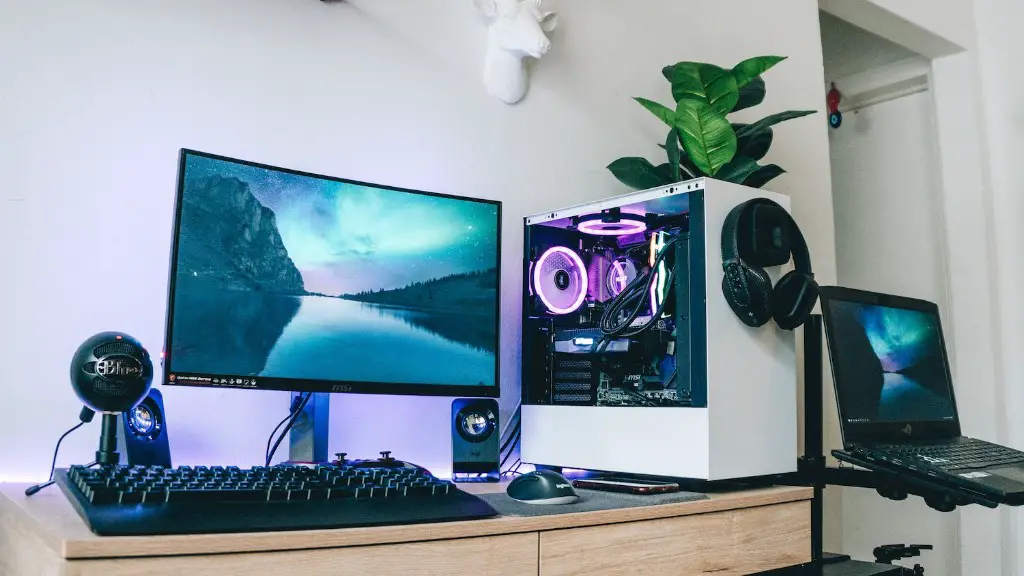
When it comes to buying a gaming PC, there are many factors to consider before making a purchase. The most important criteria will depend on your specific needs and budget. You’ll want to opt for the best hardware components that fit your exact needs, as well as a gaming PC that is well-designed and reliable. In order to choose the right gaming PC for you, it’s important to understand the different components that make up a gaming PC and how they’ll affect your overall gaming experience.
When you’re looking to buy a new gaming PC, the processor should be at the top of your list. This is because the processor is the brain of your gaming PC, and it is responsible for how fast your computer runs. A good rule of thumb is to choose a processor that is powerful enough to handle the type of games you’re playing. If you’re looking for a powerful gaming PC, then you’ll want to choose a higher-end processor like Intel’s i5 or higher.
The graphics card is another important component when it comes to gaming PCs. The type of graphics card you choose will depend on the types of games you are playing and the resolution of your monitor. If you’re playing FPS and other modern games, you’ll likely want to opt for an NVIDIA or AMD graphics card. These cards can easily handle the latest games on the market and provide a great visual experience.
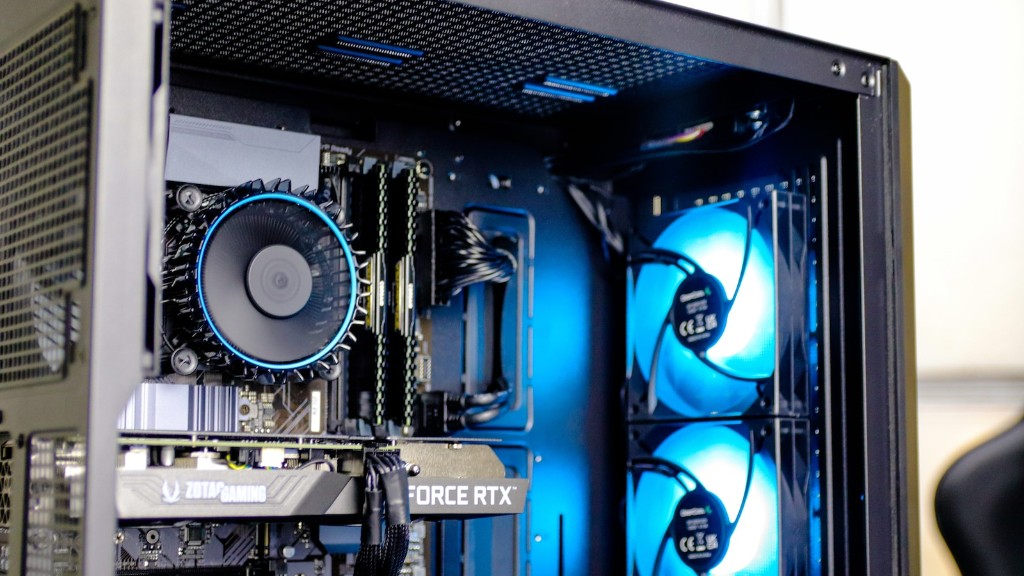
RAM is the third component of a gaming PC, and it should match the graphics card you choose. RAM is responsible for how much memory your computer can access. If you’re playing games like Grand Theft Auto V, you’ll need a PC that can handle 16GB of RAM for the best performance. In addition, you’ll want to upgrade your RAM if you want to play modern games.
Storage is another important aspect when it comes to choosing a gaming PC. You’ll want to opt for a computer with a hard drive that is big enough to store your games and other files. If you’re looking for a gaming PC with ample storage, you’ll likely want to choose a computer with at least 1TB of storage space.
The motherboard is another crucial component of a gaming PC. This is the main circuit board in your computer and it holds all the other components together. You’ll want to make sure your motherboard is compatible with the type of processor and graphics card you are choosing. Additionally, make sure the motherboard is well suited for your cooling needs.
Finally, the case is the last major component you should consider when buying a gaming PC. The case of your gaming PC should be able to fit the components you’re buying, as well as allow for proper ventilation. You’ll also want to make sure the case has enough expansion slots or drive bays for your storage needs.
Processor Options

When it comes to choosing a processor for your gaming PC, it’s important to consider your needs and budget. If you’re looking for a processor that is capable of handling modern games, then you should opt for an Intel Core i5 processor or higher. If you’re looking for something that can handle more intense games, then you can opt for an Intel Core i7 processor. It is important to note that processors can get expensive, so make sure you’re getting one that is powerful enough for your needs.
If you’re on a tighter budget and need a processor that is capable of handling some AAA gaming titles, then you can look into the AMD Ryzen series. The Ryzen 3 and Ryzen 5 are great budget options that still offer excellent performance. Additionally, the Ryzen 7 can handle gaming and workstation applications very well.
If you’re looking for something even more powerful, then the Intel Core i9 processor is a great option. This processor is the most powerful released by Intel and it offers the best performance of any gaming processor on the market. It is also considerably more expensive than the i5 or i7 processors, so you should make sure you’re getting the best processor for your needs before deciding to invest in an i9.
Finally, Intel also has a range of lower-end processors, such as the Pentium and Celeron. These processors are more affordable than the higher-end processors and are great for casual gaming. However, they are not powerful enough to handle more intensive games.
Graphics Card Options

When it comes to choosing a graphics card for your gaming PC, there are many factors to consider. If you’re looking for a powerful graphics card that can handle modern AAA games, then you’ll likely want to opt for an NVIDIA or AMD card. Both of these brands offer a wide range of powerful cards and can handle almost any game.
If you’re looking for an even more powerful graphics card, then you can opt for an NVIDIA RTX or AMD Radeon card. These are the highest-end graphics cards on the market and they offer the best performance possible. However, they can also be very expensive and the cost can quickly add up if you’re looking for multiple cards.
If you’re looking for something more modest and don’t plan on playing intensive games, then you can opt for an entry level GPU. Both NVIDIA and AMD offer low-end cards that can handle casual gaming and other tasks. Additionally, some of these cards are still capable of playing modern AAA games on low settings.
Finally, you should consider the graphics memory when choosing a graphics card. This is the amount of VRAM (video RAM) on the card and it affects how many textures and polygons can be rendered on the screen. Generally, a minimum of 8GB should be sufficient for most games, but if you’re looking for higher resolutions and more intensive gaming, then you may need more.
RAM Options
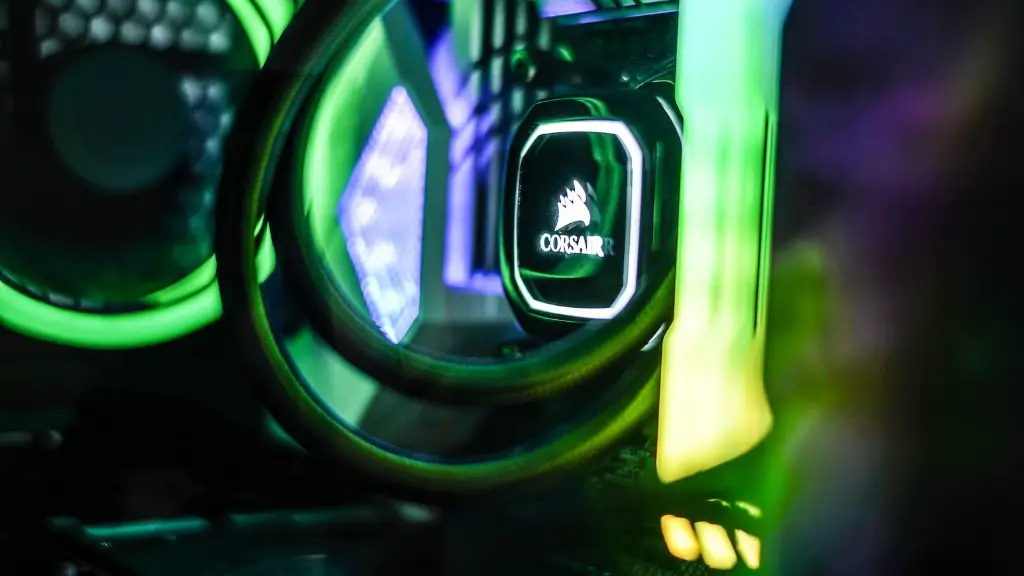
When it comes to RAM (Random Access Memory), it’s important to consider the type of games you’re playing and the resolution of your monitor. For most games and resolutions, 8GB of RAM should be sufficient. However, if you’re playing more intensive games or playing at higher resolutions, then you may need 16GB or more.
You’ll also want to consider the speed of your RAM. Most gaming PCs these days use DDR4 RAM, but there are still some using DDR3. If you’re looking for the best performance possible, then you should opt for DDR4 RAM. This RAM is significantly faster than DDR3 and it will make a noticeable difference in your gaming experience.
If you’re looking for something more affordable, DDR3 RAM is still an option. These modules are slower than DDR4 and will not be as fast, but they are still capable of handling modern games. Additionally, DDR3 RAM is usually more affordable than its DDR4 counterpart.
Finally, it is important to consider the number of RAM slots your motherboard has. This will determine how many sticks of RAM you can install in your gaming PC. If you’re looking for a powerful gaming PC, then you should opt for a motherboard with at least four RAM slots. This will allow you to install up to 64GB of RAM in your gaming PC.
Storage Options
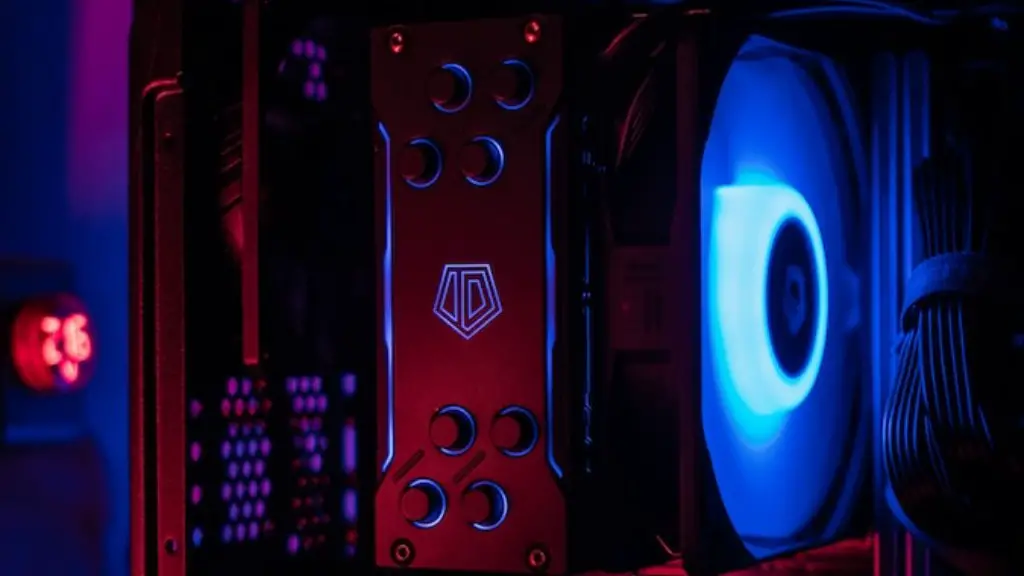
When it comes to choosing the storage for your gaming PC, there are many different types of drives to choose from. The most common type of drive is a hard drive, which comes in several sizes. If you’re looking to store a large amount of games on your gaming PC, then you should opt for a hard drive with at least 1TB of storage space.
You can also opt for a solid-state drive, which is much faster than a hard drive. These drives are becoming increasingly popular and offer significantly faster loading times than traditional hard drives. However, these drives tend to be more expensive and have less storage than a hard drive.
Additionally, you can opt for an M.2 SSD drive, which is a small form factor drive that can offer speeds up to 8 times faster than a hard drive. These drives are usually much more expensive than a traditional SSD and offer a more limited amount of storage space.
Finally, you can also opt for an HDD+SSD combo, which is a combination of a hard drive and a solid-state drive. This offers a great balance between speed and storage space and it is often the best option for gamers who don’t want to sacrifice speed for storage.
Cooling Options
When it comes to cooling your gaming PC, there are many different options available. If you’re looking for a powerful gaming PC with excellent cooling performance, then you should opt for a liquid cooling system. This system is composed of a radiator, fans and water blocks, and it can effectively cool your CPU and graphics card.
For gamers who don’t want to invest in a liquid cooling system, then there are also air coolers available. These coolers are composed of a heatsink and fan and they can effectively cool your CPU and graphics card. However, they do take up a bit more space than a liquid cooling system and require more maintenance.
You can also opt for a hybrid cooling system, which combines both air cooling and liquid cooling. This system offers the best of both worlds and is usually more effective than either type of cooling system alone. However, it is also more expensive and requires more maintenance.
Finally, it is important to consider the size and design of the case for your gaming PC. This will determine how many cooling fans you can fit in the case and will affect the airflow. If you want excellent cooling performance, then make sure the case has plenty of space for fans and has an open design.
