
Having a fast gaming PC is important for any passionate gamer. You need your machine to be able to run games without any lag, crashes and low frame rate. Here are some tips to help you make your gaming PC run faster.
The first step is to make sure you have enough RAM installed on your computer. RAM plays an important role in improving your gaming performance and it will be essential if you plan on running multiple programs. If you’re running an older machine, you may need to upgrade your RAM from time to time to ensure optimal game performance.
Another crucial element is the processor. If your processor is too slow, it will slow down your gaming machine. Newer processors are much more powerful than ever, so it’s important to make sure you have the proper processor for your gaming needs. This will make a huge difference in your gaming performance.

You should also make sure your video card driver is kept up to date. Drivers are basically the interface between your computer and the game itself. If they are outdated, they can slow down your machine and cause lag. Keeping them up to date will help ensure optimal performance.
Next, make sure your hard drive is in check. If you have an SSD, this will make a huge difference. If you’re using a regular hard drive, make sure you use a defragmenter regularly. Not only will it clear out old files and unused space, but it will also make your machine run faster.
Finally, make sure you’re using the proper graphics settings. Having the correct settings will ensure your gameplay is smooth and unhindered by lag. Lowering your screen resolution can also give you better performance at thecSometimessacrificequality of visuals.
These are just a few tips for making your gaming PC run faster. Implementing these steps can significantly improve your gaming performance and make your gaming more enjoyable.
Optimizing Your Computer
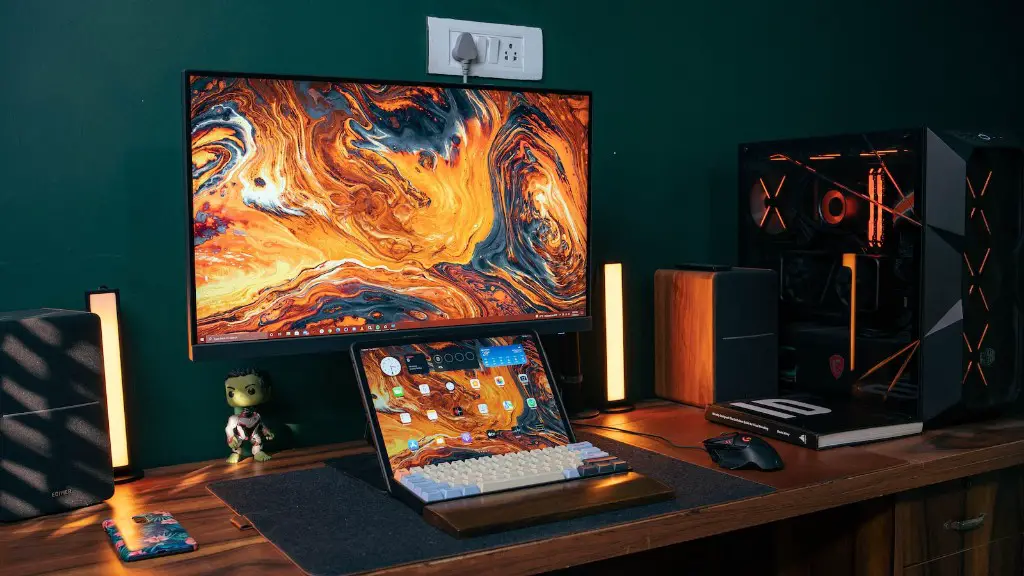
To make your gaming PC run faster, you’ll need to optimize it for maximum performance. This can include making sure all your components are up-to-date and in check. You’ll need to update your drivers regularly and also upgrade your hardware if necessary. Additionally, installing the latest gaming-related software can also improve your gaming performance.
Another important step is to make sure your computer isn’t running any unnecessary programs or services. If you’re using high-end games, you don’t want other programs running in the background and stealing precious resources. Try disabling any unnecessary programs or services and only use the ones that are critical for gaming.
Finally, you can also try overclocking your components. This is only for experienced users and can be dangerous if done incorrectly. If done correctly, however, it can give you an edge in terms of gaming performance.
Overclocking
Overclocking is a process of adjusting the clock speed of your processor to increase gaming performance. It can be very beneficial if done correctly as it can give you a significant boost in performance. It is important to note, however, that overclocking can also damage your components if improperly done.
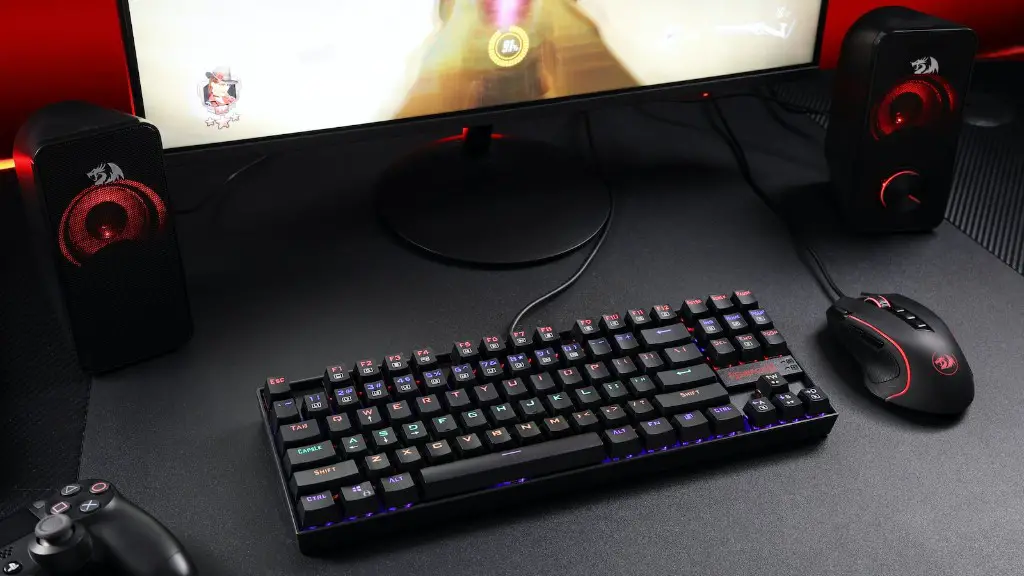
If you want to try overclocking your components, you should research the process thoroughly. You should also make sure your components can be safely overclocked. Additionally, you should ensure that you have a reliable cooling system in place to prevent your components from overheating.
You should also stress test your components to ensure that they’re running properly. This is an essential step as it can prevent any damage from occurring from overclocking. If you’re not experienced in overclocking, it’s best to leave it up to the experts.
Finally, make sure you keep an eye on your components for any signs of wear and tear. Make sure you regularly check your temperature and run stress tests to ensure your components are running properly.
Keeping Your Computer Cool
When running high performance games, your computer can easily overheat due to the increased demand on its components. To ensure your computer is running optimally, you’ll need to make sure it’s running cool. To do this, you’ll need to invest in a good cooling system.

First, you’ll need to make sure your case fans are properly installed and running at the correct speed. The fans should be rotating at a speed that is optimal for cooling and keeping your system running cool. A good quality fan can also reduce the amount of dust and dirt in the casing, which can also reduce the temperature.
Additionally, you can invest in a liquid cooling system. This type of system is generally more efficient and can help keep your gaming PC running cool. However, this type of cooling system is more expensive and harder to install. It’s best to leave it up to someone more experienced, such as a professional.
Finally, make sure you don’t block off any air vents and that your machine is in an open, well-lit space. This will help ensure optimal airflow and keep your machine running at a lower temperature.
Cleaning Your CPU
After some time, your gaming PC can start to accumulate a lot of dust and dirt in its components. This can not only lead to overheating but can also slow down your machine’s performance. To prevent this, you’ll need to clean your CPU regularly.
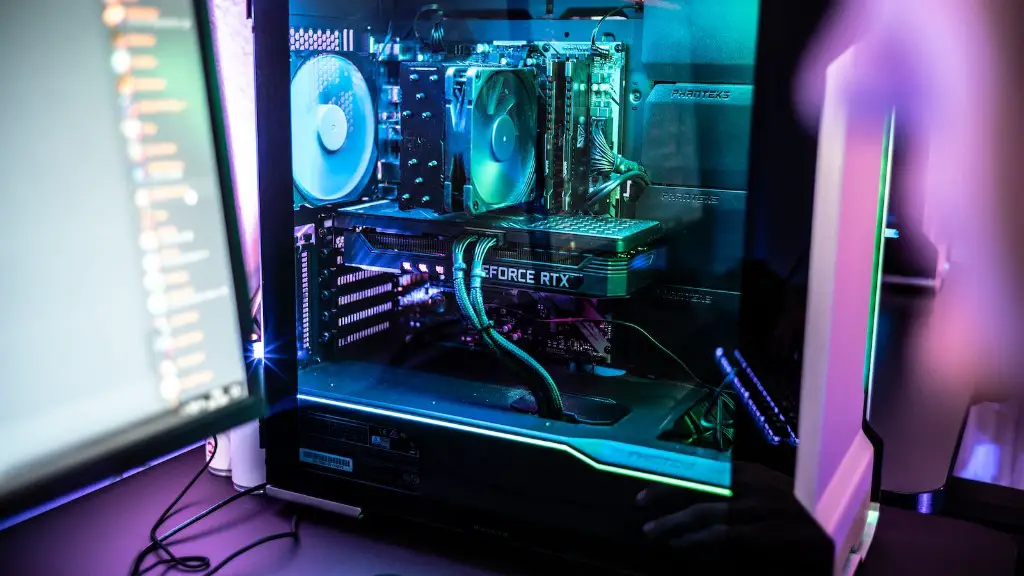
It’s important to use the right tools when cleaning your CPU. You should use a compressed air can to blow off any excess dust and dirt. You should also make sure you don’t touch any of the components as this can cause damage.
Additionally, you can use an isopropyl alcohol and lint free cloth to clean the components. It’s important to apply the alcohol sparingly and use a clean soft cloth. You should also make sure you don’t unscrew any of the components as this can cause further damage.
Finally, if you need to replace any parts, make sure you use high quality components. Cheap or counterfeit parts can often cause more harm than good and can lead to further damage or problems.
Reducing Power Consumption
Despite the importance of performance, it’s also important to consider the amount of power your gaming PC is using. This is especially true if you’re running multiple graphics cards or an overclocked processor. To reduce power consumption, you can try lowering your processor or graphics card speeds or using lower settings.
Additionally, you can also use an energy-saving plan on your PC. This will help reduce the amount of electricity your machine is using and can also help reduce its heat output. There are several energy-saving plans available, so make sure you choose one that best suits your needs.
Lastly, you can also use power management features of your graphics cards. These features can help reduce the amount of power your graphics cards are using, thus reducing the overall power consumption of your PC.
