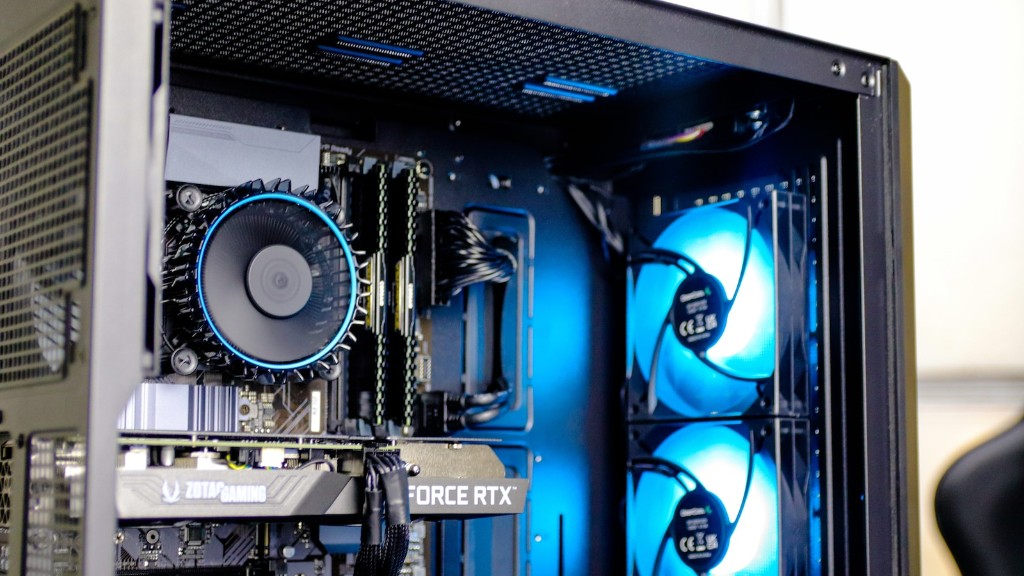
Building a gaming PC has never been easier. With the right parts and a little guidance, gamers can bring their gaming experience to the next level with no prior knowledge. Knowing what components to buy for a gaming rig is the first step towards assembling a gaming PC. This article will help gamers make sense of the numerous options available for each component, allowing them to make the best possible decision for their gaming rig.
Opting for the best CPU for their needs should be the first step when picking parts for gaming PCs. CPUs are responsible for running the game, so make sure you choose a fast one. Popular gaming CPUs include Core i5 and Core i7 processors, which offer good performance and modest power consumption. Pick a Ryzen processor if you’d like to save some money and don’t mind turning down the graphics settings in games.
Motherboards is the next most important component of a gaming PC. Look for a good, durable motherboard that offers the features you need. Look for features such as a reliable Socket type, PCle x16 slots, support for dual-channel memory, and integrated graphics capabilities. Also make sure the motherboard you choose has the necessary connectors for all the other components.
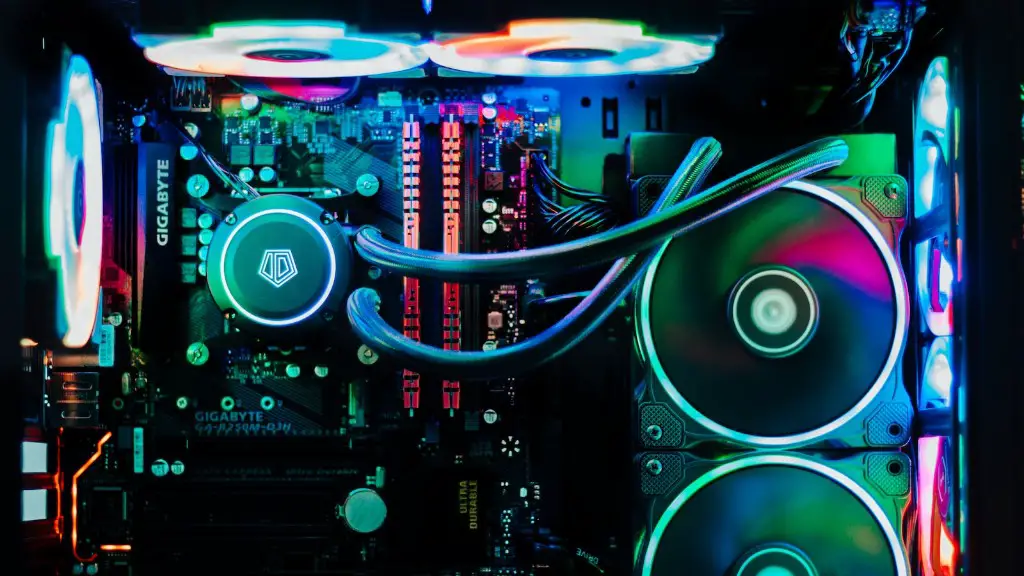
Cooling solutions should also be considered. It’s essential that your gaming rig is able to keep itself from overheating. Invest in a good cooling fan with multiple fan speed settings, or opt for a liquid cooling solution for the ultimate in cooling performance.
Storage is an essential component of gaming PCs, so make sure to pick the right drive for your needs. For gaming applications, an SSD is highly recommended, as the read/write speeds of an SSD far outclass those of standard hard drives.
Graphics cards are the most important component of any gaming PC. High-end gaming GPUs are becoming more affordable every day, and they’re able to deliver even the most graphically demanding games with ease. AMD and Nvidia offer a variety of models ranging from entry-level to enthusiast-level, so make sure to pick the right one that suits your needs and budget.
Finally, you need to pick the right RAM. RAM is used mainly for managing the data in and out of the CPU and the graphics card, so it’s essential for gaming applications. A minimum of 8GB is recommended for most gamers, though 16GB is optimal if you plan on running multiple applications or gaming at higher resolutions.
RAM
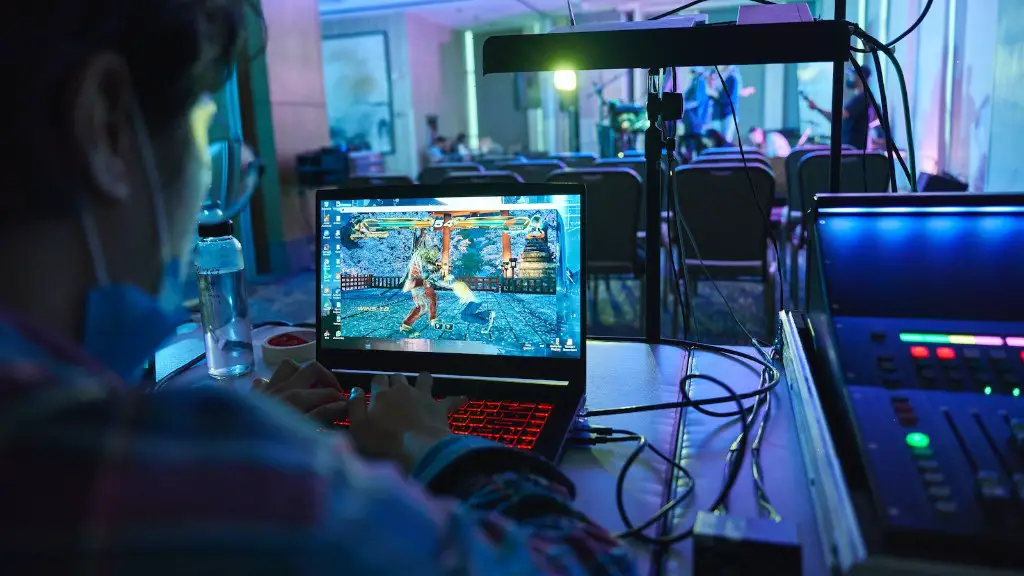
Random Access Memory (RAM) is essential for gaming PCs and should be selected with care. Different types of RAM are available and each different type has specific applications and performance characteristics. Before selecting a RAM, you need to make sure it is compatible with your motherboard and processor. Generally, for gaming rigs, DDR4 memory is the best option, as it offers the highest transfer rates, low latency, and the most memory channels.
RAM also comes in different speeds, starting from 2400MHz and going up to 4000MHz. Higher clock speeds are generally more expensive, but also yield better performance in games and applications. The amount of RAM needed depends heavily on the type of games you play. For most AAA titles, 8GB RAM is the minimum recommended, but more RAM may be necessary if you’re running multiple applications simultaneously.
Consider the amount of RAM you’ll need in the future when making your selection as well. Upgrading is possible, but can be expensive depending on the type of RAM you choose. If you plan to upgrade frequently, opt for a RAM that is cheaper and easier to upgrade.
When it comes to RAM, it may be tempting to purchase the cheapest RAM available, but it’s important to remember that not all RAM is created equal. It’s important to select the right RAM for your needs, so make sure to consider all factors when making your selection.
Case
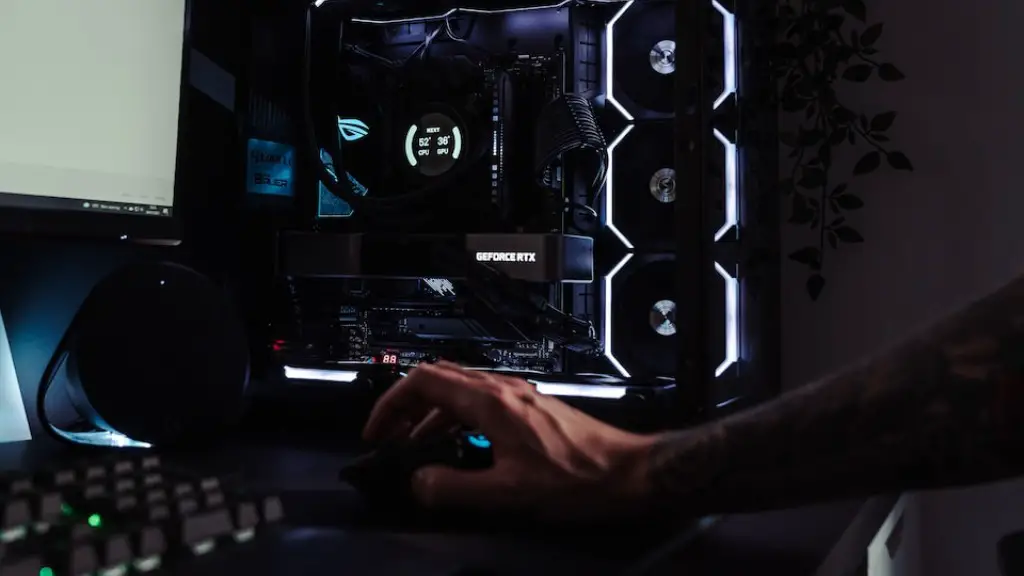
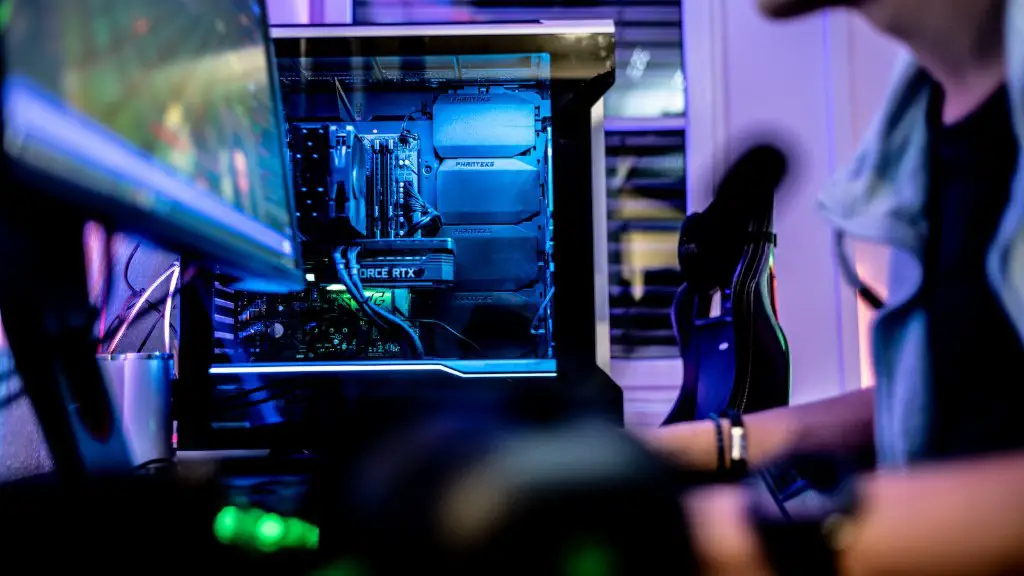
One of the most overlooked components of any gaming PC is its case. There are a variety of cases available on the market, so make sure you pick one that’s right for your needs. Cases come in all shapes and sizes, so it’s important to consider the size and airflow of the case when making your selection.
Look for a case that can accommodate the size of your components and offers easy access for installation. Don’t forget about the cooling considerations either. Cases with larger fans and full-length air vents will ensure your gaming PC stays cool even during intense gaming sessions.
Your case also needs to match your style and personal preference. Many cases come with replaceable panels, allowing you to customize them to match your tastes. Don’t forget to factor your budget into your choice of case as well. Entry-level cases are often made of plastic, while more expensive cases are made of metal and offer more features.
Power Supply
Power supplies are oftentimes overlooked when building PCs, but they are a crucial part of the system. Without the right power supply, your components won’t work correctly, so it’s important to select the right power supply for your system. Speak to an expert if you’re unsure about what wattage your system needs.
When selecting a power supply, look for one with higher wattage than what your system needs. This will ensure that you have plenty of power for future upgrades. Also, look for power supplies with 80+ certification, which guarantees that the power supply is capable of delivering a certain efficiency level.
Finally, make sure your power supply has all the necessary connectors for your components. Some components, such as graphics cards, require specialized connectors, so make sure your power supply has the right ones. Look for modular power supplies to reduce cable clutter.
Monitor
Monitors are essential for gaming PCs, as they’re what gamers look at when gaming and they’re critical to a great gaming experience. Monitors come in a variety of sizes, resolutions, and refresh rates, so make sure to pick the right one for you. If you’re looking for an immersive gaming experience, opt for a larger monitor with high-resolution and a high refresh rate.
Monitor response time is also an important factor. This is the time it takes for pixels to change their color, and it’s critical for gaming. Low response times result in smooth graphics and fewer motion blur artifacts. Look for monitors with 1ms response times if smooth gameplay is a priority.
Finally, consider the type of connection your monitor supports. Monitors with DisplayPort connectors offer the best gaming experience and support the latest graphics cards. Similarly, make sure your graphics card supports the type of connection your monitor requires.
Peripherals
Every gaming PC needs the right peripherals to make the most out of it. A good mouse, keyboard, and headset will drastically improve your gaming experience. Look for peripherals that are comfortable and responsive, and make sure they’re compatible with your gaming platform.
Keyboards come in various types. Mechanical keyboards are recommended for gaming due to their satisfying tactile feedback and high precision, but they can be expensive. For those on a budget, membrane keyboards are still a viable option. Make sure to select a gaming keyboard with customizable backlighting and programmable keys.
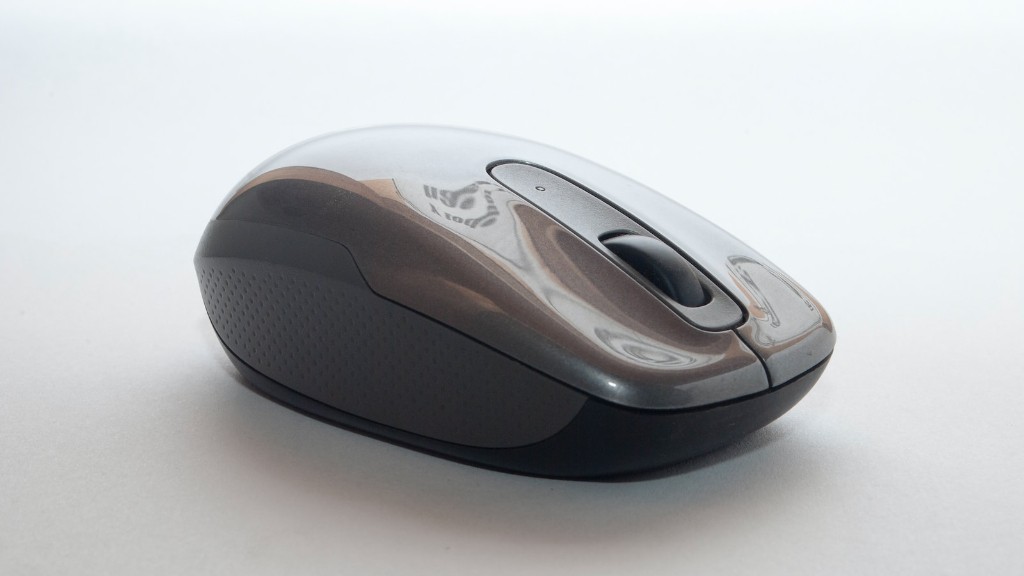
A good gaming mouse is also an essential peripheral. Look for ones with adjustable DPI settings, comfortable grips, and a weight that suits your preference. Additionally, some gaming mice come with extra features, such as removable weights and buttons that enable you to customize the mouse to your own needs.
Finally, a good gaming headset is essential for a good gaming experience. Look for ones that offer clear audio feedback, comfortable ear pads, and support for virtual surround sound. Make sure to select a headset that’s compatible with your platform.
