Gaming has become an increasingly popular hobby among people of all ages. Having the right monitor is key to an enjoyable experience. This blog post will give you a few tips on how to setup a gaming monitor. Here’s what to consider when selecting the right gaming monitor:
Firstly, decide on the type of gaming monitor you want. Do you prefer a curved or flat screen? Or do you want a 3D monitor? The type of gaming monitor will depend on your choice of game and personal preference. Once you’ve chosen the type of monitor suitable for you, check out the size and resolution. Look for a monitor with an appropriate size and high resolution so that you get the best viewing experience.
Next, make sure you check the refresh rate of your monitor. The refresh rate refers to how quickly the content on the monitor is updated, or updated per second. The higher the refresh rate, the quicker the monitor will update and the better the overall gaming experience. Aim for around 144Hz or higher.
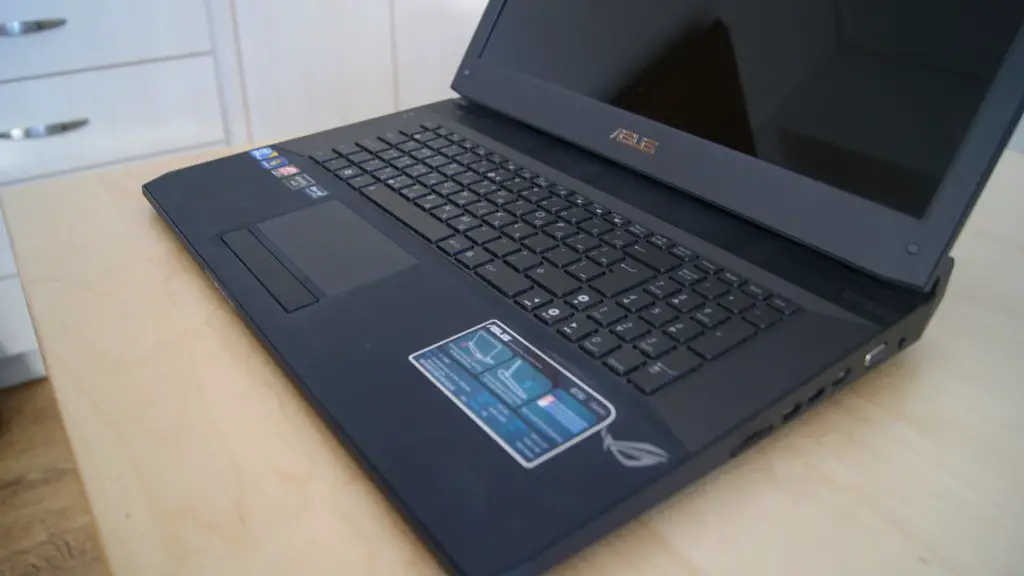
Thirdly, consider the input and output when choosing the right gaming monitor. Input refers to the connection between your monitor and computer. Make sure you’re looking for either HDMI or DisplayPort, as these will be your best options. Output is also important, as this refers to the sound that is coming from your monitor. Make sure the monitor you purchase has a built-in speaker or look for one that supports an external speaker.
Fourthly, take into account the response time. This refers to how quickly the monitor can display an image per second. Look for a monitor that can minimize motion blurs, so go for a monitor with a response time of around 5ms or less.
Finally, check out the different features of the monitor. Look for a monitor with a few different adjustable settings and contrast controls. Additionally, choose a monitor that comes with built-in gaming modes and display modes, so you can switch in between different settings.
Basic Pre-Setup Procedure
Once you’ve picked out the right monitor, you need to go through the basic pre-setup procedure. This includes positioning the monitor, setting the contrast and brightness, adjusting any text size or color settings, connecting audio and video connections, and setting the resolution. Do keep in mind that the best resolution depends on the type of game you’re playing, as some games are better played with full HD resolution and some may require higher resolutions.
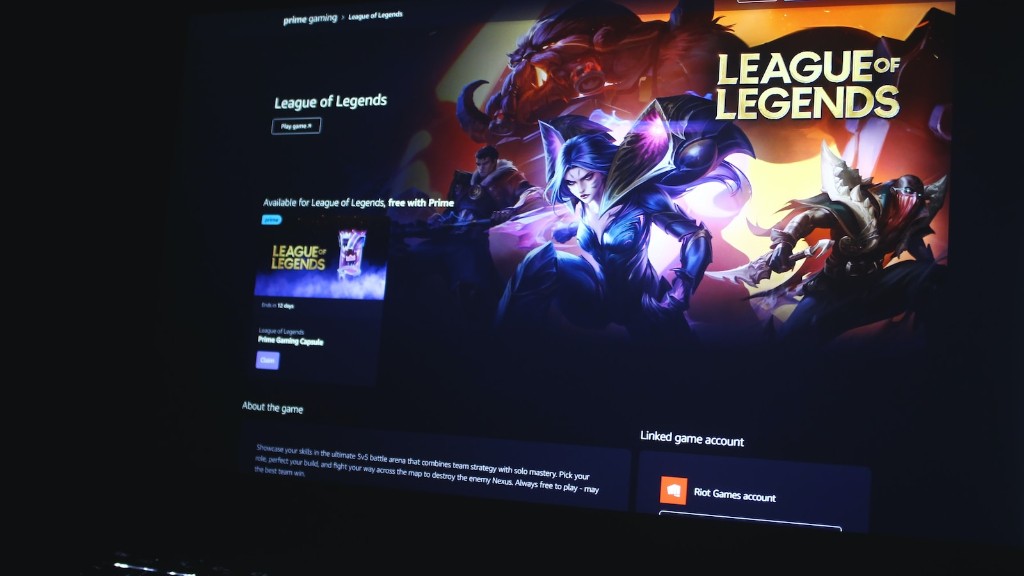
When it comes to positioning the monitor, you want to make sure you sit far enough away from the monitor so that you’re not straining your eyes. The same goes for the contrast and brightness, you want to find the right balance that is comfortable for you.
When it comes to setting the text size, you want to make sure the text is large enough to read easily. And when it comes to color settings, many gamers tend to prefer a warmer or cooler temperature setting. As for audio and video connections, it’s best to refer to your monitor’s manual, as every model is different.
Once all of these basics have been set up, all that is left is to set the resolution. If your monitor has a built-in gaming mode, you can change your resolution to the one dedicated for gaming. If not, you can always try to find the optimal resolution for your game.
Troubleshooting Common Problems
If you’re having trouble setting up your gaming monitor, there are a few troubleshooting techniques you can use. Firstly, if you’re not getting any sound from your monitor, make sure you check that all the audio and video connections are properly connected. If this doesn’t work, you may want to try connecting the audio cable from your monitor to an external speaker.
If the picture is flickering or not displaying as expected, try resetting the refresh rate or make sure you have the driver and software updated. Most monitors will come with their very own drivers and software, so make sure you check those out too. Additionally, you can also try changing the refresh rate to a different one, as some games may be better with a higher refresh rate.
Lastly, if the monitor stops responding completely then you may have to reset it. Resetting the monitor should be as easy as holding down the power button. If you can’t seem to reset the monitor then it may be time to take a look at the manual.
Choosing the Right Games
Once you’ve got your gaming monitor set up and running, it’s time to find some games to play. Choosing the right game for your monitor is important, as the experience will be greatly impacted by the type of game you decide to play. If your monitor is compatible with 3D games then you’re in luck, as there are plenty of great 3D titles to choose from. If not, you can still find plenty of great games in full HD or higher resolutions.
You also want to look for games with faster refresh rates, as these will help to minimize motion blur. However, you should always check the game’s requirements to make sure that your monitor is compatible with the game. If the requirements are too high, then it may be best to choose a different game.
When it comes to multiplayer games, you also want to make sure that your monitor is suitable for the game you’re playing. If you’re playing a fast-paced game like an FPS then you want to make sure your monitor can keep up with the fast-paced action. You also don’t want to be playing a highly competitive game in low resolution, as this won’t do you any favors.
Tips for Improving Your Setup
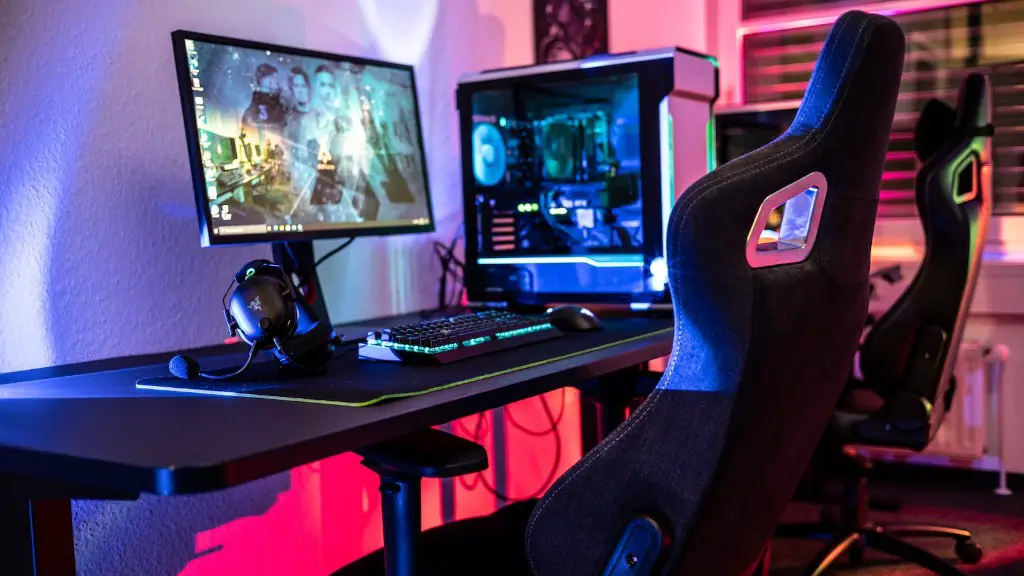
Once you’ve got yourself a decent gaming monitor, there are a few ways you can improve your gaming setup. If you’re not satisfied with the visuals then you may want to invest in a higher quality monitor or purchase a new graphics card. Additionally, if you’re someone who often plays competitive online games then investing in a faster internet connection and setting up a gaming chair may be a wise decision.
On top of this, you may also want to optimize the lighting in your room. Dim lighting can help to improve focus and reduce eye strain, so reduce the amount of light you have in your gaming space. You can also get yourself a monitor with a higher refresh rate or even consider investing in a gaming keyboard or mouse.
Finally, if you’re looking for an immersive experience then you can always invest in a surround sound system or gaming headset. These will help to enhance your gaming experience and make it sound more realistic. Setting up a gaming monitor may sound intimidating at first, but it’s really easy once you’ve gone through the basic steps.
Optimizing Performance and Maintenance
Your gaming monitor is a long-term investment, so it’s important to take good care of it. This includes keeping it clean and dust-free. You can use specialized anti-static cleaning sprays to help keep your monitor clean. Additionally, you can also use a soft cloth to wipe down the monitor and make sure it’s free from dust and dirt.
You should also make sure your monitor is properly calibrated. This will help to optimize the performance of your monitor and make sure the colors appear as they’re supposed to. If you find yourself struggling to get everything optimized, you can always refer to the manual or take a look at some tutorials online.
It’s also important to make sure the software and drivers are updated. This can be done by visiting the manufacturers’ website and making sure you’re running the latest versions. Additionally, you should be aware of any security patches or firmware updates as these can significantly improve the performance of your monitor.
Finally, make sure you have the right settings in place. This includes setting the brightness and contrast, making sure the text size is comfortable to read, and adjusting the color and temperature settings. You should also make sure the resolution is set correctly, as this can make a huge difference in the overall gaming experience.
