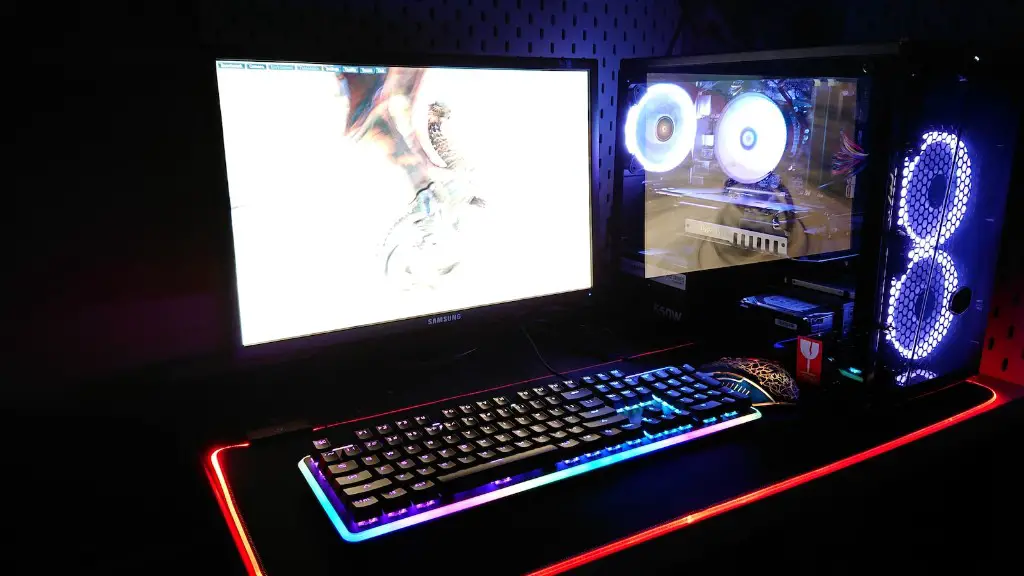
Upgrading your gaming PC is a great way to enhance your gaming experience. It can help you keep up-to-date with the latest hardware, technology, and software on the market. With the right selection of hardware, software and drivers, you can boost your gaming machine performance. Here are some of the things you should consider when deciding what to upgrade in your gaming PC.
Firstly, one of the most important components to consider when upgrading your gaming PC is its processor. You’ll need a processor that runs fast and efficiently. A high-end processor can significantly improve your gaming performance, but also comes with a hefty price tag. It’s also important to examine your budget to ensure you meet your needs and don’t overspend in the process.
Next, consider upgrading your graphics card. A decent graphics card will make all the difference when it comes to gaming visuals. A mid-range card can still provide great performance, but possibly at a cost of some of the latest, shiniest games. Another key factor to consider when looking for a graphics card is what type of games you play. Do you prefer FPS or RTS? Do you like to play online or offline?
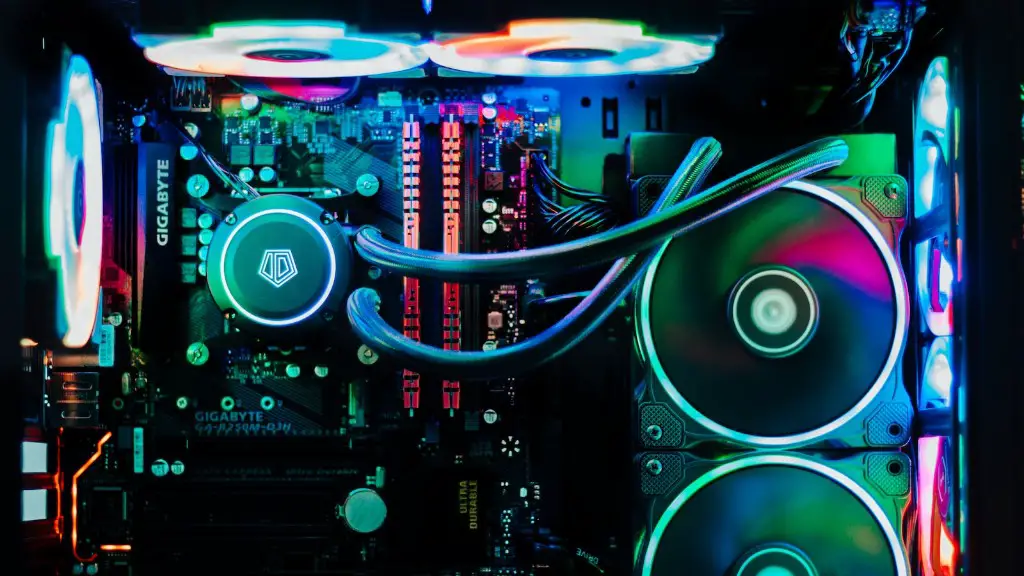
It’s also worth looking into upgrading your RAM. The more RAM you have, the more games you can run smoothly. You’ll also find that having more RAM allows you to multitask, which can come in handy if you own multiple games or like to run other programs while gaming. It’s important to consider how much RAM you need and how much you’re willing to spend.
Don’t forget to look at your storage options if you want to upgrade your gaming PC. If you plan to build a gaming library and collect games, then you’ll want to make sure you have enough storage space. For many gamers, SSDs are the go-to storage solution, as they are faster than traditional hard disks and take up less physical space. Make sure you invest in a decent-sized SSD and also a large external hard disk for extra storage.
Finally, consider adding a power supply and cooling system to your gaming PC upgrades. You’ll need a decent power supply that can delivery enough wattage to your components. You’ll also need a decent cooling system to keep your computer running at optimum temperatures. Both factors can affect performance, so it’s important to research which components you need and how to properly install them.
Operating System
An often overlooked part of upgrading your gaming PC is the operating system. It’s important to look for an operating system that is optimized for gaming and that is continually receiving updates to ensure it remains current with new technologies, software, and games. Windows 10 is usually the most popular for PC gamers, and for good reason. With its fast performance, robust system resources, and excellent developers support, Windows 10 is great choice for gamers.
However, if you’re looking for an alternative, there are quite a few options out there, such as Linux or macOS. Both of these operating systems offer different experiences compared to Windows 10, so be sure to do some research before making your decision.
Additionally, one factor that can help determine which operating system to choose is the type of gaming you want to do. If you’re primarily looking to play games that run on Windows 10, then it would obviously be your best bet. On the other hand, if you’re looking to try out different genres, like virtual reality or indie games, then another OS may be more suitable.
Finally, it’s important to remember to back-up your system before you make any changes, as an upgrade to your operating system can result in certain data being lost. It’s also a good idea to back-up your game library prior to any upgrades, as well as consulting online forums and reviews to ensure that you’re making the right decisions.
Audio/Visual Upgrade
Another way to upgrade your gaming PC is through your audio/visual setup. Having good sound and graphics will drastically improve your gaming experience. Investing in a good headset and a monitor will give you an edge over your competitors and help you get the most out of the games you play.
For audio, look into investing in a good headset. There are a range of different types, from in-ear buds to surround sound headsets. Do some research to find the type that best suits your gaming needs. It’s also worth looking into investing in a good DAC (Digital-to-Analog Converter) in order to get the most out of your audio. DACs can help make sound much clearer, allowing you to pick out subtle details in games.
When it comes to visuals, having a bigger and better monitor can make a world of difference. Look for a monitor with the highest refresh rate, resolution, and response time that you can afford. Both of these factors can make games look and feel much more immersive and fluid. Additionally, look for monitors with G-sync or Free-sync technologies, which help reduce input lag and screen-tearing.
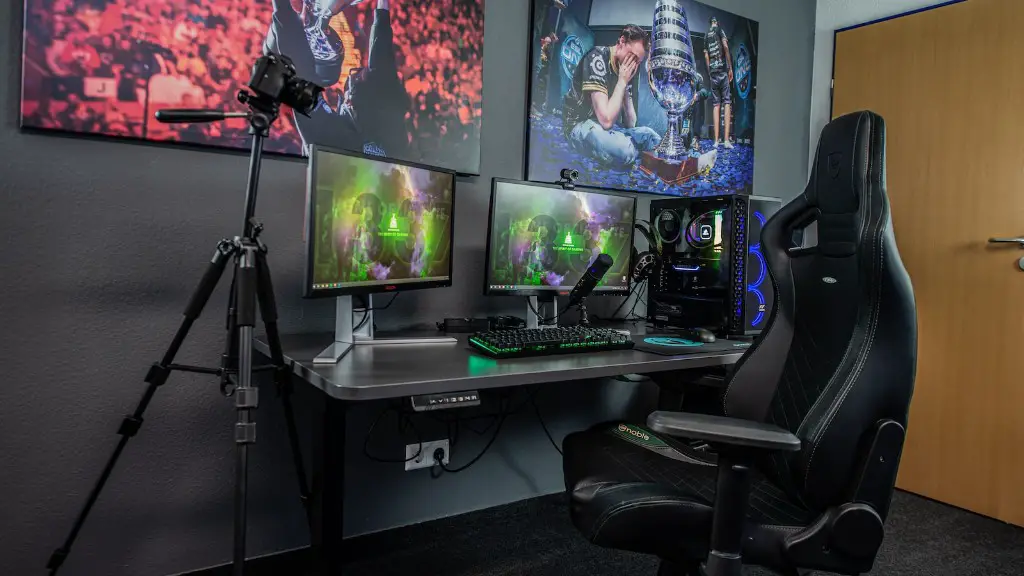
It’s also worth looking into getting a gaming chair. This can add a touch of professionalism to your setup and make gaming much more comfortable for long periods of time. Comfort is important when it comes to gaming, so it’s worth investing in a chair that provides good back and neck support and that can be easily adjusted to fit your body.
Finally, if you want to take your gaming setup to the next level, consider adding some accessories. Things like illuminated keyboards and mice, a joystick and flight control system, or a racing wheel can help bring a whole new level of immersion to gaming. However, be aware that high-end gaming accessories can also be quite expensive.
Network Security
When upgrading your gaming PC, an important, yet often overlooked factor, is the security of your network. Having a secure network connection is essential for online gaming, as it ensures you have a safe and reliable connection. Consider investing in a router that has built-in security features, such as a VPN, firewall, or parental control software, depending on what kind of games you play.
It’s also important to make sure your gaming PC is up-to-date with the latest security patches, as these can help protect your system from malware and viruses. Additionally, make sure all your software is kept up-to-date, as out-dated programs can be vulnerable to attack, leaving your system vulnerable and open to security risks.
It’s also a good idea to install an anti-virus or anti-malware program. These can help protect your system from viruses and malicious software. However, be sure to do your research beforehand to make sure you choose a good program with a high detection rate. Most antivirus programs offer a free version, which should be more than enough for an average gaming PC.
Finally, it’s important to protect yourself when playing online. Avoid playing on public networks, as they are more vulnerable to attack. Additionally, avoid clicking on links or downloading files from unknown sources, as they could contain malicious viruses or malware.
Miscellaneous
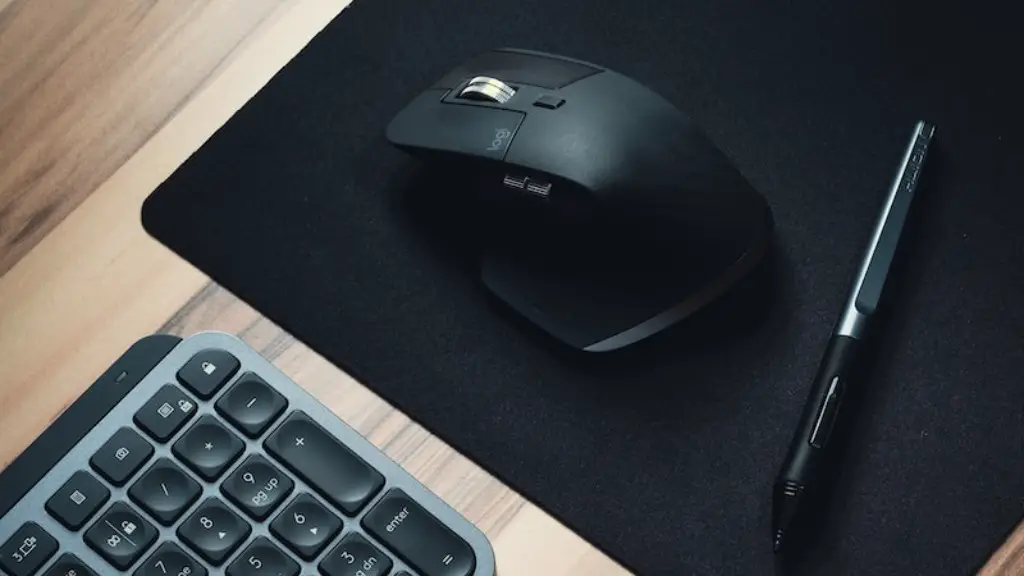
When deciding what to upgrade in your gaming PC, there is a plethora of additional things to consider. Upgrading your peripherals, such as your mouse, keyboard, and microphone, can help improve gameplay, as can purchasing the latest and most powerful wireless accessories, such as external storage and headsets.
It’s also important to consider the way you game. Are you looking to be competitive? If so, look into investing in a gaming-specific mouse and keyboard that cater to competitive gamers. If you’re looking to play more casually, consider investing in a wireless mouse and headset that are portable and offer great battery life.
Also, be sure to invest in a good pair of noise cancellation headphones. This can help to reduce the overall noise from your gaming PC and keep the noise from outside sources to a minimum. Additionally, if you have a laptop, consider getting a laptop cooler to help extend its life-span and improve performance.
Finally, it’s important to look at ways to reduce gaming latency. Online gaming is extremely reliant on having a good Internet connection. Investing in a good router with multiple antennas and a better bandwidth can help reduce latency and improve your gaming experience.
