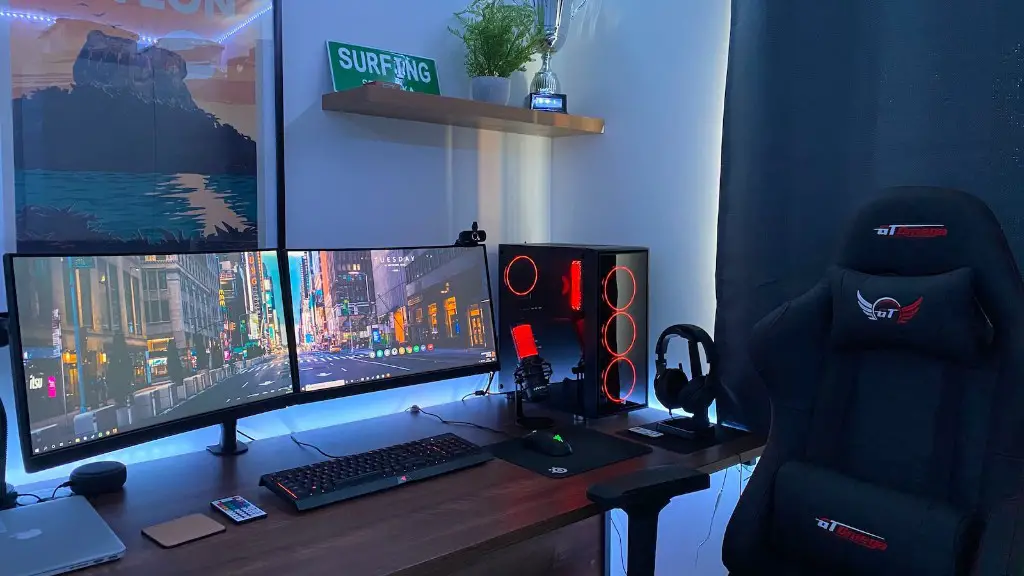
Building your own gaming PC can be a rewarding experience, but it can be intimidating as well. To help you get started, here are a few things to consider when planning and building a gaming PC. First and foremost, you’ll need to consider budget. How much do you want to spend? It always helps to make a list of components – processors, RAM, hard drive, power supply, cooling, case, motherboard and graphics card – that you need and your budget for each to get an idea of total cost.
Once you have a budget, look into the best components for that budget. You’ll want to research not only the components for cost, but for compatibility as well. It’s important to read reviews and compare specs to determine what components are right for you. Remember, certain components work better when combined, so understanding their features, such as speed and thread count, will help you make an informed decision.
Once you have a list of compatible components, you should think about how you want to build your gaming computer. Read reviews and watch tutorials to help you decide the best case and design for your setup. If you’re not sure what kind of case you want, but know you want to cool your components, you can look into liquid-cooling systems.
The next step is to choose a CPU. You’ll want to think about both the speed of the processor and the number of cores. It is important to determine what kind of gaming you want to do to figure out the best CPU for you: 4K gaming or AAA titles).
The last step is to install your components. Be sure to read the instructions carefully, and familiarize yourself as much as possible with the manuals. If you have put together a gaming PC before, you should feel comfortable. But if this is your first time building a computer, consider getting help from a knowledgeable friend or professional.
Once your gaming PC is assembled, you can begin to think about setting it up. Installing an operating system and installing the necessary drivers and applications, such as the video card, can be tricky. Thankfully, the Internet is full of helpful advice, tutorials and videos that make this part of the process easier.
Power Supply
The power supply is one of the most important components of a gaming PC. It is necessary to properly power all the components by providing an adequate amount of power. Different components require different power ratings, so it’s important to choose a power supply that is capable of providing the necessary wattage. You should also consider the wattage requirements of future upgrades to make sure you have the adequate power supply.
To choose the right power supply, take into account the wattage requirements of the components and their power consumption. Consider the power consumption when the components are in use and when the computer is idle. Choose a power supply with 80 PLUS certification, as this ensures that it is energy efficient.
There are many types of power supplies, so it’s important to consider your budget, the compatibility of the power supply, and the wattage needed to properly power your components. Also, consider the noise level, temperature control, and aesthetics when choosing a power supply.
RAM
RAM, or Random Access Memory, is one of the main components of a gaming PC. It is in charge of stimulating the processor and helping the system run faster and smoother, which allows for better performance in games. Different components require different RAM, so it is important to do your research and find out what RAM your components require.
When choosing RAM, consider the type, speed, and capacity. The most popular types of RAM are DDR3 and DDR4, and the difference between them lies in the speed and power consumption. DDR4 is faster and more energy-efficient, but it is also more expensive than DDR3. As for capacity, 8GB is a good starting point for a gaming PC. However, if you intend to do heavy gaming, you should consider 16GB or more.
It is also important to consider compatibility with the other components, so make sure to read the product description and reviews to find the right RAM. Lastly, be sure to choose a RAM that matches your budget.
Motherboard
The motherboard is one of the most important components of a gaming PC, as it connects all the vital components. When choosing a motherboard, it’s important to consider the processor, RAM, and GPU compatibility. Also, consider the form factor, since it will determine the size of the case and the other components you can use.
Motherboards come in different sizes, from Mini-ITX to full ATX. Smaller motherboards may save you some space, but they can also limit the number and type of components you can use. On the other hand, full ATX motherboards come with more features and capabilities than smaller boards, but they can also be more expensive.
It’s also important to consider the features and ports the motherboard offers. Do you need SATA ports, USB 3.0, HDMI, and other ports? Make sure the board you choose is capable of providing these features. Additionally, consider the chipset and memory type. Make sure the motherboard supports the type of RAM and processor you want to use. Lastly, consider the cost and aesthetics – choose a motherboard that fits your budget and looks good.
Hard Drive & Storage
Your PC’s hard drive stores all your files, including your games, applications, and operating system. When choosing a disk drive, consider the type of drive and the speed. Hard disk drives (HDDs) are usually cheaper, but they offer slower speeds. Solid state drives (SSDs) are more expensive but offer much faster speeds. You should also consider the capacity of the hard drive. A 1TB HDD or 250GB SSD should be enough for most gamers.
Besides an internal storage drive, you can also consider buying external storage drives for added capacity and convenience. SSDs can be used as external storage and they offer faster speeds. Additionally, they are durable and more resistant to shock. External hard drives are also a great option, particularly if you need more storage, as sizes up to 8TB are available.
When choosing a storage drive, do your research to make sure that it is compatible with the other components, is the right size, and has the features you need. Also, consider the cost and warranty of the drive. Lastly, take into consideration the aesthetics, as most drives have customizable options such as color, size, and shape.
Cooling
It is important to keep your components cool when gaming to ensure their longevity. Different components generate different levels of heat, and if these components aren’t cooled properly, they can overheat and cause system damage. Air cooling and liquid cooling are the two most common types of cooling systems.
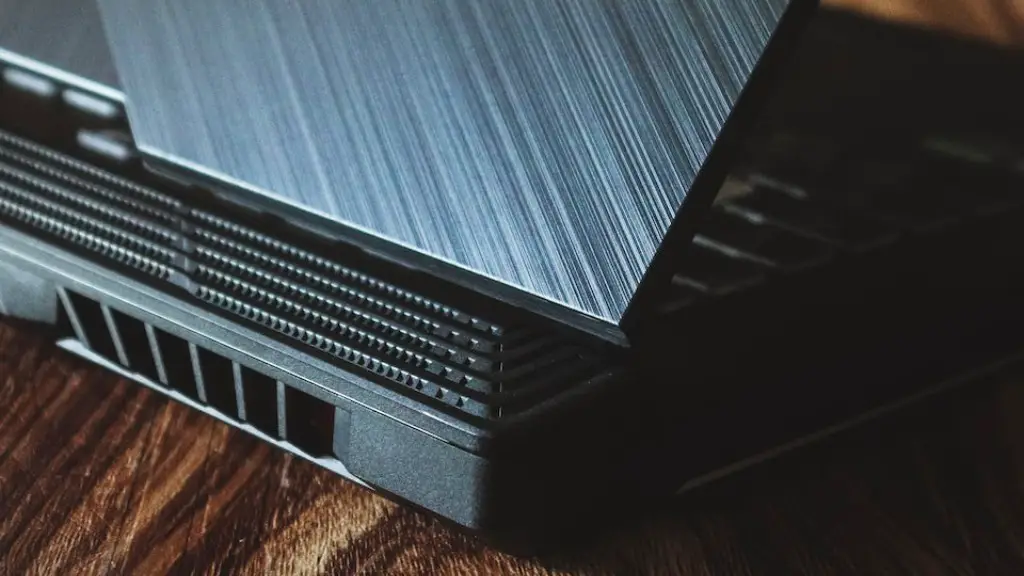
Air cooling systems are typically cheaper and easier to install, but they are not as effective as liquid cooling systems. Liquid cooling systems are more effective because they transfer and dissipate heat away from the components. They are also quieter than air cooling systems, and they can be customized to provide better cooling performance. However, they are more expensive and require more maintenance.
When choosing a cooling system, consider the type of components you have, the type of gaming you’ll be doing, noise level, and budget. If you plan on overclocking your system, a better cooling system will be needed. Each component will require its own type of cooling, so research and read reviews to find the best one for you.
