
A gaming PC isn’t just an ordinary computer, it requires some extra hardware and software to be suitable for gaming. What’s needed for a gaming PC are an up-to-date processor, a solid state drive, a dedicated graphics card, a suitable motherboard, plenty of RAM, a good power supply, appropriate cooling system and a dream for a gaming area. Let’s look at the hardware components required for a gaming PC.
The processor is the most essential part of a gaming PC. A processor decides the speed of the system and the gaming computation, so an up-to-date processor is a must. These processors usually come with a built-in graphics card, but the performance you get with a dedicated graphics card would be much better.
Next is the Solid State Drive, which provides faster storage and faster loading times for games. It reduces boot time, boosts overall system performance and is more reliable than HDDs. You should pick a good quality one when possible as it last longer than cheaper ones.
The dedicated graphics card is also very important. These are essential when playing PC games as they help provide smooth visuals and great details to enhance the gaming experience. If your budget is tight, go for something with at least 4 GB of memory and at least 1100 MHz in the core clock frequency.
The motherboard is another important component in the gaming PC equation. A good motherboard provides enough slots to accommodate all the components, overlooks wattage load and offers several helpful features like SLI, Crossfire and overclocking capabilities.
The random access memory (RAM) is another crucial component needed for a gaming PC. Without it, your games won’t run smoothly and you’ll experience slow load times. A good amount of RAM is 8GB or 16GB of RAM, depending on your budget.
The power supply is also very important to a gaming PC. It’s what provides the energy that powers the entire PC. Choose a power supply with enough wattage to power all the components and leave some headspace for future upgrades.
Cooling System

The cooling system is a need for a gaming PC due to the components running and generating a lot of heat. A good cooling system helps keep the components from getting too hot, which helps prevent hardware failures. A liquid cooling system is the most recommended one for gaming PCs but you should consider your budget when picking a cooling system.
A dream for a gaming area is also essential. While a gaming PC is vital to play any game, you’d also need to decide how to use it. If you’re serious about gaming, you should get a good gaming area. Invest in a comfortable gaming chair and pick a location where you can play in peace.
Components Presentation
If you’re planning on building a gaming PC, you’ll have to first decide what sort of components you should go for. Depending on your budget and the type of games you play, your choice would vary. For processor, decide what generation or socket type of processor you should go for. Then, look at the graphics card, motherboard, RAM and the power supply.
A gaming PC should also have an appropriate cooling system to prevent hardware failures. Liquid cooling is recommended but if you are working with a budget then air cooling can also work. Also keep a dream for how to use the gaming PC- you may need to invest in comfy gaming chairs, lighting and other accessories if you want the best experience.
Storage Capacity
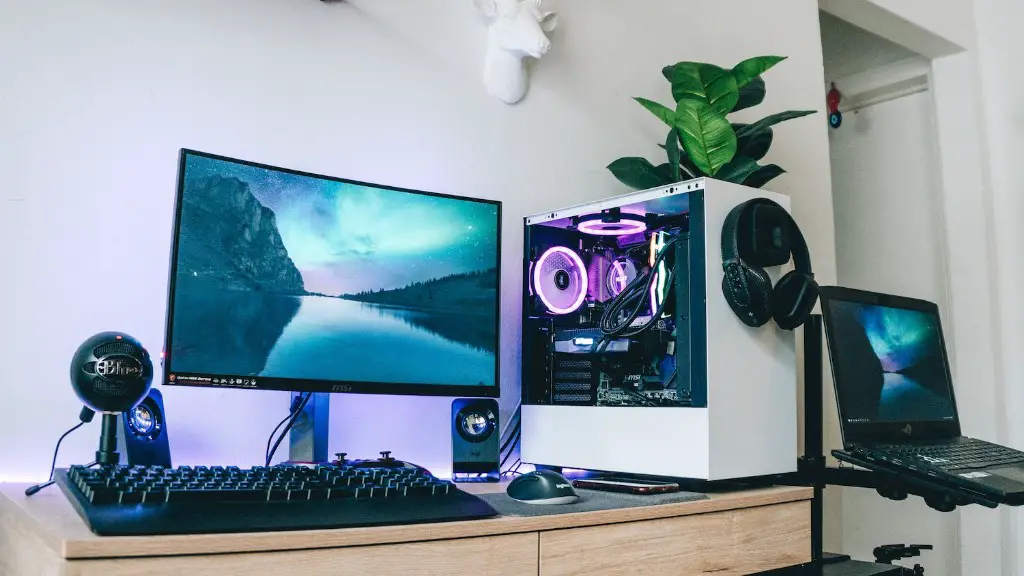
The storage capacity needed for a gaming pc depends on the types and the number of games you play. However, it’s not wise to just fill up the entire hard drive with a lot of games as this may cause slow loading time. You should portion out space for your games, system files, applications, and other files so that the entire PC runs smoothly.
The SSD is fast for storage but expensive for large capacity deployments. For budget gaming builds, HDDs are better for storage in terms of both cost and capacity. If you know that you need additional storage then you should choose an HDD accordingly as most PC cases accommodate only 3.5 inches of HDD.
Software Requirements
To maximize the performance of the gaming PC, you should keep your drivers and OS up to date. Windows OS should be well-compatible with the games you play, preferable the latest versions. Also, various components of the PC would need different drivers. Keep them up to date and make sure they are compatible with each other.
Sometimes, games require special software to be pre-installed like DirectX and PhysX. Other than that, certain anti-virus and firewall programs should also be installed. And depending on the games you play, you should have some gaming-specific software like Game Booster etc.
Upgrades
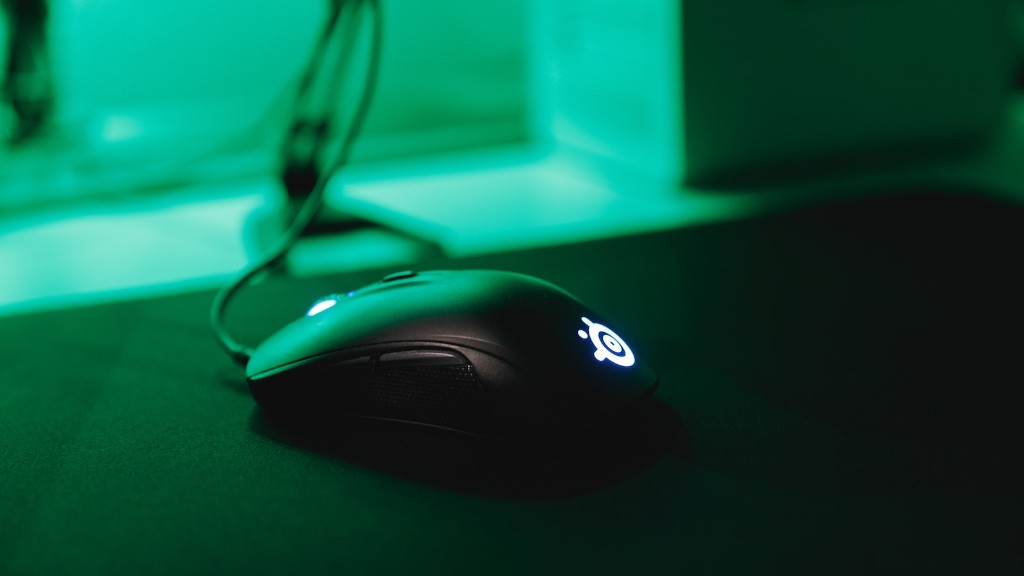
Just like any other hardware components, gaming PCs also require occasional upgrades to be able to play newer games in the future or let alone achieve improved performance. Upgrading components depend on your budget and the types of games you play. Usually you’ll need to upgrade the processor, RAM, graphics card, and cooling system in more high-end gaming PCs.
However, remember that upgrading isn’t free. You have to pay for the components, but you need to save up for any upgrades you want to do. It’s advised to get components that can be easily upgraded in case you want to add/upgrade anything in the future.
Monitor
If there’s one thing a gaming PC needs that many gamers overlook, it’s a good monitor. For gaming, getting the right monitor with the right panel type and resolution is very important. All the components won’t matter if you don’t have a good monitor to view the visuals. Getting a monitor with a higher refresh rate and better response time gives a better gaming experience.
When picking a monitor, it’s best to buy one that has good viewing angles, a larger screen size, and a reasonable input lag. You should also make sure that the monitor has multiple inputs so that you won’t have any trouble connecting different devices.
Budgetary Requirements
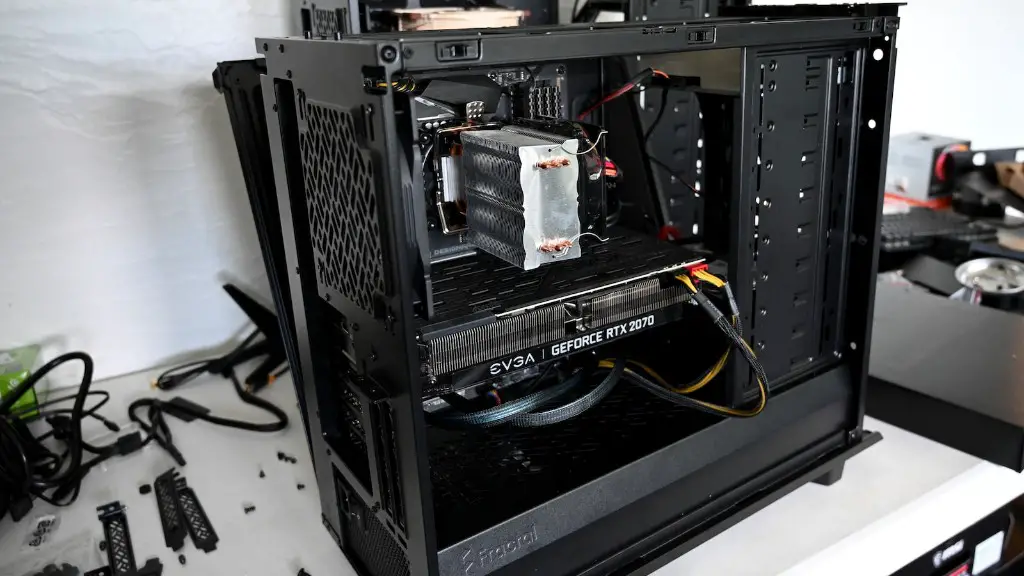
Building a gaming PC is an expensive endeavour. High-end machines come with a hefty price tag and various components like processor, graphics card, and RAM also require a significant amount of money. You need to plan a budget for all the components and also for any upgrades you plan to do in the future.
If you’re building a PC on a budget, then pick components accordingly. Don’t forget to get the basic necessities like RAM and storage and don’t forget to portion out a budget for the peripherals, power supply and cooling system as well. Invest in good quality components when possible to ensure that the performance remains uncompromised for a long time.
