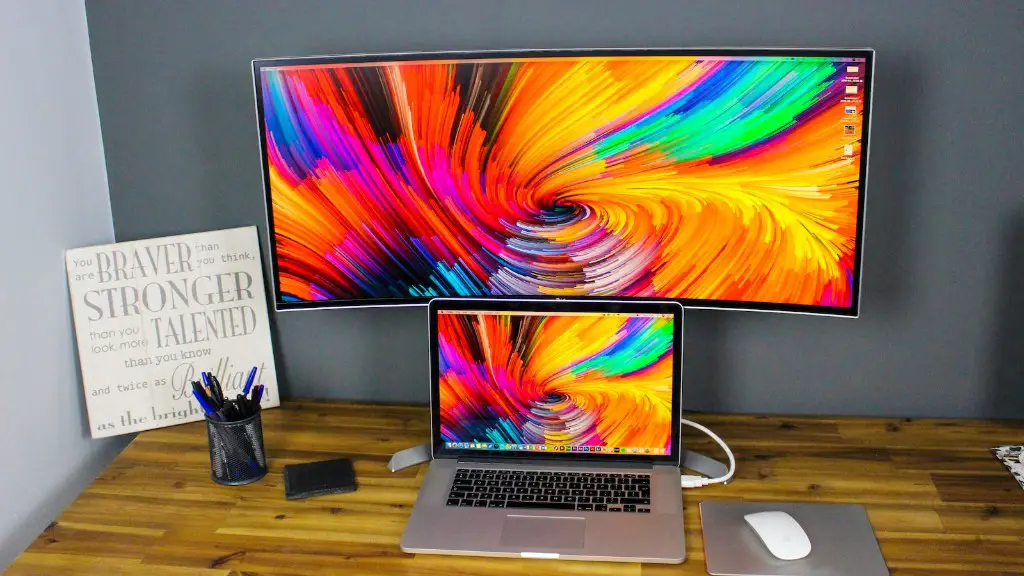
Building a gaming PC nowadays is quite easy, but if you want a powerful gaming PC with highest specs, then you need to consider a lot of factors. First of all, understanding your needs is the most important aspect. Knowing what and why you are buying can be very helpful in narrowing down choices that are best suited to your needs. Here are the things to consider when building a gaming PC.
Processor
A processor is the brain of your PC, and a powerful processor is absolutely necessary for gaming. You will want to get an Intel or AMD CPU that has good speed and multiple cores. However, don’t go with the highest speed processor, as it will be more expensive and may not provide the best performance. The best choice is to go with an 8-core CPU that has a good clock speed, such as the Ryzen 7 2700X or Intel Core i7 8700K.
Graphics Card
The graphics card is the most important component for gaming. If you’re looking for a powerful gaming experience, you’ll have to spend more money to get a high-end graphics card. You can go with an AMD Radeon or an Nvidia GeForce GPU. Consider the games you are going to play and make sure to get a card that is compatible with your games. The most powerful cards are the GeForce RTX 20 series and the AMD Radeon Vega 56.
Motherboard
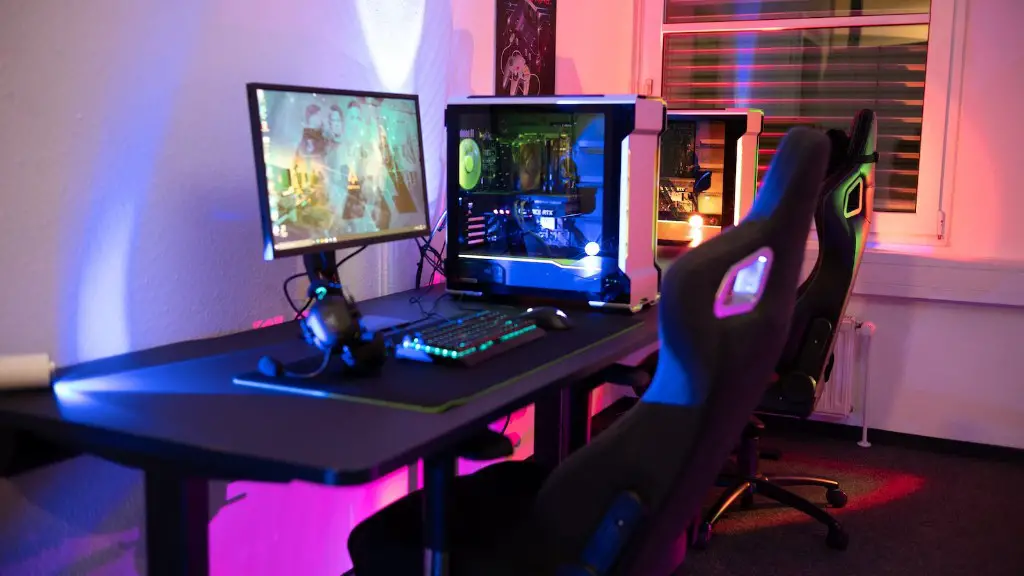
The motherboard is the backbone of your PC, and it needs to be compatible with the other components of your PC. Make sure you get one with enough ports and slots for the components you plan to install. The best motherboards can range from budget to premium and will depend on the type of processor you have chosen. If you have an Intel or Ryzen processor, then you will want to look for a motherboard that supports sockets for that type of processor.
Memory
Having enough RAM is essential for gaming. You’ll need at least 8GB of RAM, but 16GB would be better. Make sure to get the right type of RAM that is compatible with your motherboard, especially if it is an AMD processor. Look for DDR4 RAM with higher speeds such as 2400MHz or 3200MHz.
Power Supply
You need to make sure that you have enough power to run your PC and its components. An efficient PSU will provide enough power and keep your system stable. Look for PSUs that provide at least 80% efficiency, such as the 80 Plus Bronze certified PSUs. Make sure the wattage is enough to power the components you are looking to install.
Storage
Storage is very important for gaming PCs. You will need at least one Hard Disk Drive (HDD) for large game files and applications, and a Solid-State Drive (SSD) for fast access and loading times. You can also get both if you have the budget for it. An SSD is strongly recommended as it can significantly speed up overall performance.
Case and Cooling
Once you’ve picked the components, you will need a case to house them. The case should be big enough to fit all the components, and should provide good airflow to keep the system cool. Look for cases that have plenty of fans and dust filters to ensure good cooling and airflow. You can also get an aftermarket CPU cooler to keep your system even cooler.
Peripherals and Accessories
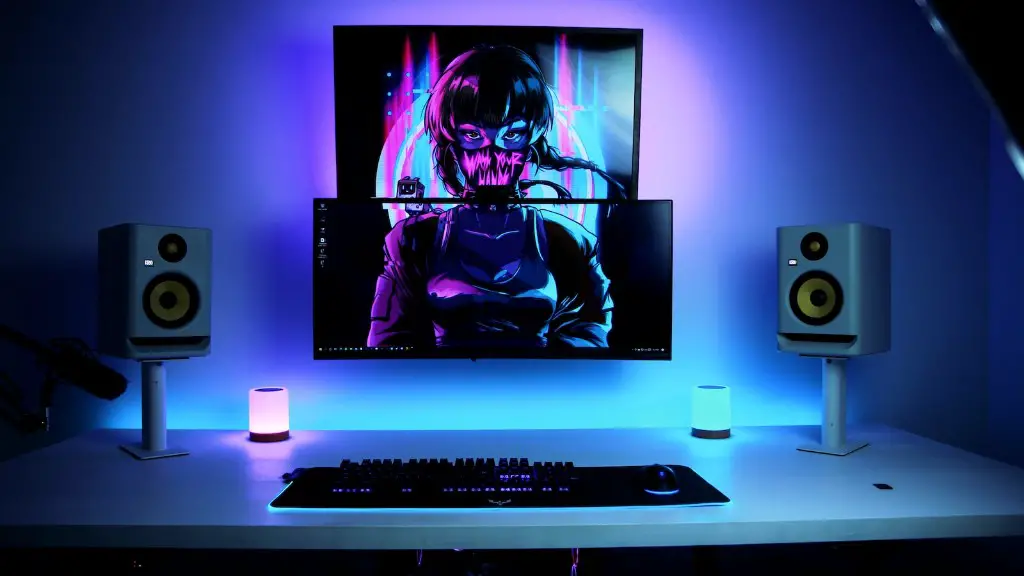
The last step is to pick the peripherals and accessories you want to go with your gaming PC. This can include gaming mice, keyboards, headsets, game controllers, and other gaming-related accessories. Do not forget about the monitor, as it will be essential for your gaming experience. Look for a monitor that has a fast response time, good colour accuracy, and high-resolution.
Operating System
Your gaming PC will not be complete without an operating system. You can select from various Windows versions such as Windows 10 or Windows 8.1. However, if you wish to go the more economical route, you can always install a Linux OS. Linux OS is free and is generally much more secure than Windows.
Conclusion
Building a gaming PC is not as hard as it may seem. With the right knowledge and quality parts, you can easily build a powerful gaming PC that will suit all your needs. Remember to pick the right components based on your needs and budget, and you will have a reliable system that will last you a long time.
