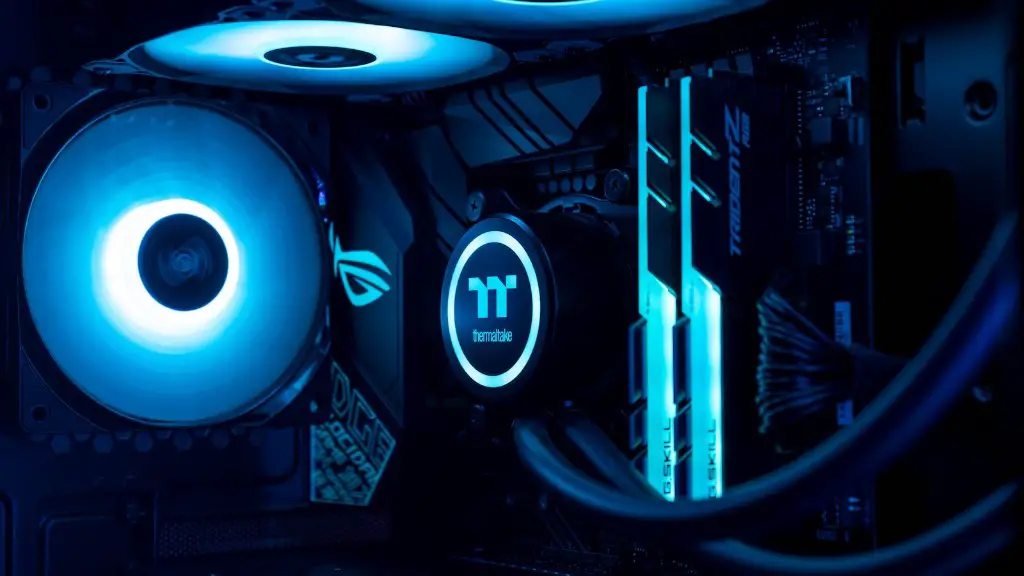
Assembling a gaming PC in 2020 is not as daunting as it may seem. With the right resources, you can put together a powerful gaming machine on a budget. Here are some important steps to consider when building your gaming PC:
1. Identify your requirements. You should consider your budget, the games you want to play and the graphics card you want to use. You should also think about any additional features and components you might want to add, such as audio and airflow systems. This should also inform your decision around the type of CPU, motherboard, RAM and power supply to use.
2. Choose your components. Identify the best components for your machine and budget. Research online, compare prices and read reviews from other users. Look for components that can be upgraded easily in the future and do not skimp on quality when buying components.

3. Install the components. Before you start, ensure all components are compatible with each other and read user manuals for installation instructions. Using the correct tools and techniques, assemble the components as per manufacturer directions.
4. Install the operating system. Once the components are installed, install the operating system of your choice using the appropriate installation disk. Be sure to read the system “readme” and all the user notes before you install, so you do not encounter any errors.
5. Configure the machine. Configure the BIOS settings and other machine settings, such as mouse and keyboard layout, power and display settings. Install all necessary drivers, including graphics card drivers. Install all software, such as games, anti-virus and other utilities, for the full gaming experience.
Add-ons
Once you have the basic gaming PC set up, you might want to consider a range of add-ons to further boost performance. This may include:

1. Extra RAM or a solid state drive installed. This will help with loading times and performance when playing games.
2. Additional cooling solutions. More fans or air coolers can help keep your machine cooler and improve airflow, resulting in better performance.
3. Overclocking hardware. If your graphics card supports it, overclocking will boost performance and will give you an edge when playing games.
4. Gaming accessories, such as headsets and game controllers, to enhance the gaming experience. Consider things like wireless gaming keyboards, mouse and other gaming peripherals to make your gaming set up complete.
5. Extra storage space. If you plan to store more games and computing power, internal hard drives are a great idea. Otherwise, you might use an external hard drive.
Game System Requirements
It’s important to check the system requirements for the games you want to play on your gaming PC. This way, you can be sure that any components you buy are compatible with the games you want to play. Check the CPU and GPU requirements, as well as the RAM, hard drive and display requirements. Since games are constantly changing and being updated, make sure to keep up with any changes and update your hardware accordingly.
Maintenance
Once the gaming PC is built and set up, it’s important to make sure it remains in the best working order possible. This includes regularly backing up files and data, running periodic scans and cleaning the machine to remove built-up dust and grime. Keeping the machine clean and running optimally will help ensure the best performance and help maintain the longevity of your gaming PC.
Upgrade
If you want to get the most out of your gaming PC, it’s worth considering upgrading certain components. When the latest games come out, you may want to upgrade at least the graphics card or RAM to ensure the games can run at its maximum potential. It may also be worth considering a liquid cooling system, or a more powerful power supply unit.
Troubleshoot

Finally, be prepared to troubleshoot any technical issues you may have when playing games. Pay attention to the performance when playing games and if you experience any slow-down or lag, investigate the root of the issue. This may include updating drivers, firmware, the operating system, or even running a system clean-up.
